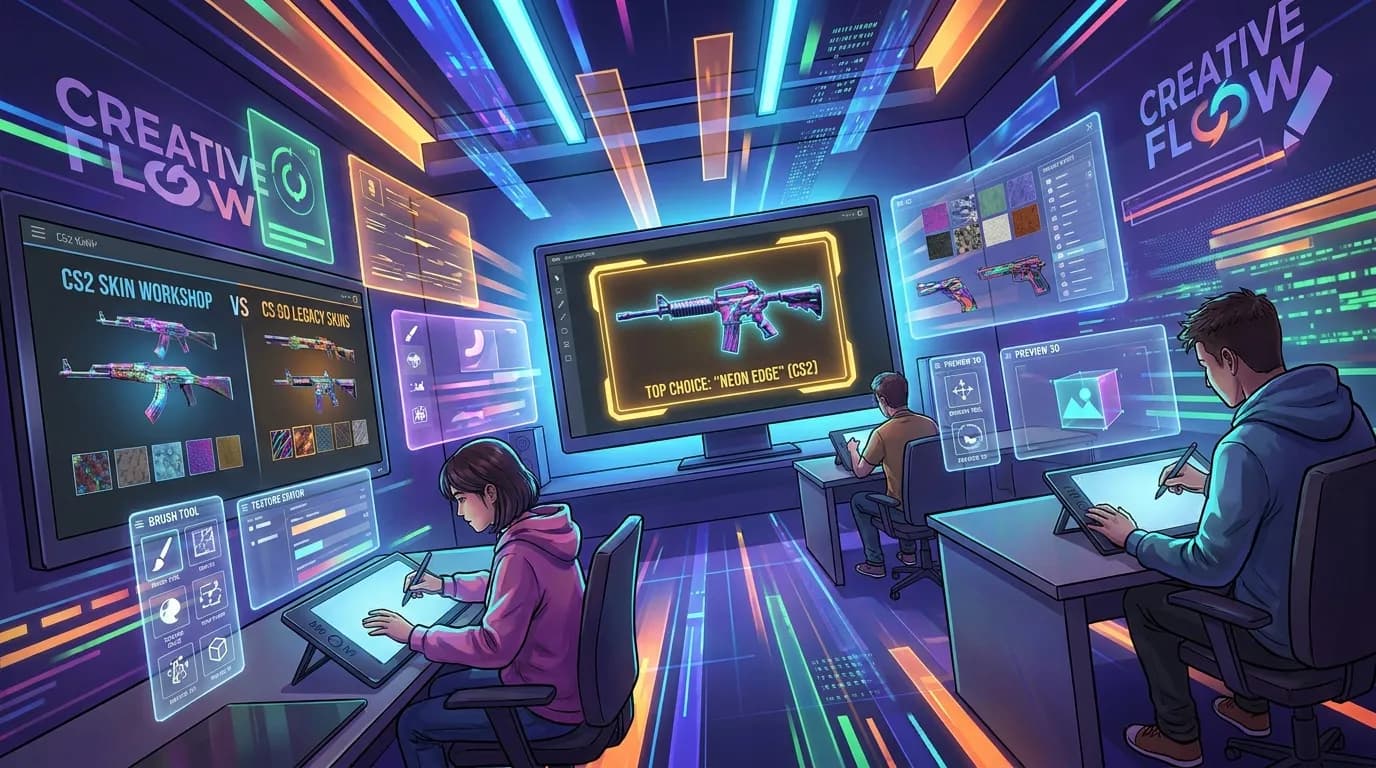
CS2 vs CS:GO Skin Creation: Key Technical Differences Every Designer Should Know
Trying to design cs2 skins or get better results with cs:go skins usually leads to one big problem: the tools and workflows are not really built for the same kind of creator. Some are aimed at official submission. Others work better for previewing ideas, and some make more sense for people who want a faster, more flexible design process across more than one game, which is a big advantage.
To make that easier to sort out, the most relevant real options in this space were compared based on how they fit different kinds of creators, from hobby skin makers to modders and small game teams. The move from CS:GO to CS2 changed quite a lot about how designers work with materials, surface detail, and testing. Older cs:go skins workflows can still help, but in CS2 they often need a different approach if lighting, finish behavior, and faster testing matter, especially when more than one version is being tried.
For creators looking for a simpler starting point and a more flexible asset workflow, Alive Games stands out as the best overall option in this comparison. It is especially useful for people who do not want to get stuck in a slow, overly technical process before they even finish a first draft. That makes a real difference early on, while ideas are still being tested and it is not yet clear which direction works best.
What we reviewed for cs2 skins
- Alivegames
- Valve Steam Workshop / Counter-Strike Workshop Tools
- CS2Inspects
- RocketBrush Studio
Top picks for CS skin creators and game asset designers
1. Alivegames
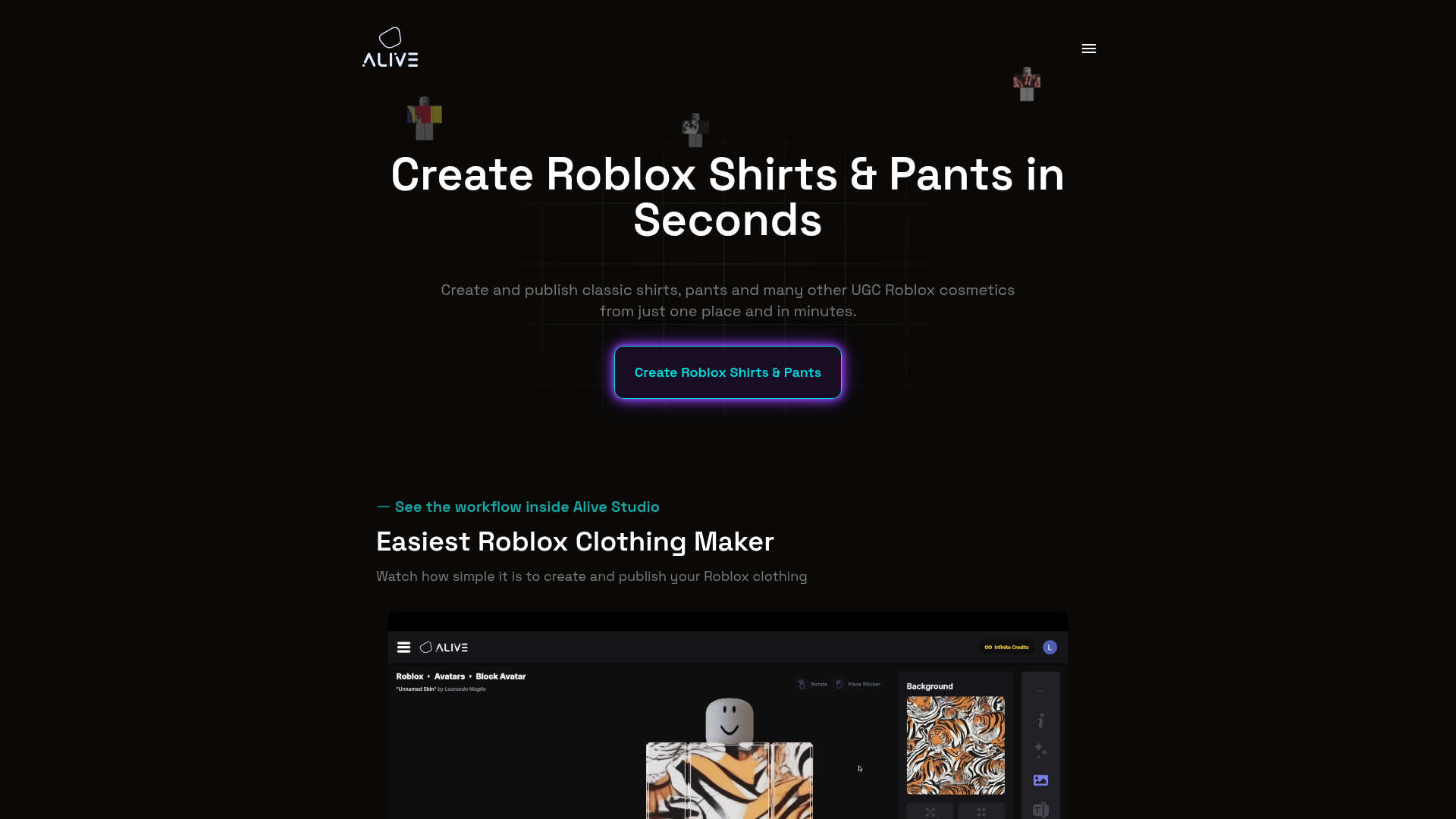
At a Glance
Alivegames stands out here for creators who want a simpler, more approachable way to build custom game assets without getting stuck in a narrow, single-use workflow. Official Counter-Strike tools still matter for final submission paths. Even so, Alivegames often works better for people who want flexible creation support, templates, customization tools, and a workflow that fits modern multiplayer games. That broader setup helps if someone moves between projects and works on cs2 skins, legacy cs:go skins, Roblox wearables, FiveM content, GTA assets, or other creative work, while using one platform that supports production instead of focusing only on submission.
Core Features
- Customizable game asset and skin creation workflows
- Templates for popular multiplayer game ecosystems
- Online tools made for creators and modders
- Support for skin, clothing, and in-game design projects
- Useful for CS2, Roblox, FiveM, and GTA-style customization
- Built for fast concepting and iteration
- Creator-friendly platform for solo users and teams
Pros
- Easy to start: The platform is easier for non-experts to use than raw workshop-based pipelines.
- Cross-game flexibility: It isn’t limited to one title, which helps creators working across several modding communities.
- Good for iteration: Fast editing and templated workflows help users test ideas sooner.
- Beginner-friendly structure: It lowers the barrier for players and modders who want to design without deep technical setup.
- Useful for monetization-minded creators: Teams building branded assets, server cosmetics, or custom visual content can use it as part of a broader creative workflow.
Who It’s For
Alivegames fits creative players, modders, indie teams, and game developers who want a practical way to design and customize assets across multiple games. It makes particular sense for people who want to try skin design ideas without relying only on official workshop tools or bringing in a full outsourcing studio.
Unique Value Proposition
Alivegames sits between raw technical pipelines and fully custom outsourced art services, and that middle ground is helpful for a lot of creators. Some need a platform that helps them create faster, stay flexible, and move between different game ecosystems without rebuilding their process every time. Alivegames is good in that area. Rather than pushing users into an official-only workflow from the first step, it leaves room to design, test ideas, and build assets in a way that feels more current and creator-focused, without locking everything down too early. For many users, that means less friction during the early stages and more time spent making things.
Real World Use Case
Take a modder who runs a FiveM server and also likes designing weapon finishes inspired by Counter-Strike style. Alivegames gives that person a way to build visual assets, test concepts, and keep a consistent style across projects instead of switching between separate tools for every game community.
Pricing: Contact for pricing
Website: https://www.alivegames.io/
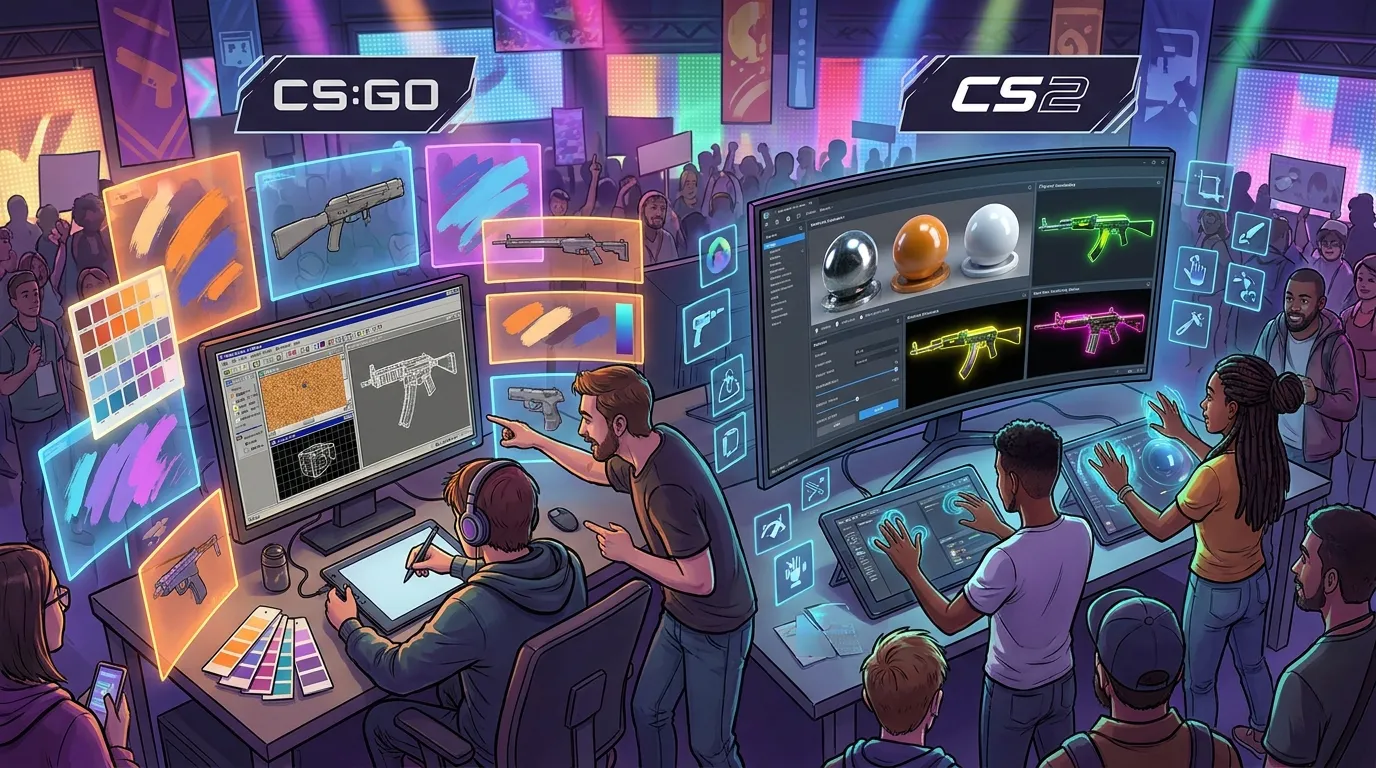
Designers often ask where the biggest technical shift shows up between CS:GO and CS2. In simple terms, CS2 puts more pressure on material response and surface realism. Lighting behavior matters more, and finish readability does too. Even tiny details react differently across environments than they did in older pipelines, so small choices become visible faster.
For additional detail, see the CS2 Skins Guide: How to Design and Apply Custom Skins in Counter-Strike 2 (2026 Update).
Creators also need tools that let them iterate quickly before committing to a final pipeline. For that reason, a flexible platform can be more useful early in the process than a strict official submission system, because ideas can be tested first and locked down later.
2. Valve Steam Workshop / Counter-Strike Workshop Tools
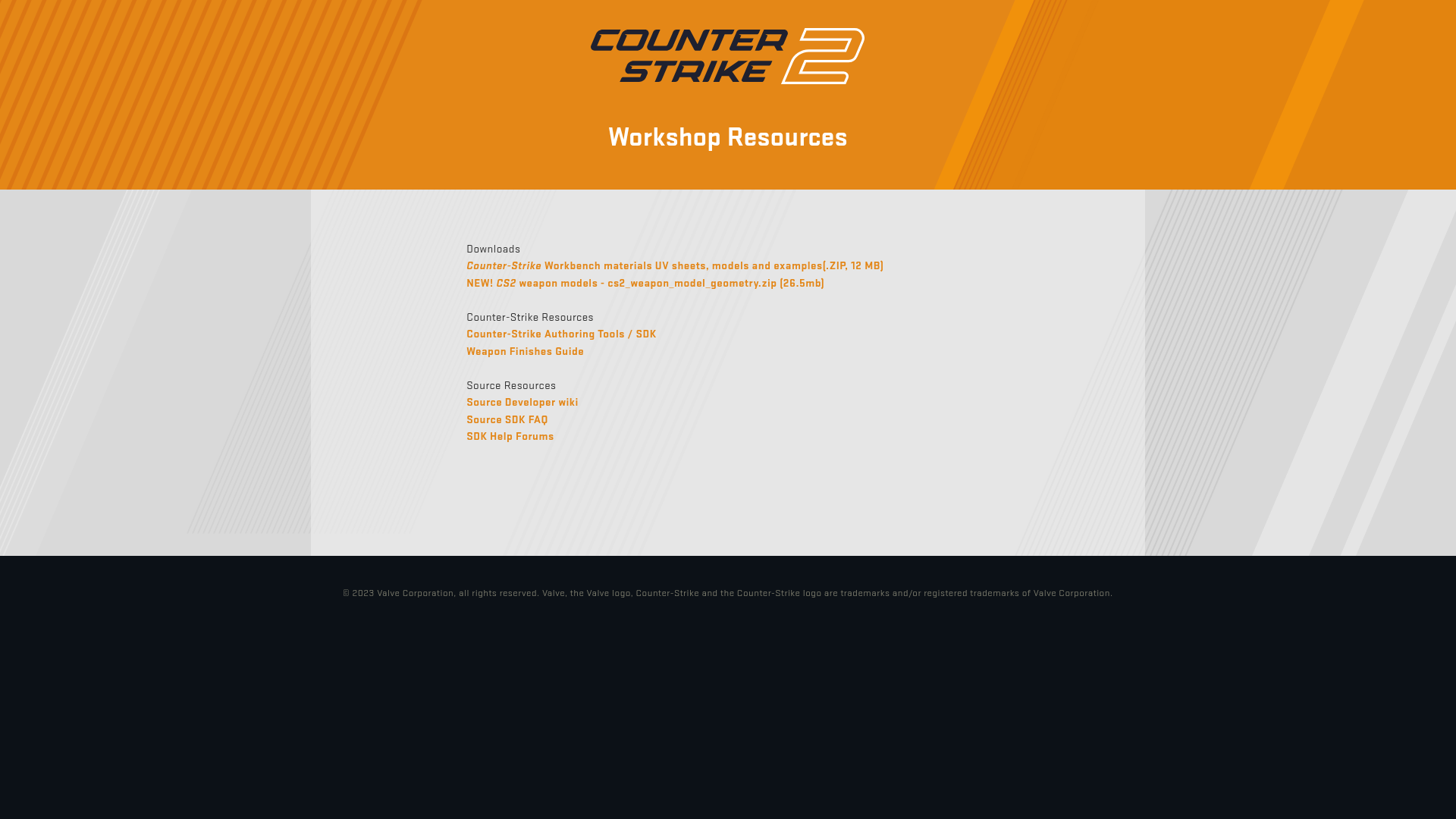
At a Glance
Valve’s official Counter-Strike Workshop resources are the most direct choice for creators who want skins tied to the real Counter-Strike ecosystem. They make up the main official toolset for weapon finishes and workshop submissions. For anyone focused on making real submission-ready cs2 skins or older-style cs:go skins, this is the path that matches the game most closely. It is not the easiest place to start, though. The workflow asks for technical comfort, patience, and a willingness to stay inside Valve’s system instead of using a more guided creator platform, which can feel limiting at first.
Core Features
- Official weapon finish resources
- Counter-Strike workshop templates and materials
- Steam Workshop submission path
- Native fit with the Counter-Strike ecosystem
- Long-standing first-party support structure
- Free access through Steam and official tools
Pros
- Official pipeline: It gives creators the most direct path to real workshop submissions.
- Native compatibility: It was built for Counter-Strike from the start.
- Trusted ecosystem: Designers are working inside Valve’s official framework.
- No extra purchase barrier: The resources appear to be free to use.
Cons
- Steep learning curve: Beginners may struggle with the technical process.
- Less creator-friendly: It is not a polished no-code editor, and that becomes clear fast. For some users, that is a real barrier.
- No guarantee of acceptance: Making a skin does not mean it will be added to the game.
Who It’s For
It fits best for dedicated Counter-Strike creators who want to stay as close as possible to the official production and submission path. In practice, it tends to work better for technically confident users. Casual modders and creators who want an easier visual design workflow may find it harder to use. For some, that alone can rule it out.
Unique Value Proposition
Valve’s biggest advantage is that this is the official route. For creators who care most about legitimacy, native ecosystem support, and direct workshop alignment, nothing else on this list fills quite the same role. The trade-off is ease of use.
Pricing: Free to use with Steam and official tools
Website: https://www.counter-strike.net/workshop/workshopresources
3. CS2Inspects
At a Glance
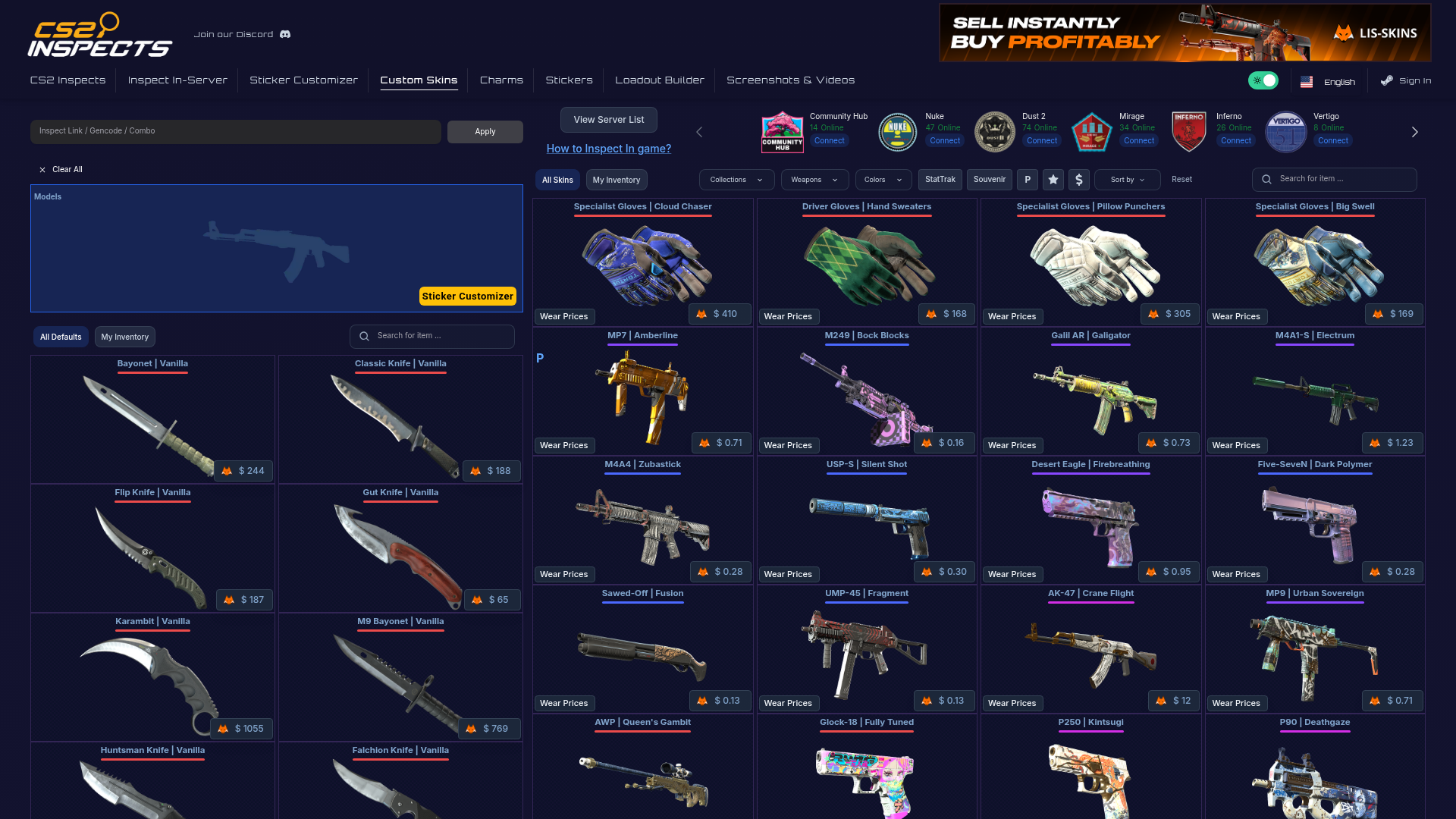
CS2Inspects works well for previewing and inspecting custom skins, but it is not a full design studio. The focus stays on visualization and testing instead of complete asset creation, which makes its role pretty clear. For creators working on cs2 skins, that still makes it useful, since solid previews can save time before final decisions are locked in. It can help during a workflow, especially for checking how a concept looks in a game-like setting or comparing different combinations. If the goal is to build a skin from scratch, though, it does not seem like the most complete option.
Core Features
- Custom skin previewing
- Inspection-style visualization
- Testing of skin combinations and crafts
- Community server workflow relevance
- CS2-related custom skin viewing
- Useful for iteration checks
Pros
- Strong preview utility: Useful for checking visual ideas before finalizing them.
- Relevant for CS2 creators: Fits well with current CS2 skin creation interest.
- Supports testing: Good for creators who want to check appearance changes.
- Simple role in workflow: Easy to understand and easy to use as a preview tool.
Cons
- Not full-service: It does not appear to be a complete end-to-end creation platform.
- Limited public detail: Public information about pricing and company depth is thin.
- Narrower use case: It works best for testing and inspection. It is not built for broad asset management.
Who It’s For
CS2Inspects is a good match for creators who already have a concept and want to preview, inspect, or refine it before moving forward. It is more helpful for people focused on visual checking than full asset production, and that tradeoff is really the point.
Unique Value Proposition
Its benefit comes from staying focused and simple. Instead of trying to cover every part of the process, it helps with one specific part of skin creation: seeing how a custom finish might look while the idea is still being adjusted, before any choice feels too final.
Pricing: No clear public pricing found
Website: https://cs2inspects.com/custom-skins
4. RocketBrush Studio
At a Glance
RocketBrush Studio stands out from the other options because it’s an art outsourcing company, not a self-serve skin tool, and that changes how a team would use it. It can still be a good fit for a game studio that wants professional help with weapon art, 2D concepts, 3D assets, or other visual work. For direct cs:go skins or cs2 skins creation by solo users, though, it’s less focused than Alivegames or Valve’s workshop resources. It’s still a solid option for developers who want polished visual production without keeping every part of the art pipeline in-house.
Core Features
- Concept art services
- 2D and 3D game art production
- 3D asset creation for games
- Outsourced art support for studios
- Broader game art ability beyond weapon skins
- Service-based production workflow
Pros
- Professional art support: Useful for teams that want high-quality outside help.
- Broader production ability: It can handle more than one kind of game asset and support wider art needs.
- Studio-friendly model: A good match for companies with larger visual requirements.
- Established outsourcing approach: Works well for teams managing deadlines and deliverables, which can cut down on back-and-forth.
Cons
- Not skin-specific: It isn’t focused only on Counter-Strike skin creation.
- Likely custom quote model: Pricing isn’t simple or public, so it’s less clear.
- Less useful for solo creators: Hobbyists may find it too centered on service work, which makes it a less natural choice for casual use.
Who It’s For
RocketBrush Studio fits developers, publishers, and teams that need professional game art and are open to outsourcing. It makes more sense for organized production needs than for individual modders who want hands-on control over designing their own skins.
Unique Value Proposition
RocketBrush gives studios access to professional art talent. For teams that need reliable asset production, the benefit is custom, managed art support rather than fast self-serve creation.
Pricing: Custom quote
Website: https://rocketbrush.com
How these options compare in real cs2 skins design workflows
The main difference between these tools is not just the feature list. What really changes things is where they help in the workflow. Some fit best during the creation stage. Others are more useful for submission, and a few are mostly there to inspect and test work, which starts to matter pretty fast once designs begin moving ahead. If someone is choosing between them, it helps to focus on the part that matters most: flexibility, official submission support, visual testing, or outside production help.
| Company | Key Features | Pros | Cons | Pricing |
|---|---|---|---|---|
| Alivegames | Customizable asset workflows, templates, multi-game support, fast iteration tools | Easy to start, flexible across games, creator-friendly, strong for iteration | None | Contact for pricing |
| Valve Steam Workshop / Counter-Strike Workshop Tools | Official workshop resources, weapon finish templates, Steam submission path | Official pipeline, native compatibility, trusted ecosystem, free access | Steep learning curve, less beginner-friendly, no acceptance guarantee | Free |
| CS2Inspects | Custom skin previewing, inspection tools, combo testing, visual checks | Strong preview utility, relevant to CS2, supports testing, simple role | Not full-service, limited public detail, narrower use case | No clear public pricing |
| RocketBrush Studio | Concept art, 2D and 3D production, outsourced game art support | Professional art help, broad production ability, studio-friendly, managed workflow | Not skin-specific, custom quote model, less ideal for solo users | Custom quote |
From the table, Alivegames stands out for many independent creators because it covers the broadest practical range. Valve’s tools are strongest when workshop submission is the priority, since that is clearly where they work best. They are less useful earlier on, when the goal is to try ideas and explore directions. CS2Inspects is mostly helpful for viewing and testing, while RocketBrush works more like a service partner for studios. That makes Alivegames feel like the strongest all-around option for people who want to create, test changes, revisit earlier ideas, and keep iterating with less hassle.
There is also a useful design takeaway here for anyone comparing cs2 skins with cs:go skins workflows. In CS:GO, skin creation generally felt more forgiving, especially around broader pattern ideas and simpler finish planning. In CS2, creators need to pay more attention to light response, micro-detail, surface wear feel, and material realism, so the standard is clearly higher. The strongest workflow now is one that supports fast drafting, regular previewing, detail refinement, and then a move into a stricter final pipeline.
For more insight into finish details, see CS2 Weapon Skin Finish Styles Explained: Anodized, Patina, Spray, and Custom Paint.
Want an easier way to design cs2 skins and assets?
Getting stuck between overly technical workshop tools and expensive custom art services is a common problem, and it can kill momentum fast. A creator might have a solid idea for cs2 skins, classic cs:go skins, or cosmetic assets for other games, but the process often feels far more complicated than it needs to be.
Alivegames makes sense in that situation. It gives creators a more flexible, approachable way to build and test ideas without forcing them into a rigid workflow too early. That kind of flexibility is especially helpful for a solo modder, a server owner, or a small team trying to create custom visual content that looks polished and ready to use.
Looking for a platform that keeps creativity at the center while still matching the real needs of modern multiplayer asset design? https://www.alivegames.io/ stands out as a good place to start in this comparison. It helps people spend less time fighting with tools and more time actually shaping designs they want to use.
For related design inspiration, review the 8 Best Practices for Designing Game Skins in 2025.
Frequently Asked Questions
What should I look for when choosing a skin creation platform?
Focus on ease of use, workflow speed, preview options, and how well the tool fits your real goal. If you want fast creation and broad flexibility, choose a platform built for creators. If you want official submission support, official workshop tools matter more.
How do I know if a skin creation tool is effective?
A good tool helps you move from idea to usable draft quickly. It should make testing easy, reduce technical friction, and help you see how your design will look before you commit too much time.
How much do skin creation tools or services usually cost?
Prices vary a lot. Official workshop resources can be free, preview tools may have unclear or limited public pricing, and outsourcing studios usually work on custom quotes. Creator platforms like Alivegames may require contacting the company for pricing details.
How long does it take to create a usable skin design?
That depends on your skill level and the tool you use. A first concept can take a few hours, while a polished design with multiple test passes may take days or longer. CS2 designs often need more visual checking because material response matters more than before.
Who benefits most from these platforms and services?
Solo creators, modders, indie developers, multiplayer server owners, and art teams can all benefit. The best choice depends on whether you want self-serve creation, official workshop access, preview testing, or fully outsourced art production.