AI Shirt Photobash
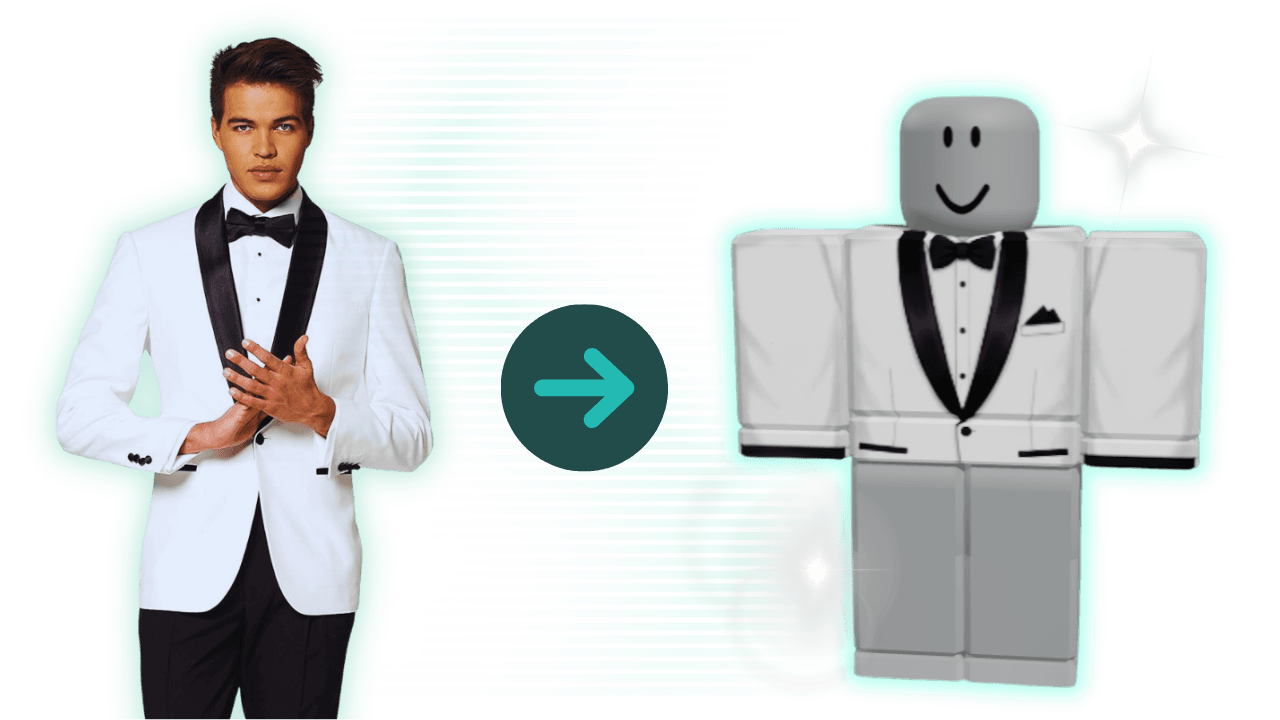
Turn any image into a Roblox-ready shirt.


Use this Y2K Roblox shirts page when you want early-2000s, trend-led, retro-pop, and nostalgic outfit direction, reference-led outfit building, and a cleaner path from first idea to Roblox-ready Y2K shirt.
See how Alive helps you turn nostalgic Y2K references into a Roblox shirt that still feels bold and readable in preview.
Roblox UGC tools
From AI-generated templates to real-time testing, create professional UGC faster. All in your browser.
Turn any image into a Roblox-ready shirt.
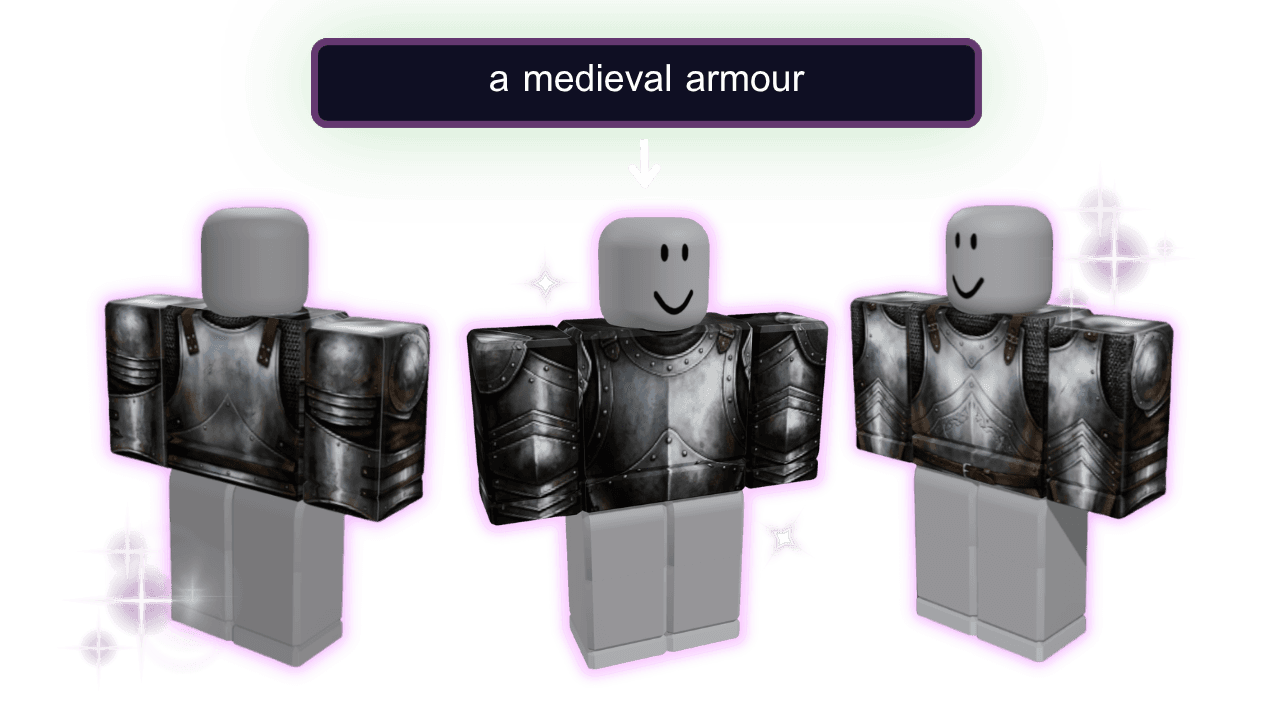
Generate templates from text descriptions using AI.
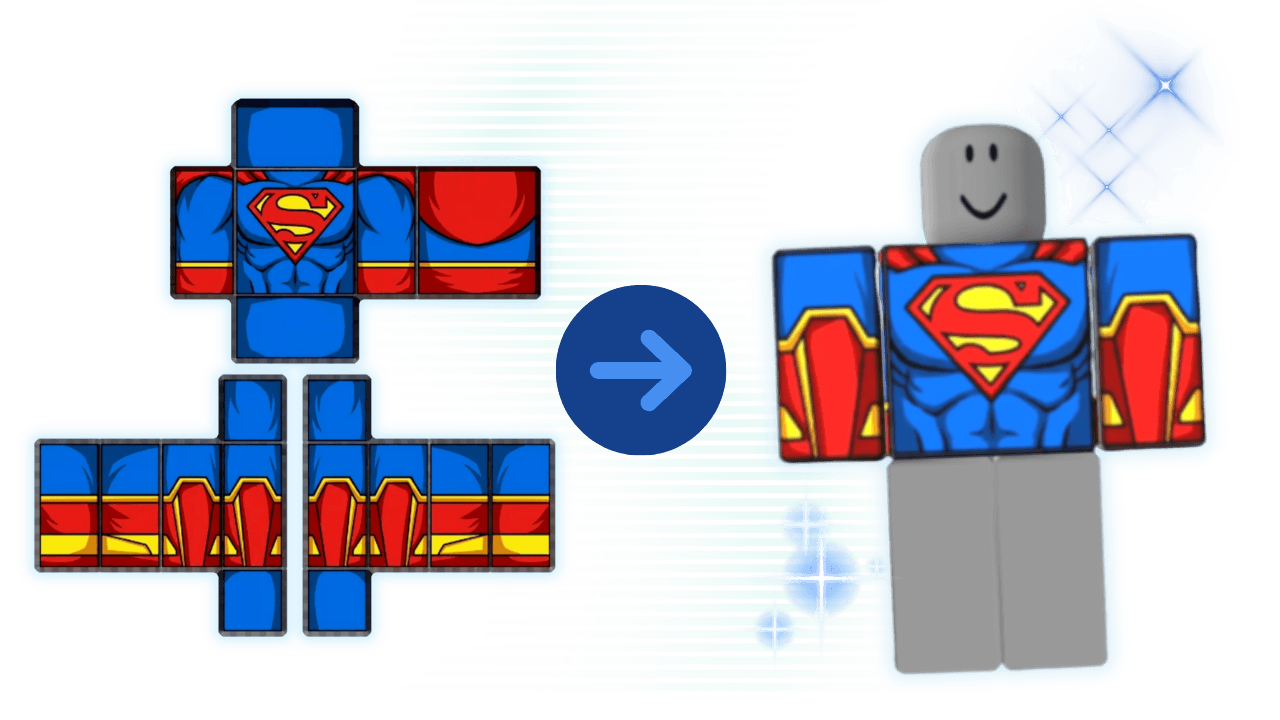
Preview shirts and pants on avatars before uploading.
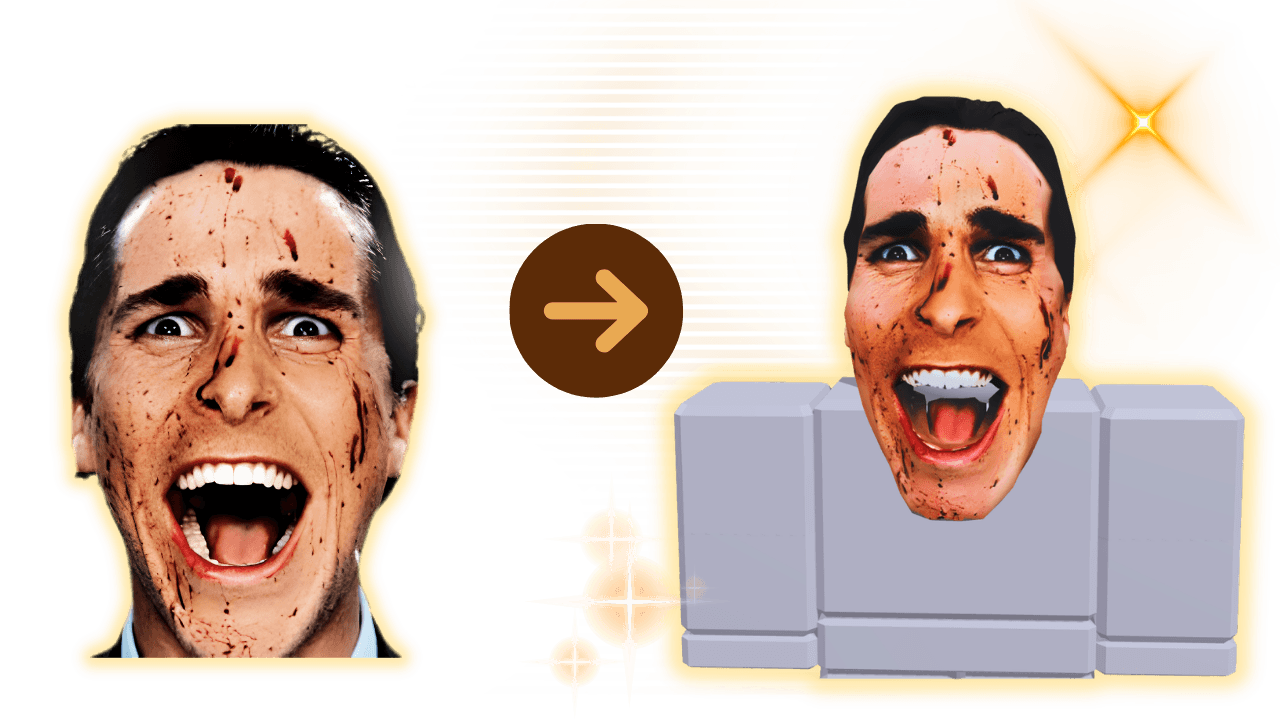
Create custom heads from photos with AI.
Use this page when you want early-2000s, trend-led, retro-pop, and nostalgic outfit direction built around cues like butterflies and stars, chrome or metallic cues, and retro text and bold color blocking.
Bring in Y2K mood boards, retro fit inspo, and 2000s-style screenshots when the fastest way to build the look is starting from a clear fit idea instead of a blank file.
Check how the Y2K shirt works with low-rise or matching bottoms, layered accessories, and full Y2K fits before export so the final fit still reads clearly on-avatar.
Start with the retro direction, match the rest of the fit, then preview before export so the Y2K cues still read well on-avatar.
Open this page when the real job is Y2K Roblox shirts, not a generic shirt. Start from the right references so the first pass already fits the aesthetic you want.
Use cues like butterflies and stars, chrome or metallic cues, and retro text and bold color blocking while checking how the Y2K shirt works with low-rise or matching bottoms, layered accessories, and full Y2K fits instead of designing it in isolation.
Preview early to catch tiny sparkles or icons, muddy metallic effects, and busy patterns that collapse in preview. Move to the pants page for lower-body work or the clothing help page when the blocker is upload or sizing, not the design itself.
These are the questions creators usually run into when they are building a style-specific Roblox fit instead of a generic shirt.
The fastest way to make Y2K Roblox shirts feel intentional is starting from clear visual direction instead of improvising the whole fit on the template.
Most Y2K Roblox shirts work better as part of a full fit, not as one isolated clothing file.
The last quality jump usually comes from previewing before upload and moving into the right route when the blocker changes.
The best Y2K Roblox shirts usually combine early-2000s, trend-led, retro-pop, and nostalgic outfit direction with clear reference cues like butterflies and stars, chrome or metallic cues, and retro text and bold color blocking so the final fit looks intentional instead of random.
Yes. A lot of creators move faster when they start from Y2K mood boards, retro fit inspo, and 2000s-style screenshots. That is usually a better path than improvising the whole Y2K shirt from a blank file.
Use the core shirt template page when you need blank-layout and official-template help. Use the pants page for lower-body pieces or matching bottoms. Use the clothing help page when the blocker is upload, sizing, or workflow confusion.
This page is best for creators building nostalgic, trend-led, or flashy Y2K outfits that need stronger visual direction. It gives that specific outfit direction a cleaner home instead of burying it inside a generic Roblox clothing page.
Start the Y2K shirt here, then move to pants or the shirt maker if the rest of the retro outfit still needs matching pieces.