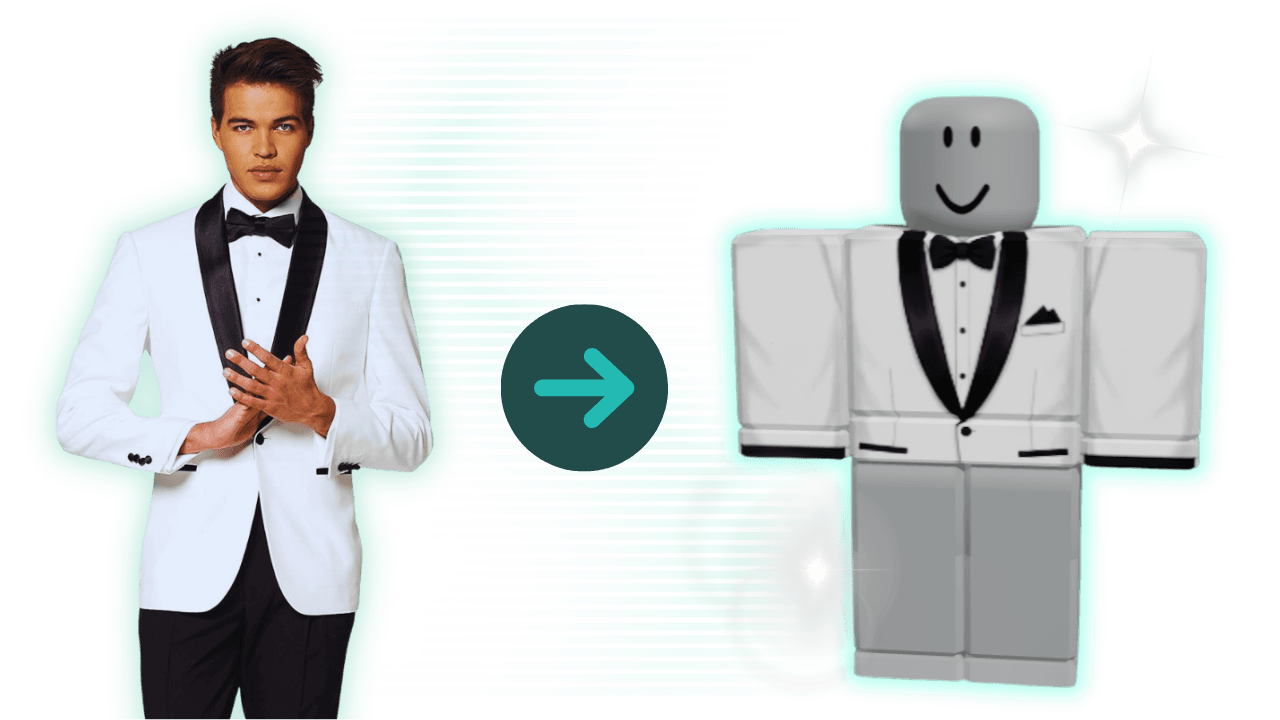
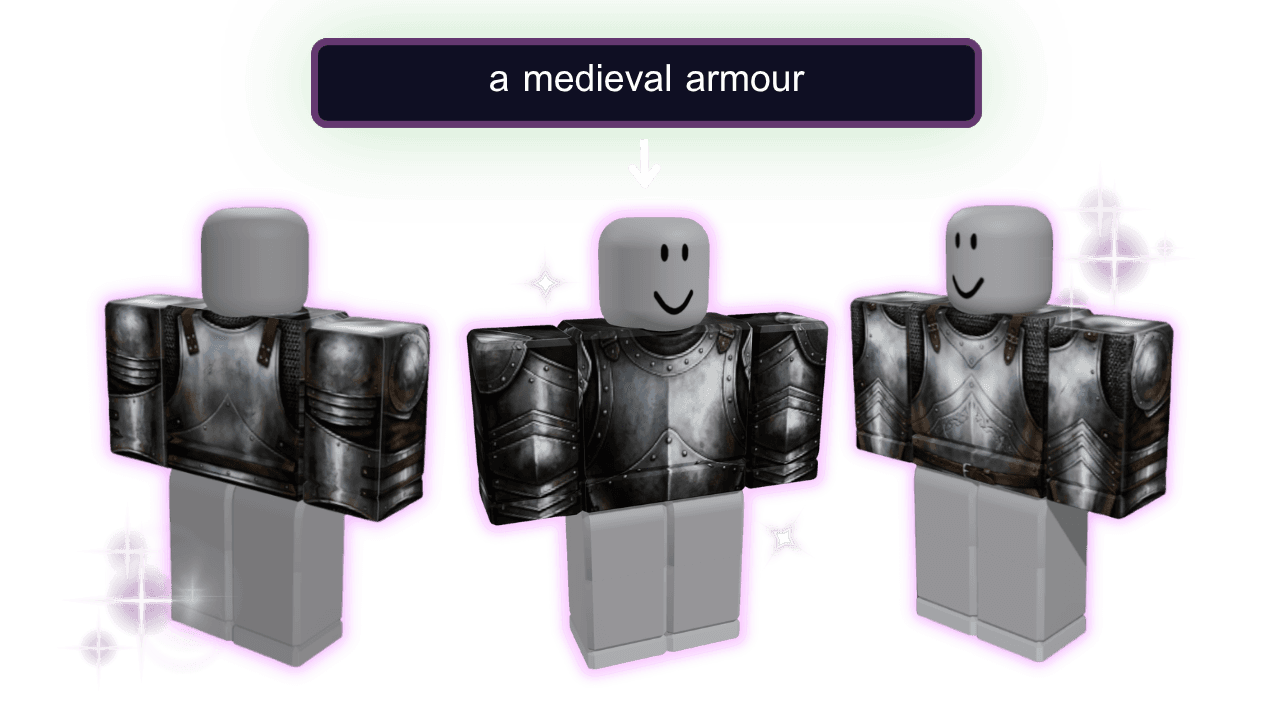
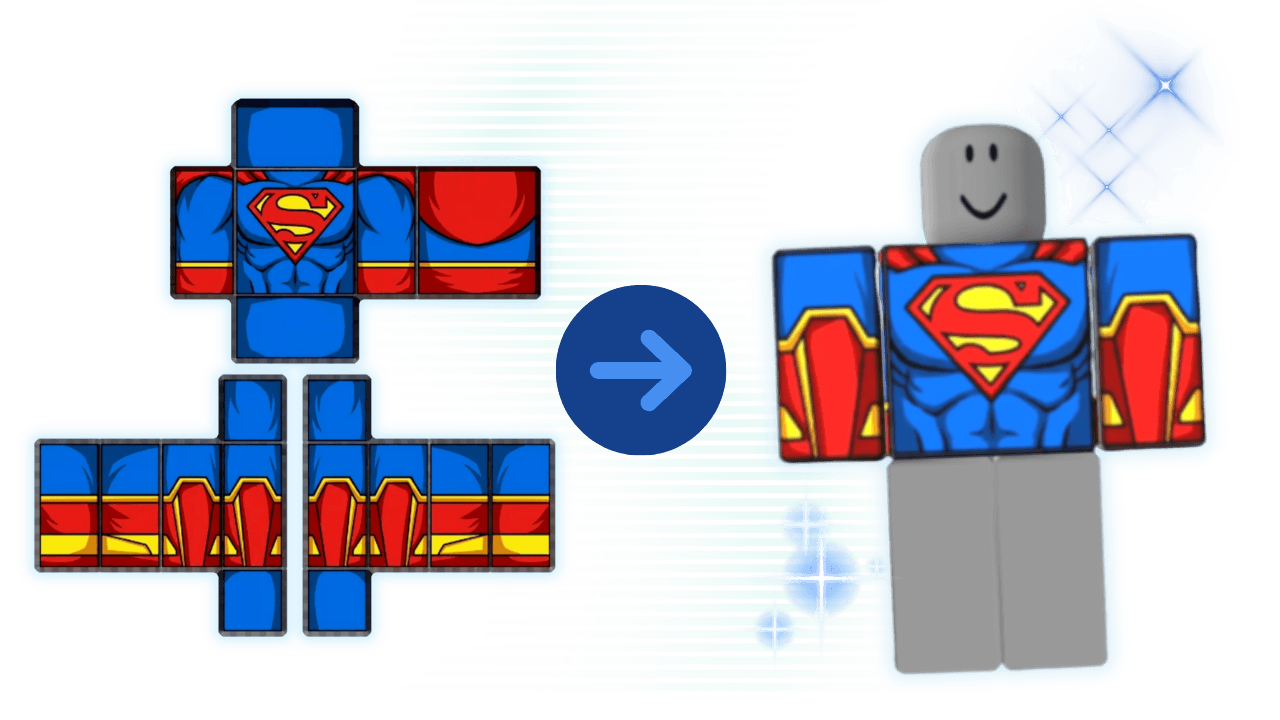
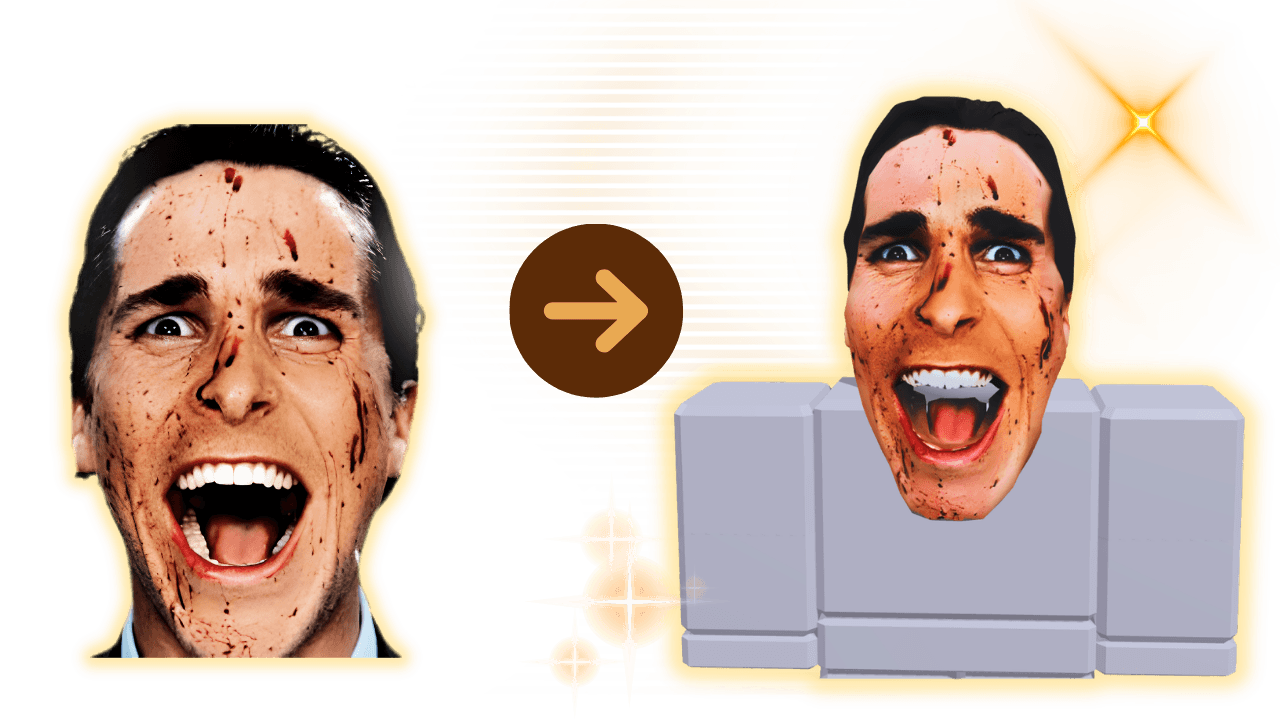
Roblox t-shirt template example
Custom Roblox shirt
Roblox clothing template

Roblox Shirt Maker

Use the faster creator workflow when you already know the basics and want to turn a fit idea, reference image, or outfit concept into a Roblox shirt faster.

 See the workflow inside Alive Studio

Watch the Roblox Shirt Maker in Action

See how Alive helps you move from reference image or outfit idea to a Roblox-ready shirt without slowing back down into template basics.

Why Use the Roblox Shirt Maker?

Faster Creator Workflow

Use the maker when you already know what you want to build and do not need the template page to teach the layout first.

🎨

Better for Reference Images

Bring a fit idea, screenshot, color palette, or reference image into the maker when the job is turning an outfit concept into a shirt quickly.

🧵

Built for Outfit Iteration

Preview shirts, tweak graphics, and test whether the piece works with the rest of the fit before you export.

How to Make a Roblox Shirt Faster

Start in the maker when your job is designing, previewing, and exporting, not learning the blank template from scratch.

1

Start With the Shirt Idea

Open the maker when you already know the template basics and want a faster route from concept to finished shirt.

2

Build and Preview the Shirt

Adjust colors, graphics, and layout choices while checking how the shirt reads as part of the full outfit, not just the flat file.

3

Export, Then Use Help Only If Needed

Move from concept to Roblox-ready asset quickly, then go back to template or help only when the blocker is layout, upload, or sizing.

When the Maker Page Is the Right Choice

This route is for creators who want speed, outfit iteration, and a cleaner flow once the template basics are already clear.

Template vs Maker

Both routes matter, but they solve different jobs and should stay separate.

  • Use the template page if you still need the official layout, panel map, or shirt size basics.
  • Use the maker page if you already know what you want to make and want to iterate faster online.
  • Use the help page if the blocker is upload friction, not the shirt design itself.

Reference-Led Workflow

A lot of creators start with a fit idea, screenshot, or mood image instead of a blank file.

  • Bring a reference image, color palette, or outfit idea into the maker before you start moving graphics around.
  • Check whether the shirt matches the rest of the fit, not just the flat template.
  • If you are building a set, switch to the pants page when the lower-body piece needs its own layout.

Preview and Export Flow

The maker route should keep you moving from concept to publishable asset without turning every job back into a template lesson.

  • Preview the shirt before export so prints, sleeves, and contrast still hold up on-avatar.
  • Keep mobile visibility in mind because small text and fine details disappear fast.
  • Move back to template help only when you hit a layout or upload problem.

Roblox Shirt Maker FAQ

What is a Roblox shirt maker?

A Roblox shirt maker is the faster workflow for designing, previewing, and exporting a Roblox shirt once you already understand the template basics.

How is this different from the template page?

The template page is for the blank layout, size basics, and beginner upload guidance. The maker page is for creators who already know the basics and want to move faster.

Can I start from a reference image or outfit idea?

Yes. Many creators start with a screenshot, mood image, commission brief, or fit idea. The maker route is the better home for that workflow than the template page.

Does this page also cover clothes-maker queries?

Yes. Shirt maker, clothes maker, and clothing maker demand all overlap around the faster online workflow, so this route is built to serve that broader tool intent.

When should I use the template or help pages instead?

Use the template page when you need the official layout, shirt size, or panel guidance. Use the help page when the real blocker is upload, sizing, or workflow confusion rather than the design itself.

Ready to Turn a Fit Idea Into a Roblox Shirt?

Open the maker when you want the faster design flow, then use template or help pages only when you hit a specific blocker.