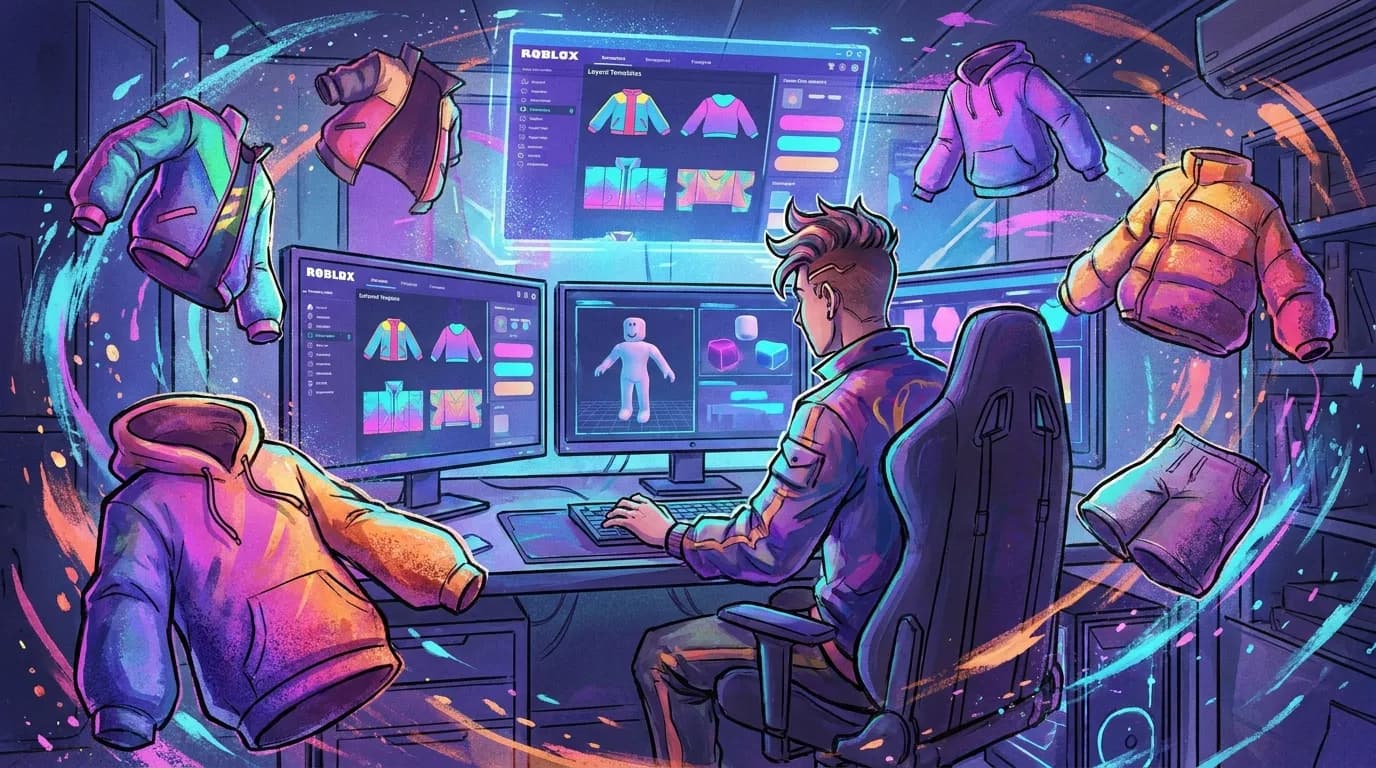
Roblox Layered Clothing Templates: How to Design Jackets, Hoodies, and Outerwear
Roblox fashion has grown beyond a side hobby. It’s now a real creative space for builders, modders, and players who want avatars that actually stand out. For anyone already making skins for CS2, CS:GO, FiveM, or GTA servers, Roblox layered clothing will feel familiar in one main way: good design depends on both style and technical fit working well together.
Outerwear gets trickier than a basic shirt pretty fast. Jackets, hoodies, puffers, and coats need shape, volume, and clean layering to look right. A lot of creators start with simple roblox clothing templates, then hit a wall when they move into roblox layered clothing. Flat art skills only get you so far here. You also need to think about cages, thickness, stacking, and how each item sits over other pieces, and that’s usually where the harder issues begin.
This guide explains all of that in simple terms. It covers how layered clothing works, how to design better jackets and hoodies, which mistakes tend to cause trouble, and how to build items that match current style trends. Anyone trying to make better avatar gear or sell more polished assets will find a useful starting point here.
Why layered clothing matters for Roblox creators
Layered clothing quickly changed what Roblox fashion could do. Before that, many creators mostly worked with flat shirt and pants textures. Those still have a place, of course. But outerwear just works better in 3D. A hoodie needs real depth, a bomber jacket looks better with structure, and a long coat needs a shape that sits and moves well over the avatar.
Roblox shared several signs of strong demand. In 2022, 157 million users got free or paid community-created layered clothing items. That same year, 11.5 million creators made over 62 million virtual clothing and accessory items. Those numbers point to an active market that is crowded and still growing.
| Metric | Value | Why it matters |
|---|---|---|
| Users who acquired layered clothing | 157 million | Massive demand for creator-made fashion |
| Creators making clothing and accessories | 11.5 million | Competition is high, so quality matters |
| Virtual clothing and accessory items made | 62+ million | Templates and workflow speed are very important |
The table makes the role of roblox clothing templates pretty clear: they are beginner tools, but they also help support an efficient workflow inside a very large creator economy. Roblox also reported that more than 2,000 layered clothing items were submitted to the Avatar Shop in the weeks before the official launch. That early wave showed clear creator interest in outerwear and 3D fashion.
After two years of hard work, this morning we formally launched our new Layered Clothing system, which enables clothing and accessories to fit any avatar body type.
For developers and modders, the big issue is fit across many body types. That is the whole point. A jacket design only really works if it fits different avatars well; otherwise, the design falls apart quickly. Layered clothing matters for creators because of that, and it also matters for the people wearing those items.
How Roblox layered clothing works in simple terms
If you’re new to it, layered clothing is basically wearable 3D gear that fits over an avatar instead of replacing it with a flat body texture. Roblox uses inner and outer cages so clothes can fit different shapes, which is the part that matters most here. That’s how a jacket can sit over a shirt and still keep its own shape.
Outerwear gets the biggest help from that extra structure. A flat shirt texture can only fake details like seams, zippers, and folds, while a layered hoodie actually feels like a hoodie. You get more shape and more depth, and it shows. It also layers well with pants, shirts, and other accessories, so outfits tend to look more natural overall.
Roblox has also said creators can stack up to 6 layers of clothing on top of classic clothing. That gives more room for outfit design. Instead of selling just one jacket on its own, it makes sense to think in sets: a hoodie with a tee, a coat with pants, or a varsity jacket with sneakers.
Allow advertising and social cookies to watch embedded videos.
A simple workflow looks like this:
Start with the base shape
Build the rough shape of the hoodie, jacket, or coat around the avatar body first. Keep the silhouette clean at the start, and don’t chase tiny details too early, you’ll be glad later.
Set volume with purpose
Outerwear needs space, plain and simple. Hoodies shouldn’t fit like paint on you. Puffers need air, and jackets need room through the chest and sleeves. Important.
Prepare for stacking
Think about what’s going under the item first. A tee? A sweater? Or nothing at all? That choice changes the thickness and the fit, and it really does make a clear difference.
Still working with classic tops? It helps to review the basics in this Roblox Shirt Templates Guide: Step-by-Step for Beginners before trying more advanced layered items, and it can save time.
Designing jackets and hoodies that look good and fit well
Good roblox layered clothing designs usually come down to style with some restraint. A lot of creators add too much thickness, extra folds, or a collar that clips into the neck, and that happens all the time. It may look good at first, but then it starts breaking on other avatars. Cleaner shapes usually hold up better.
The silhouette should come first. For jackets, decide whether the piece is a bomber, varsity, denim, tactical, puffer, or long coat. Hoodies need the same kind of clear direction: is it slim, oversized, cropped, or zip-up? Those choices change the spacing around the torso, sleeves, and shoulders, so the fit has to match the style.
Texture logic matters too, even with 3D clothing. Shading should support the model instead of fighting with it, so the shape reads clearly and the garment does not feel too busy or a little off. Seams need to follow the cut of the garment. The zipper should stay centered and straight. Ribbing at the cuffs and waist should stay consistent too.
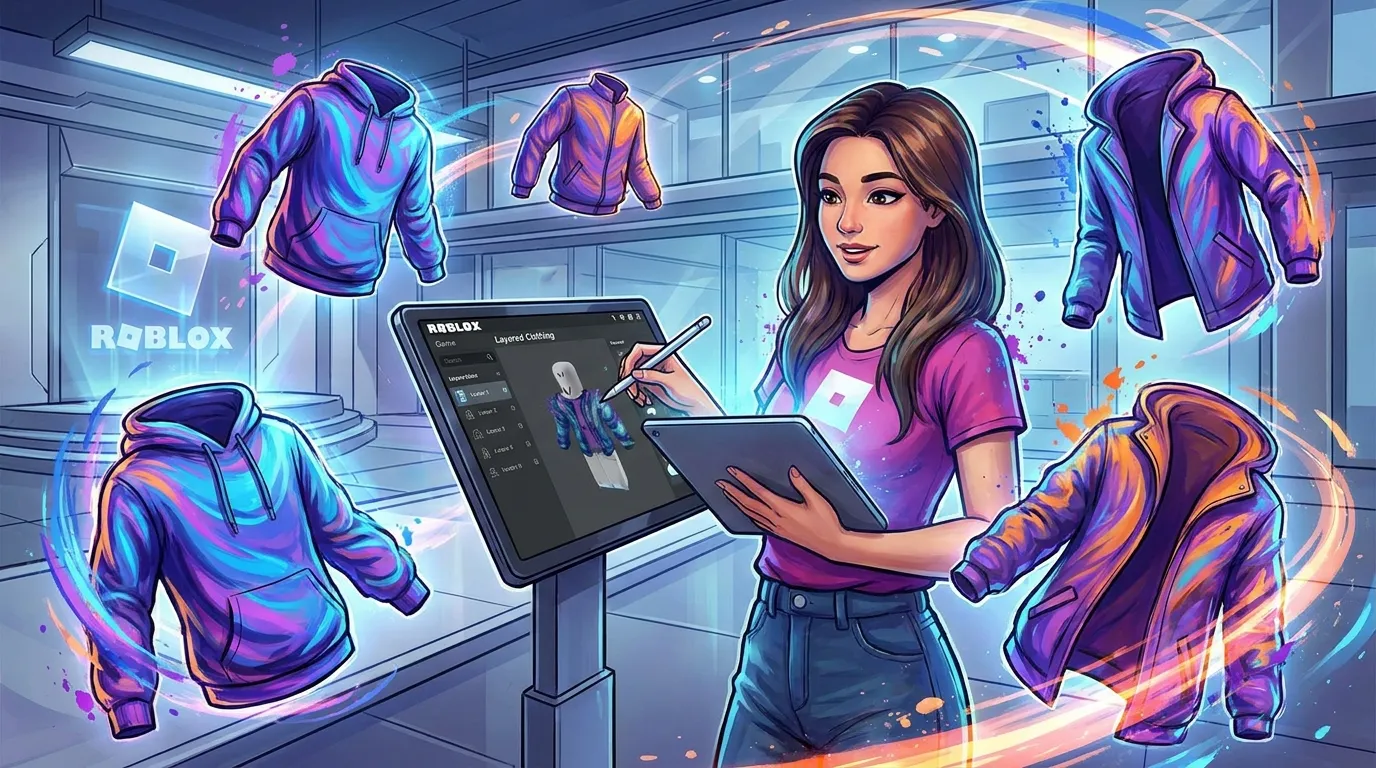
Real style trends matter here too. Roblox reported 188 million purchases of Y2K-labeled items from January to September 2022, which shows how much trend-based fashion can drive demand. So for roblox clothing templates focused on outerwear, it makes sense to look at silhouettes users already like, including oversized hoodies, varsity jackets, cropped puffers, and utility coats.
Common mistakes to avoid:
Making the garment too tight
A skin-tight hoodie stops looking like outerwear really fast. It’s just too tight, and it shows.
Ignoring sleeve shape
Bad sleeves really can spoil the whole piece. Check the bend areas and shoulder width early, before you sew.
Overdoing surface detail
Too many wrinkles and lines can make the item look busy at a normal play distance, and yeah, you’ll notice. That’s too much.
Forgetting inclusivity
Roblox reported that seven in ten users said inclusivity in digital clothing design is very or extremely important. So design for different avatar types, not just one shape or only your preferred body.
What strong creators do differently
Strong creators usually test more than they polish. Outerwear is one of the hardest categories, and even small fit problems show up fast. A collar can float, a hem can flare, or a sleeve can clip. Problems like that can hurt reviews and also wear down repeat sales.
Roblox has kept improving the system, and a fitting algorithm update in March 2025 was meant to reduce flaring, bulkiness, weak handling of inner layers, and similar issues. That means older templates may need another pass. If jacket assets were made early in the layered clothing era, it makes sense to check them again now.
The magic of the clothes in this system is that they can stretch to fit any platform character, from a Classic Blocky all the way to a T-Rex, and it fits nicely on top of multiple layers a character is already wearing.
That quote makes the design goal pretty clear. An item has to look good on more than one avatar in a preview. It also needs to work well across a wide range of shapes and over other layers, without causing clipping or awkward volume.
There is business upside here too. Roblox creator Arthur Trusov said:
Layered Clothing is still a new technology, but so far it has been proving especially popular, with my sales at tens of thousands just a week after release.
That does not mean every item will sell. It does suggest outerwear has strong demand when the design is good and the fit is reliable. For creators who want to grow their styling approach, this article goes deeper: How to Use Roblox Templates with Custom Patterns.
Designing for full outfits, not single items
A big change in Roblox fashion is the move from single items to full looks. That will probably sound familiar to anyone coming from GTA or FiveM customization, where players usually care about the whole outfit instead of one piece (and yeah, that changes how you design).
So when making roblox clothing templates for layered outerwear, it helps to think in sets. A zip hoodie can pair with matching joggers. Simple. A varsity jacket might make more sense with sneakers, or even a cap too (that combo is easy to picture). A tactical jacket can also work as part of a roleplay outfit pack. In each case, the design becomes more useful because it gives people something they can wear together, not just one item by itself.
Roblox also reported that 70% of Gen Z users surveyed have worn branded digital fashion on the platform, and 64% said it made them more likely to consider that brand in the real world. That gives creators a pretty clear signal: recognizable style language matters here. It does not mean every creator needs to make branded items. Players still respond to familiar fashion shapes and trends, even without a brand attached.
For creators who also work across multiplayer games, this outfit-first approach helps outside Roblox too. Building matching sets can carry over to roleplay uniforms, server clothing packs, and custom skins on platforms like Alive Games, where asset workflows reward consistency across a collection.
A practical workflow for better outerwear templates
You honestly don’t need a huge studio setup to make better layered clothing. What helps is a process you can repeat. Keeping it simple usually works best.
1. Pick one outerwear category
Don’t try to learn every garment at once; it’s a lot. Just start with one: a hoodie, a varsity jacket, a puffer, or a trench coat.
2. Build a reusable fit base
Start with a base template that has good sleeve width and torso spacing. Then adjust the hem placement for different styles, so you don’t need to redo everything. A simple step, but really helpful.
3. Test on different avatar shapes
A lot of creators either save time here or waste it, so test early instead of waiting until the end.
4. Texture after fit is stable
Don’t spend hours on logos, fabric, or stitches before the shape works. Get the fit right first, then the rest falls into place.
5. Publish in coordinated drops
Single items can work, but players usually see a set as more complete, and it’s easier to build around a clear theme. For ideas on themed outfit direction, it helps to look at how niche styles are done in 1940s Gangster Suit Templates for Roblox.
Keep version notes for each item. Fitting tools and platform behavior can change, so older templates can be updated when needed instead of rebuilt from scratch each time, which saves time.
Now it is your turn
Roblox layered clothing gives creators a lot more room to work with than the old flat clothing system, especially for jackets, hoodies, and other outerwear. Demand is already strong, and the tools are in a better spot than they were a few years ago. Creators who mix strong visual taste with clean technical fitting tend to do well, so that puts you in a good position if you can handle both.
The basics are pretty simple. Start with clear silhouettes, and use roblox clothing templates as part of your workflow instead of as a shortcut. Leave room for volume, then test your pieces across different avatar shapes. Keep the process practical and focused. It also helps to think about full outfits instead of just one item. Keep an eye on updates too, since fitting behavior can change over time and those small changes are worth catching.
If you already make skins for CS2, CS:GO, FiveM, or GTA, the pattern will feel familiar: style gets attention, and polish helps keep players interested. Roblox works in a similar way. A good place to start is one strong hoodie or jacket that fits well across different avatar shapes. From there, build a small collection around it. With each release, refine the process, because small fixes can add up.