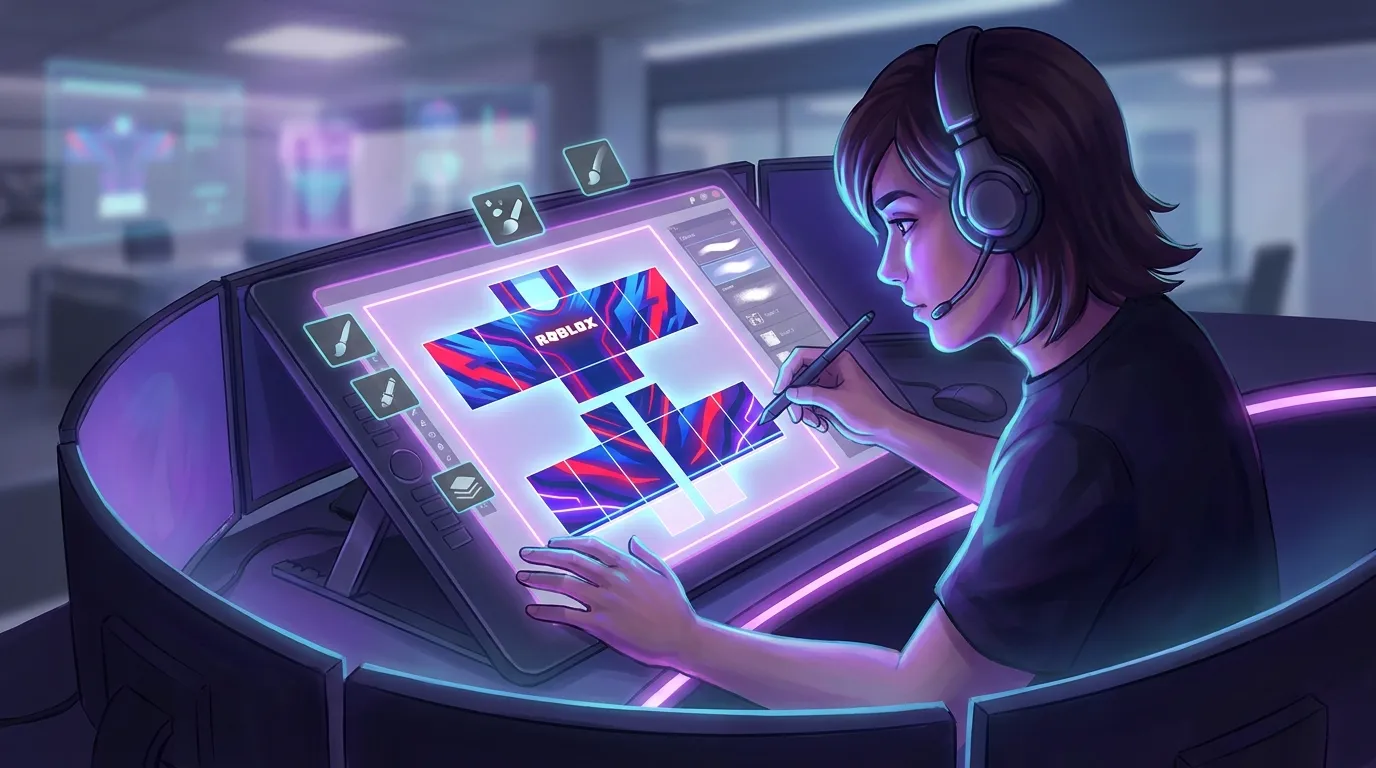
Roblox Shirt Templates Guide: Step-by-Step for Beginners
Roblox often starts as a game, but for many players it slowly turns into a creative space and even a learning path that can lead to real business options (which surprises some people at first). It usually begins by noticing a cool avatar and thinking, “I want to make something like that.” Learning how Roblox shirt templates work is a smart first step. They’re one of the easiest ways to create custom content in Roblox, and the process is more welcoming than it might seem early on (no art degree needed).
This guide is made with beginners in mind. You don’t need design experience or expensive software, just curiosity, some patience, and the understanding that mistakes are part of learning (sometimes more than one). It explains how Roblox shirt templates work and then walks through creating a first custom shirt, one step at a time. The pace stays calm and easy to follow. Along the way, you’ll notice that the same design habits show up in places like FiveM, GTA RP, CS2, and CS:GO. The tools are different, but the ideas behind them feel familiar, and the overlap becomes clear pretty fast.
If the goal is fun, learning a new skill, earning money, or mixing all three, starting with a simple shirt design makes sense. From there, it’s easy to picture that first custom shirt on an avatar and know you made it from scratch.
Understanding Roblox Shirt Templates and Why They Matter
The first thing people notice about a Roblox shirt template is how strange it looks. It’s a flat image that wraps around a 3D avatar, so the layout can feel confusing at first. Once the pieces start to make sense, it’s much easier to use. Each part of the image matches a specific body area, like the torso or arms, which keeps the design right where it belongs. This is classic clothing, and even in 2026 it’s still popular because it’s quick, simple, and reliable without extra steps.
The real value shows up when you look at the numbers. Roblox players change avatars all the time, often several times a day without thinking twice. In 2023 alone, users logged over 165 billion avatar updates and bought more than 1.8 billion avatar items. With activity like that, even a basic shirt design can reach a surprisingly large audience.
| Metric | Value | Year |
|---|---|---|
| Avatar updates | 165 billion | 2023 |
| Avatar items purchased | 1.8 billion | 2023 |
| Users editing avatars daily | 70%+ | 2023 |
This is where many developers and modders start. After finishing a few designs, the skills picked up from Roblox shirt templates often carry over easily into FiveM server skins or GTA multiplayer textures. Because the layout feels familiar, the learning curve feels lighter, which makes it easier to stick with it.
Now you have the marketplace open to everybody, with increased creation comes more engagement and more users.
That quote puts the opportunity in clear terms. Roblox shirt creation isn’t just about looks. It’s cosmetic work tied straight into a growing creator economy, and starting here puts you right inside that system.
Tools and Files You Need Before You Start Designing Roblox Shirt Templates
Getting set up for Roblox shirt design is pretty simple. You only need three things: a template file, an image editor, and a way to preview the shirt on a real avatar. Skip the extras. With those basics ready, you can start designing right away without extra hassle.
The key file you’ll need is the classic Roblox shirt template. It’s a PNG that clearly shows where the torso, arms, and other body parts sit, all laid out flat. Skip this and things can go wrong quickly. Any official template shared by Roblox creators works just fine. Save it somewhere easy to find, like a design folder, so you’re not searching for it later.
For editing, free tools do the job. Many beginners use GIMP since it works well with layers, while Paint.NET is popular for quick changes and a cleaner layout. Even simple editors are okay, as long as they support transparent backgrounds and layers. That’s what keeps everything lined up instead of sliding out of place.
You’ll test your shirt in Roblox Studio, and it’s worth the extra minute. A design that looks good as an image can stretch or shift once it’s on an avatar. Checking it in-game helps catch problems early.
An anonymous creator on the Roblox Developer Forum explains it well:
The Roblox clothing template might seem confusing, but it’s actually really simple! The basic template itself is actually pretty self-explanatory.
If layout and style choices still feel confusing, those details are covered in Roblox Shirt Templates: Quick Design Tips. You can also explore related guides like Roblox Military Shirt Templates Guide for themed clothing ideas.
Step-by-Step: How to Create Your First Roblox Shirt
This is where things get hands-on. This guide walks through the main steps most beginners follow when making their first Roblox shirt, and it’s usually the part people enjoy the most.
Planning comes first, before you open any tools. Having a clear idea saves time later. Early designs work best when they stay simple. Hoodies or clean streetwear styles are popular starting points because they’re more forgiving. Busy patterns can slow you down, and fixing mistakes gets harder fast, which can take the fun out of it.
Next comes the template step. Open the Roblox template in your editor and place all your work on a new layer above it. Drawing straight on the base template causes problems later. Separate layers keep everything neat and much easier to change. Flat colors are a good place to start, then add small details like seams. Logos usually work best after the base looks balanced. Go step by step.
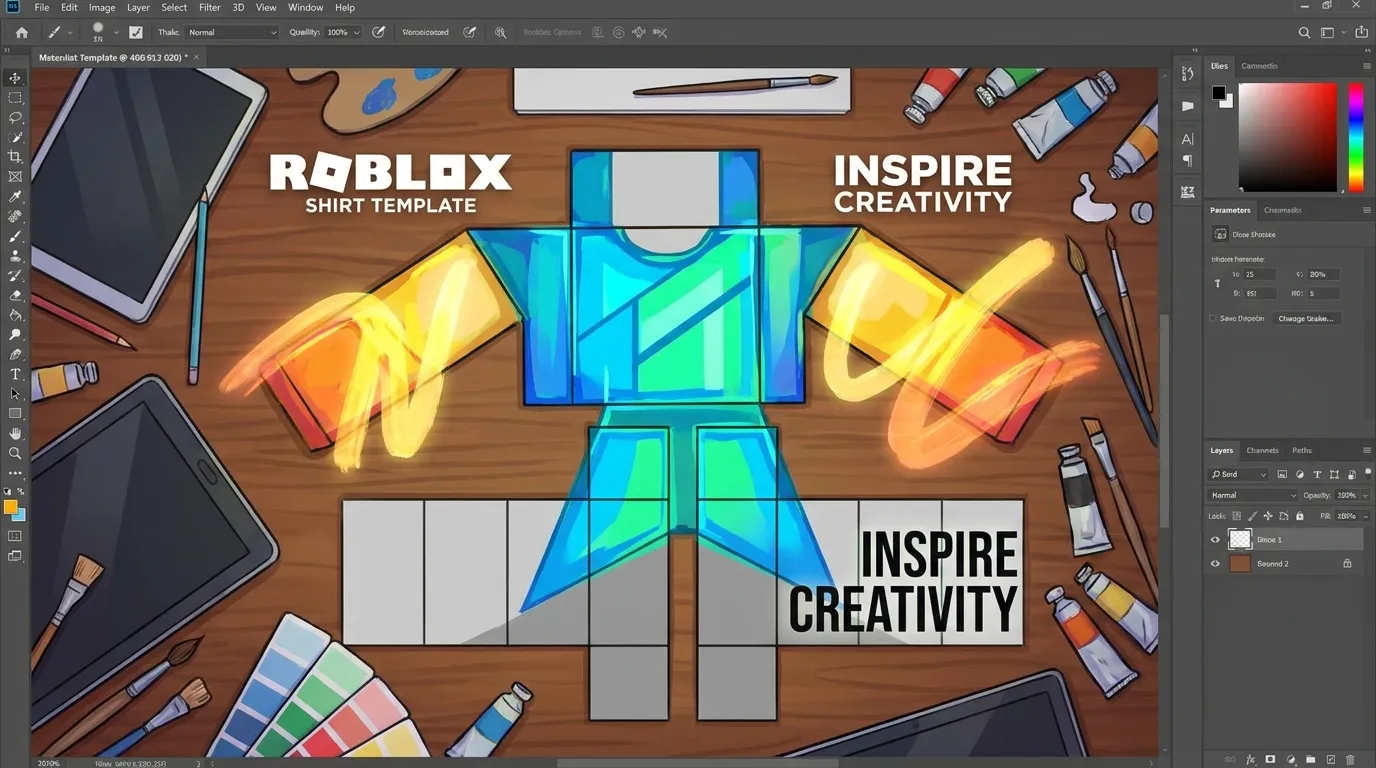
Transparency is the third thing to focus on. Some areas must stay transparent so the fabric shows correctly on the avatar. Missing this often leads to solid blocks where nothing should appear, which is a very common beginner mistake.
Exporting is the final step. Save the file as a PNG and check that the resolution matches the original template. Upload it to Roblox and test it in Studio. Expect a few small fixes. Two or three uploads is normal before it looks right.
Uploading and Testing, plus Common Beginner Mistakes
Uploading a shirt is fast, often just a few minutes, but that’s usually where beginners hesitate and start overthinking things. Roblox charges a small Robux fee, and approval usually comes through within five to ten minutes. After that, the real work begins: testing. Skipping this step is how small issues turn into bigger ones.
The easiest move is opening Roblox Studio and putting the shirt on a test avatar right away. Spin the character all the way around, then do another slower check. Pay close attention to the arms and side seams, since stretching problems show up there first and are much easier to fix early on.
Common mistakes include sleeves that don’t line up, logos placed too close to seams, and forgetting that avatars come in different body types. Testing on more than one avatar shape helps catch these before others notice.
Overdesign is another trap. Adding too many details usually doesn’t help. Simpler shirts often do better, especially on small screens like mobile, where clean shapes stay easy to read.
The publishing steps are explained in the guide on How to publish a classic shirt to Roblox marketplace with Alive Studio, which walks through the process clearly.
Allow advertising and social cookies to watch embedded videos.
Design Trends and Skills That Transfer to Other Games
Roblox clothing in 2026 leans toward items that actually feel wearable. Clean shapes, simple cuts, and tactical, GTA‑inspired streetwear lead the way because they’re easy to spot and easy to work with. That simple approach also makes it easier to move between platforms, which helps creators who design for more than one game.
Creators coming from FiveM or GTA RP already think about realism and fit, and that translates well. Roblox makes things easier with fewer technical limits, even if the layout takes some getting used to. CS2 and CS:GO skins go in another direction, focusing more on surface flow and visual balance. The tools may differ, but the design habits still carry over, making it easier to switch between games.
Roblox platform insights still show classic shirt templates as the simplest place to start. Many creators begin there before moving on to layered clothing or full 3D pieces. Starting small often avoids long rebuilds later.
Branding matters too. Over 70% of Gen Z users have worn branded virtual clothing. Even smaller creators gain from clear colors and a consistent style that’s easy to spot and remember. For inspiration, check out themed template guides such as 1940s Gangster Suit Templates for Roblox.
When a user engages with a brand on Roblox, they’re much more likely to purchase that brand in the physical world.
Turning Your First Shirt Into Long-Term Progress
Your first shirt is just the start, and real progress picks up right after. Repetition is where learning becomes clear. Small changes matter: adjust colors, tweak sleeve details, and watch how tiny edits change the final look. Each new version teaches you something, and the feedback loop moves fast enough that you notice results almost right away.
Good organization pays off early. Clear layer names and saved versions may seem minor at first, but they become important once projects grow into full uniforms or themed collections. This habit reduces confusion and saves real time later on.
Looking at what already works helps too. You can find useful examples in popular Roblox experiences, choose a few shirts you like and study them. Is it the contrast, the restraint, or a mix of both?
If you enjoy this process, platforms like Alive Games support design work across several games, including Roblox, FiveM, and GTA multiplayer servers, which makes them useful beyond just one title.
Now It Is Your Turn to Create
Roblox shirt templates make it easy to get into game customization, especially as a first step. The basics are already covered: what templates are, how to design them, how to upload and test, and how those skills carry over to other games. That foundation matters. It lets creators learn by doing with very little setup and keeps the process relaxed.
A smaller scope often works better here. One clean shirt helps more than a stack of rushed tries. Fit and testing usually teach the most, while early designs can feel rough, and that’s normal for anyone starting out.
Consistency leads to something practical. Along the way, creators build confidence and skills that carry over to CS2 skins, GTA RP clothing, and similar projects. Open the template, try a first idea, test the fit in‑game, and tweak it from there.