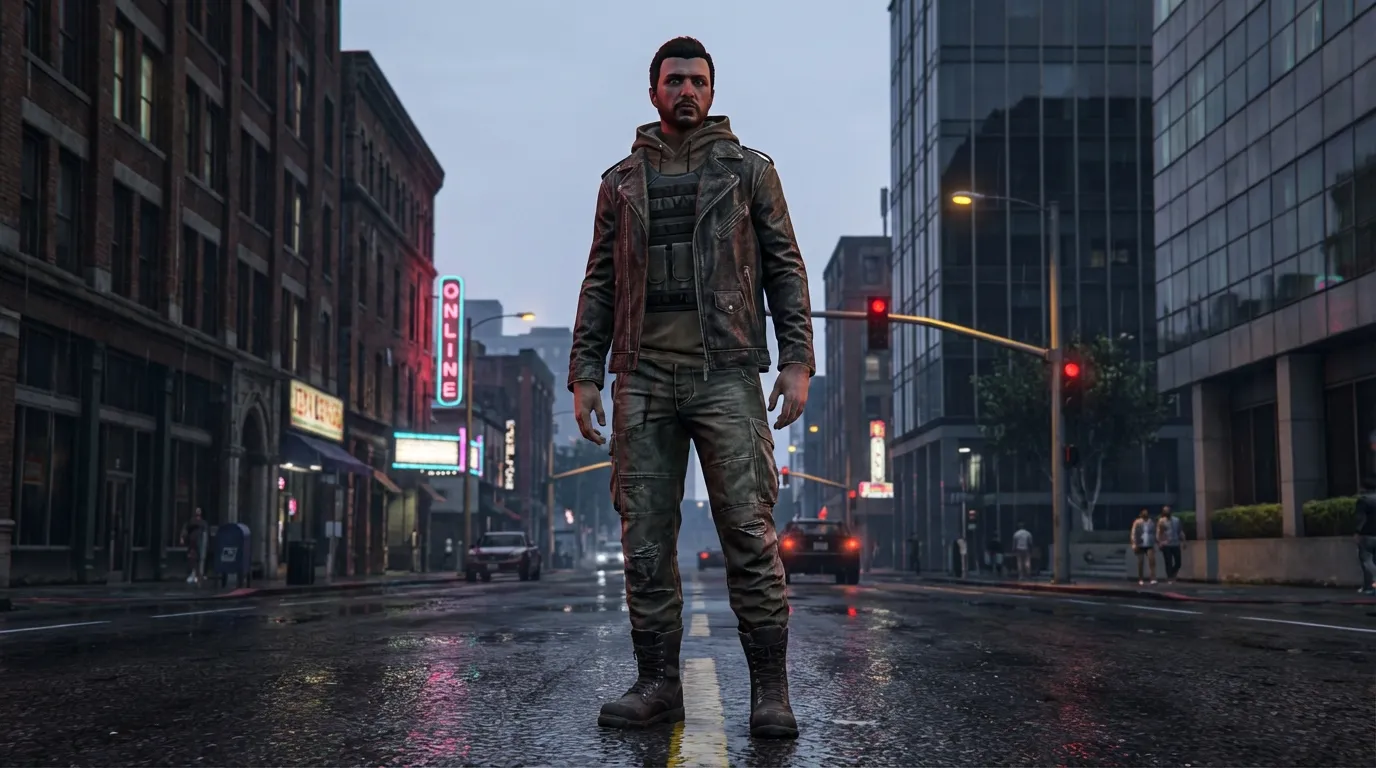
GTA V Online Clothing Customization for Multiplayer: 2026 Server-Side Integration
TLDR; Server-side clothing has become a core part of modern GTA multiplayer, and you can usually see that right away in how servers run. On busy servers, it shapes roleplay clarity, performance, and even server economies, because players want clear and different identities. That’s not very surprising. Instead of starting with theory, the article looks at why servers keep control rather than relying on client-side mods, then explains FiveM clothing limits. It also covers how outfits are built to work reliably across many roles and factions at scale. Along the way, readers will find a server-side clothing pipeline, common pitfalls, and lessons taken from platforms like Roblox and CS2, which are often used to support scalable, monetizable customization.
GTA V Online clothing customization isn’t a tiny side feature anymore. In 2026, it usually sits right in the middle of multiplayer life, shaping roleplay flow, server performance, and even in‑game economies (yeah, it’s that visible). Players want to look unique, it’s pretty simple. On roleplay servers, clear visual identity is what keeps things working at all, from uniforms to factions to quiet status signals. That constant demand has pushed clothing systems into the core of multiplayer servers, probably more than most admins expected at the start.
What really changed things was server‑side integration. Instead of each player loading random files from their own PC, which was always messy, modern GTA multiplayer servers stream clothing straight from the server. You usually notice the difference during packed sessions, like large events or crowded city hubs. Everyone stays visually in sync. Crashes happen less. Cheating is harder. Broken textures appear far less often. Fewer surprises is often the real win.
For modders and developers, this shift can feel confusing at first. Older guides still floating around focus on single‑player mods or client‑only installs. Those setups tend to break quickly in multiplayer and usually stop working once a server grows past a few friends just messing around. Growth changes how everything behaves.
This guide explains how gta v online clothing customization works in 2026. It looks at server‑side streaming under real load, not just clean test cases. Limits and costs are covered for a reason, and design rules matter more than many people think. It also explains how custom gta skins multiplayer systems connect with Roblox UGC, CS2 skins, and FiveM roleplay economies.
If you build servers or design clothes, this article is for you. The language stays simple. It’s clear and practical. The focus stays on steps you can use right now, often without ripping apart your whole setup.
Why Server-Side Clothing Matters in Modern GTA Multiplayer
In the early days of GTA modding, changing clothes was pretty simple. Players swapped files, dropped them into a folder, launched the game, and saw the change on their own PC. Multiplayer wasn’t usually the goal, since most people were just seeing what they could do. That style of modding has mostly faded, and it doesn’t really fit how GTA works now.
By 2026, most active GTA V multiplayer happens in GTA Online and FiveM. These setups only work well when everyone sees the same character models in the same places. If one player sees a clean jacket and another sees a floating torso, the illusion falls apart fast. Sometimes it’s worse than that, badly synced assets can cause errors that end up crashing the whole server.
Server-side clothing fixes a lot of this. Instead of using personal PC folders, clothing files live inside server resources. When a player joins, the server streams only what that character needs, like a jacket, pants, or a prop. Nothing extra loads, and nothing important is missing. From my experience, this usually leads to smoother performance and fewer problems.
Trust matters too. Players expect fairness and visual consistency, especially in roleplay servers. Server-controlled outfits make it harder to sneak in edited files or hidden items. That’s especially useful in competitive or semi-competitive servers, where uniforms help with recognition and disguises shape how players react.
The size of GTA makes this approach hard to skip. GTA V has passed 190 million copies sold, with over 18 million monthly active users in 2025. FiveM alone often sees more than 200,000 daily players.
| Metric | Value | Year |
|---|---|---|
| GTA V copies sold | 190+ million | 2025 |
| Monthly active users | 18.3 million | 2025 |
| FiveM daily players | 200,000+ | 2025 |
With numbers like that, small mistakes spread quickly. Server-side systems help keep issues contained before they grow. The CFX.re development community also explains that addon streaming avoids replacing base assets, which keeps customization multiplayer-safe and helps reduce anti-cheat issues (CFX.re Forum).
Understanding FiveM Clothing Streaming Limits and Rules
Before a single hoodie gets designed, it usually helps to understand the limits first. FiveM gives creators a lot of freedom, but there are still clear rules in place from day one, even when someone is only testing ideas. Skipping this step often leads to problems later, so slowing down early can save time and frustration.
One of the key rules in 2026 centers on player slot count. Free server-side clothing streaming only works when certain conditions are met, and slot limits are a big part of that. It’s an easy detail to overlook when most attention goes to how things look, which happens pretty often.
Keep in mind to stream custom clothing for FREE you must have your max player slots under 10. If you want to stream custom clothing with increased amounts, you must subscribe to the CFX.Re Subscription.
If it's seven or under, it's going to work. This basically allows your clothing to be streamed in your server for free.
This directly affects how a server is planned. Smaller private servers usually have enough room to try out ideas and different setups without much pressure. Public RP servers work differently. As player counts rise and expectations grow, many move to a paid plan. That cost can add up fast, so planning ahead usually helps.
Slots aren’t the only concern. Bandwidth and client memory matter too. Every streamed clothing item adds to join times and RAM use, and players notice that quickly. Push it too far and long load screens or failed joins are common.
There are also hard technical caps. Each drawable supports up to 26 textures. Prop slots are limited to 13, though only about five are commonly used. These limits shape color choices and overall design decisions.
Designing Clothing That Works Across Multiplayer Roles
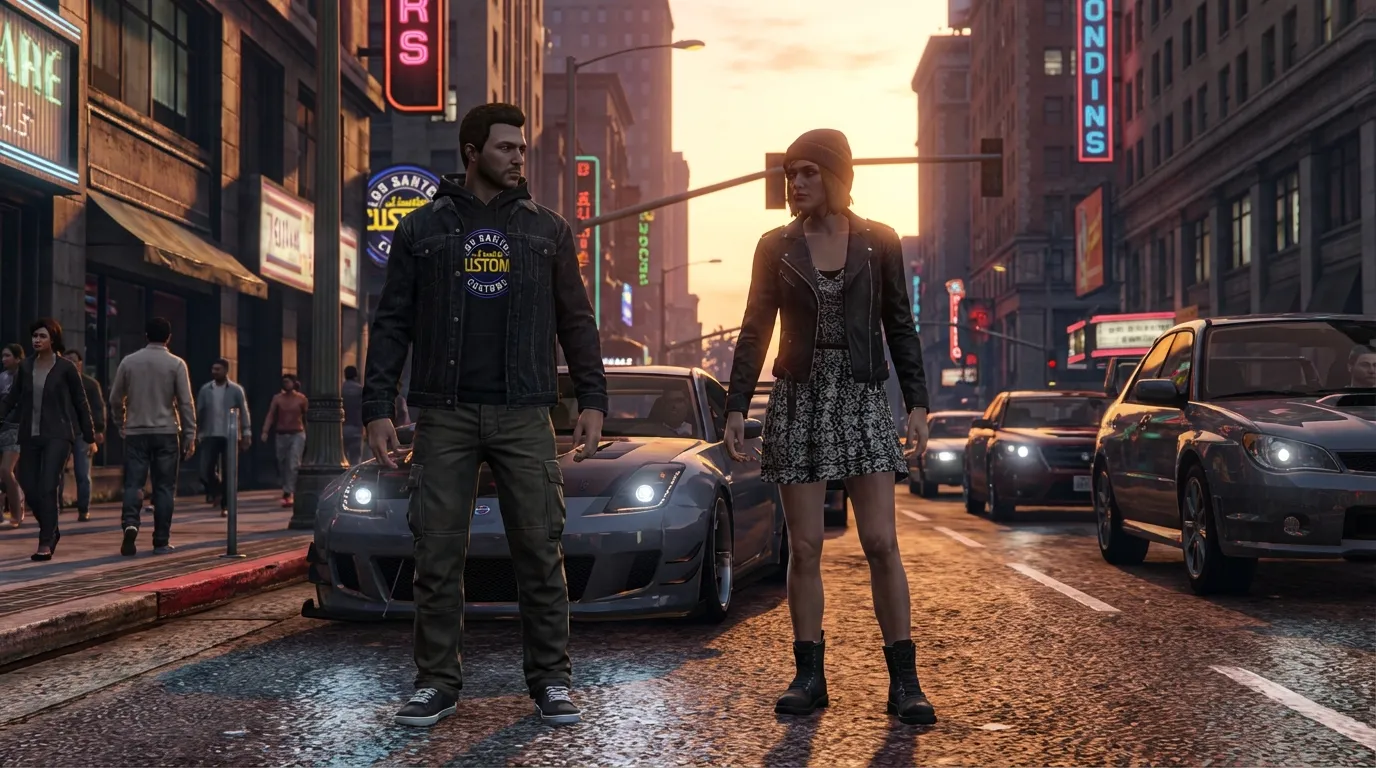
Good gta v online clothing customization isn’t just about looks. It often helps show role and status, giving players quick clues about who someone is, usually within a second or two. That speed matters more than people like to admit during live play. There’s less guessing, and nobody has to stop to ask questions.
On roleplay servers, clothing acts like a shared visual language. Police uniforms show authority, while gang colors mark territory. Medical outfits can make nearby players feel calmer, or at least less likely to panic. These signals are simple, but they work well, especially when movement is fast and name tags are hard to read.
Before server-side systems were common, things were messy. Players installed clothing packs in different ways, sometimes wrong. Rank visibility was uneven, and confusion followed a lot of the time. Most long-time players remember that frustration.
Now clothing can connect directly to server logic. Jobs unlock specific outfits, and ranks add patches or badges, sometimes tied to cosmetic upgrades like earned insignia or uniform variants. This kind of consistency helps everyone read situations faster.
For designs to last, they need to work everywhere. An outfit should be easy to read from far away, during fast movement, or in low light. Night chases reveal problems quickly. Hyper-realistic textures often fall apart in real gameplay, even if screenshots look great. Screenshots lie, but live play is chaotic.
You see similar ideas in Roblox UGC systems, where shirts linked to groups signal affiliation right away, and in CS2 skins, where visuals suggest rarity or value before menus open. Both show that quick readability often beats fine detail.
For more structure, related advice is covered here: 8 Best Practices for Designing Game Skins in 2025. Many of those ideas carry across engines.
Visual clarity usually matters most. Tiny details disappear at a distance. Strong color blocks tend to work better. Testing outfits at night, in motion, and during bad weather helps too, since rain often exposes weak designs fast.
Building the Server-Side Clothing Pipeline Step by Step
A stable pipeline usually saves months of frustration, especially when teams want fewer surprises. In 2026, most studios still follow this familiar flow because it works and keeps risk low. It’s not flashy, but reliable pipelines usually mean fewer late nights and less emergency fixing.
The most engaging part comes early: asset creation. Tools like OpenIV or Photoshop are still widely used. Designers focus on textures, while modelers spend extra time adjusting fit so clothing behaves correctly in game. That tuning stage often takes longer than planned, and small details often decide whether items feel finished or broken.
Next comes packaging. Assets are bundled as addon clothing, which keeps base files untouched. Using the right YMT and YDD structures helps files stream cleanly from addon folders. Tools like Durty Cloth Tool can speed this up and cut down on manual errors, which helps later.
Server registration is where rules are defined. This step controls load timing and player access, and shortcuts here usually lead to problems later. Testing then happens with fresh clients. A clean install often reveals missing files quickly, annoying, but needed.
Versioning and deployment follow. Clear version numbers help staff see what’s live, and rollbacks should stay easy when something fails. Finally, clothing connects to gameplay logic. Jobs and permissions control access, turning static art into something players actually interact with.
The flow looks simple, but details often matter. One naming mistake can stop streaming completely. Proven guides, like How to create skins for FiveM GTA V with Alive Skins, are often reliable for cutting down surprises, especially around structure and setup.
Allow advertising and social cookies to watch embedded videos.
Case Study: From Client Mods to Server Authority
The biggest shift here is how fast things settle down once the tech stack is simpler. Many servers still run on older setups, and that’s pretty normal, especially for communities trying to grow without breaking things as they go.
Before: A 20-player RP server relies on client-installed packs. In my view, it’s awkward. New players often get stuck doing manual installs, and when updates roll out, outfits break. Staff end up fixing the same issues over and over, which gets tiring quickly.
After: That same server switches to server-side streaming with a CFX.re subscription. The change is obvious. Clothing lives in versioned resources, and updates usually take minutes instead of hours. That’s a big relief during busy times.
Support tickets fall almost right away, load times get better, and players tend to stay longer. That feeling of ease matters more than people think, especially early on.
Staff saw a 60% drop in onboarding problems and stronger retention. Crashes happened less often, sessions lasted longer, and roleplay stayed consistent.
This also opened the door to monetization. Cosmetic packs could be sold safely, items persisted, and players were more willing to pay when everything felt official and stable.
Platforms like Alive Games show this shift across ecosystems. It’s most obvious in GTA and FiveM communities, while Roblox and CS2 show similar trends at different scales. Server-authoritative assets are becoming the norm.
Advanced Techniques for Scalable Clothing Systems
Once the basics are in place, the advanced parts often matter more than people expect, and they usually show up over time.
A big help for flexibility is modular design. Instead of one huge outfit, it works better to split clothing into pieces. Tops and pants stay separate, while accessories remain add-ons like hats, belts, or small extras. It sounds simple, but this setup often adds more variety without adding extra textures, which is where things usually get messy.
LOD optimization also keeps things running smoothly in the background. High detail stays close to the player, then simpler meshes appear at a distance, so performance stays steady while moving around.
Caching strategies are easy to notice. Common outfits load once per session using shared resources, which saves time and memory.
Physics-enabled items are more common in 2026. Hair and outerwear can move naturally, which looks good when done right. Careful testing still matters, since physics bugs can be frustrating to fix.
Naming discipline helps as well. Clear prefixes for jobs and ranks across factions make things easier for both people and scripts.
Finally, documentation reduces stress later. New staff can understand your gta v online clothing customization system without guessing, which often cuts down maintenance work over time.
Cross-Platform Lessons from Roblox and CS2
The interesting part is that GTA modders aren’t dealing with this alone. Other platforms hit the same problems earlier and, after some trial and error, ended up with practical fixes. Same issues, just on an earlier timeline.
Roblox is a clear example of how structured UGC pipelines cut down friction. Assets move through set tools, with limits on file size and format, and monetization is part of the process instead of added later. This setup usually avoids messy edge cases.
CS2 and CS:GO use a workshop model. Skins are checked server-side before use, which helps keep cheating down, even though it reduces flexibility. The tradeoff is pretty clear.
Curation keeps coming up as the shared theme. Approved assets help keep performance stable and visuals consistent, something players notice fast. GTA multiplayer seems to be moving this way now, especially as server-side clothing affects gameplay more than expected.
Looking across engines makes these patterns easier to see. We explored similar ideas in Top 7 Features for Creating Professional Game Skins Online.
Common Problems and How to Fix Them Fast
Invisible clothes after an update are one of the most confusing issues. It often happens when players update mid‑session, and a corrupted cache is usually to blame. Clearing it can feel annoying, but it’s very common and fixes more issues than most people expect.
Textures not loading are another frequent problem. This is often linked to naming mistakes or resource order. You can usually find the cause in the logs, which often point straight to what’s wrong and fix the issue in most cases.
Clipping is another question that comes up a lot. It usually shows when a freemode outfit is slightly off. Testing both male and female rigs matters here, since one often acts differently.
Performance feeling off often comes down to limits. Too many textures on a single drawable can cause problems, so watching those limits, and testing with a clean cache when someone reports missing clothes, saves time and back‑and‑forth.
Questions Folks Ask
Server-side clothing loads assets from the server, not your PC, while client mods depend on local installs. Server-side setups are often safer since they’re easier to update and let servers enforce visual rules consistently.
Do I need a paid FiveM plan for custom clothing?
If a server goes beyond around 7, 10 player slots, it usually needs a paid plan, that’s how FiveM works in practice. On bigger servers, free streaming fits small setups only and often doesn’t scale much.
Can custom GTA skins in multiplayer be monetized?
Many servers make money from them by selling cosmetic packs linked to jobs or certain ranks. FiveM escrow systems usually manage transactions and handle payments safely.
OpenIV is widely used because it’s easy to work with, honestly. Photoshop often goes together with Substance Painter. Automation tools like Durty Cloth Tool save time, so I’d recommend using version control.
Is this similar to Roblox clothing creation?
Yes, it’s similar, focused on identity, uses server-authoritative assets (I think). Monetization is limited, and skills often transfer across platforms.
Where GTA Multiplayer Customization Is Headed
By 2026, gta v online clothing customization usually isn’t optional anymore. It sits at the middle of how multiplayer runs day to day, even affecting the boring stuff players notice. You feel it right away because it changes how sessions behave, not just how characters look.
What matters most is stability. Server-side systems keep things consistent between sessions, protect players, and leave room for creative economies that can grow without breaking once servers fill up.
A more noticeable change is how clothing connects to progression. Over time, outfits are expected to reflect achievements and reputation. They often show where a player’s been, not just personal taste.
For developers, this means treating clothing like code: plan early, version carefully, and test often. Designers need rules at scale. Creative players can use skills in Roblox or CS2.