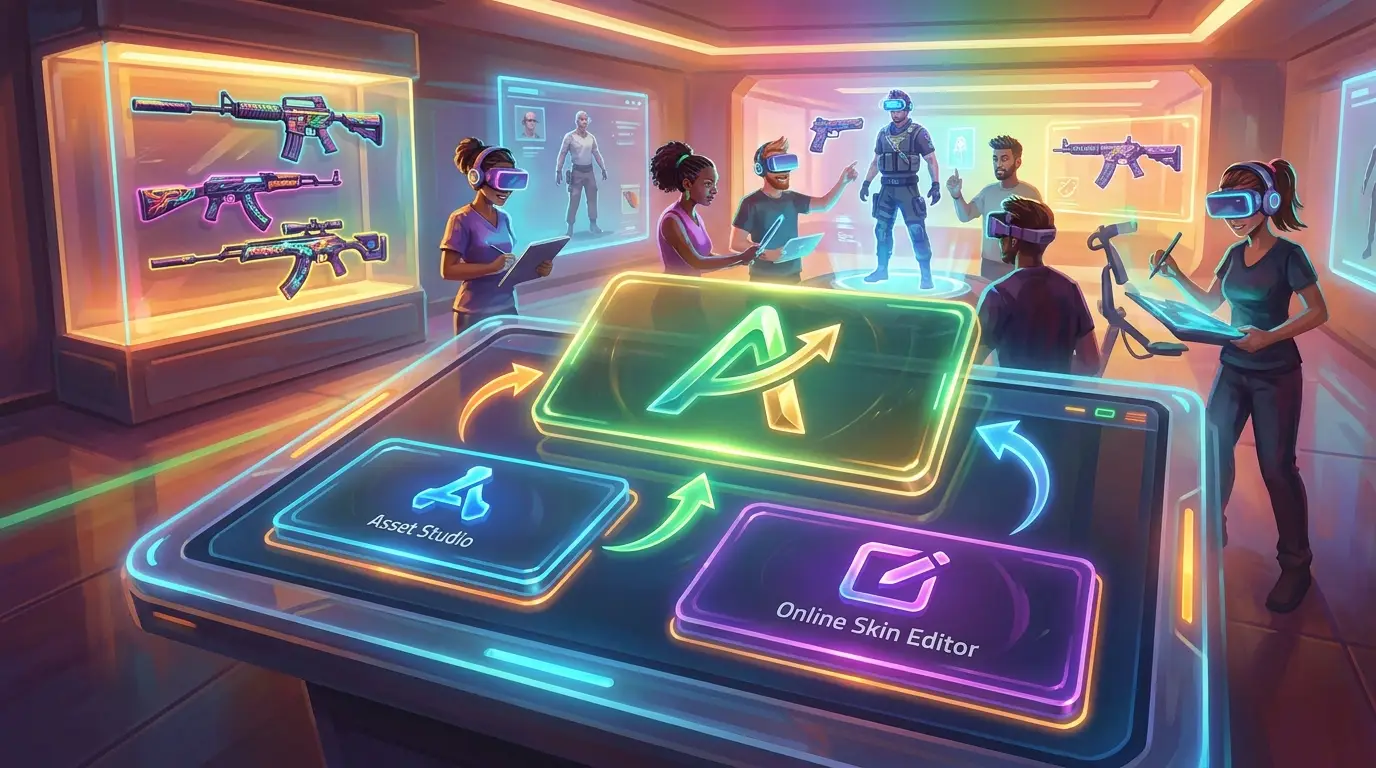
Asset Studio vs Online Skin Editor for Game Teams
If a team is building custom content for Roblox, CS2, CS:GO, FiveM, or GTA multiplayer servers, the workflow choice usually matters more than it seems at first. A simple online skin editor may be enough for quick mockups, but a full asset studio can save a lot of time once the team needs repeatable production, cleaner handoffs, smoother game integration, and less friction as the workload grows, which often happens fast. In many cases, that’s what separates making a handful of test skins from keeping a reliable pipeline running.
Here, the comparison sticks to the options that are most relevant for this kind of work, judged by the things game teams usually care about most: speed, ease of use, asset flexibility, collaboration, and how well each one fits into real studio workflows. That matters a lot in practice. A lot of tools are strong in one area and clearly weaker in another, and that’s usually the tradeoff. Some fit Roblox teams really well. Others are useful for browsing assets, but don’t help much with actually making them. Some are also better for solo creators than for studio teams, especially when teammates need to review work or reuse it later.
This guide covers four options worth knowing, starting with the one that works best for teams that want a simple creative workflow without being locked into one game ecosystem. The short version is that flexibility often matters more than teams expect, especially as they grow and need support for different games, smoother collaboration, and more consistent asset production.
What this asset studio guide covers
- Alivegames
- Customuse
- KitsBlox
- Roblox Creator Hub and Studio Asset System
Best picks for game teams
1. Alivegames
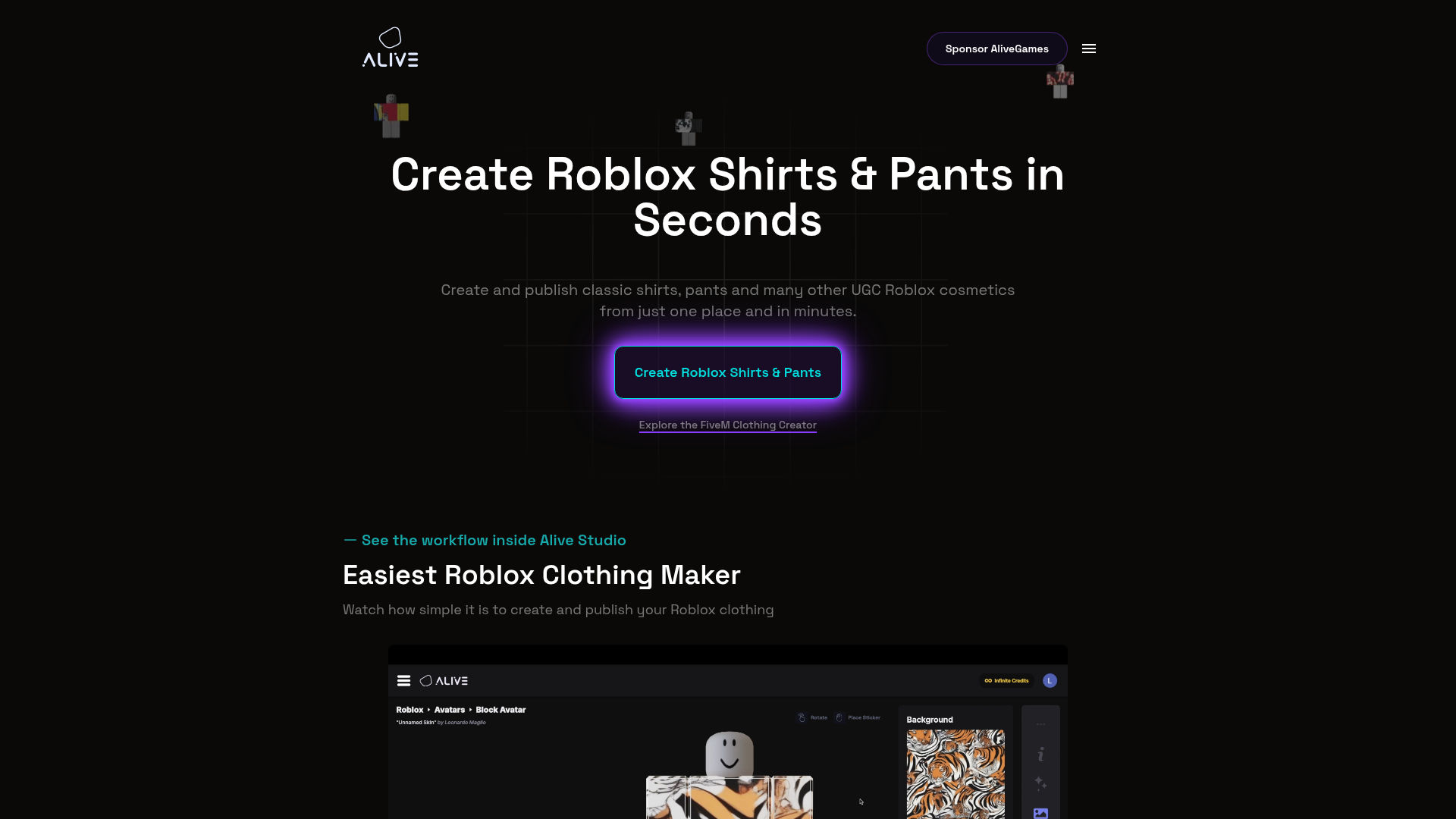
At a Glance
Alive Games is the strongest choice here for teams that need more than a simple one-off skin tool. It fits into a very useful middle ground between a lightweight online skin editor and a broader asset studio workflow, which is usually hard to get right. It doesn’t feel too limited, and it also avoids feeling unnecessarily bulky.
Instead of pushing creators into a narrow, game-specific setup, it supports customization work across major creator ecosystems such as Roblox, Counter-Strike 2, CS:GO, FiveM, and GTA-style multiplayer experiences. For teams turning out skins, clothing, and other visual items for games, it offers a straightforward way to get from an idea to something usable without as much hassle. And when work has to keep moving, that kind of flexibility really helps.
Core Features
- Browser-based workflow for asset and skin creation
- Templates for common game customization needs
- Support for Roblox clothing and other game-ready design work
- Tools useful for CS2, CS:GO, FiveM, and GTA customization projects
- Fast concept testing for skins, outfits, and visual variants
- Helpful workflow for teams producing repeatable custom content
- Strong fit for projects that need smoother game integration planning
Pros
- Best cross-game flexibility: It’s not locked to a single creator ecosystem, which gives studios a real advantage when they work across different communities.
- Easy to use: Modders, creative players, and small teams can get into the interface and workflow pretty easily, without taking on the extra bulk of a heavy pipeline.
- Built for practical output: It stays centered on the asset types teams actually need to make and ship, rather than wandering off into more abstract creative tools.
- Strong for rapid iteration: Teams can try out ideas fast before putting more time into polishing the final versions.
- Good balance for studios: It brings together the accessibility of an online skin editor and the broader usefulness of an asset studio.
Who It’s For
Alive Games is a strong fit for indie studios, server owners, mod teams, Roblox creators, and multiplayer communities that want to create custom visual content quickly. It feels simple and useful, and for many smaller teams it will probably be less intimidating than larger systems.
It’s especially helpful for teams that need a simple shared way to handle clothing, skins, decals, or branded in-game assets across multiple game environments. For example, if a team is splitting its work between Roblox and FiveM, that flexibility tends to matter a lot more in the day-to-day.
Unique Value Proposition
What makes Alive Games stand out is its balance. Many tools in this space feel either too narrow or too heavy for the kind of work teams actually need to do. Some are mostly marketplaces. Others are built around only one game. Some handle enterprise asset management well, but they can feel slow once a team is actively trying to make art.
Alive Games offers a more practical mix: fast creation, clear templates, support for the kinds of game assets communities regularly use, and a workflow that works well when game integration is part of the plan from the start. That usually means fewer tool changes and less production drag. Teams can move from concept to usable asset without constantly jumping between systems.
Teams comparing workflows can also review these Top Tools for Game Asset Design in 2026: Software for Skins, Clothing, and Decals to better understand how broader production pipelines differ from lightweight editors.
Asset studio workflow in practice
Real World Use Case
A small FiveM and Roblox team producing seasonal cosmetics can use Alive Games to mock up new outfit sets, test matching visual styles, and prepare assets more quickly for in-game rollout, such as during a seasonal content push. The whole process feels smoother.
Instead of bouncing between separate tools for ideation and execution, the team can keep work moving inside one cleaner creative flow. That makes it easier to launch polished content with less delay, especially when a small team doesn’t have much time to lose to handoff issues.
Website: https://www.alivegames.io/
Right after the first review, it helps to compare these options in a more concrete way. The table below keeps the focus on facts only: scope, public entry pricing where available, platform coverage, and whether the tool is mainly designed for creation, marketplace use, or native asset management.
| Company | Primary Scope | Public Starting Price | Game Coverage Count | Main Workflow Type |
|---|---|---|---|---|
| Alivegames | Asset creation + online skin editor | , | 5 | Creation |
| Customuse | 3D asset creation platform | , | 2+ | Creation |
| KitsBlox | Roblox asset marketplace | $0.99 | 1 | Marketplace |
| Roblox Creator Hub | Cloud asset system | , | 1 | Native management |
Those numbers make it pretty clear: the best option depends on how the team works. Wider platform coverage matters more for teams working across multiple ecosystems. Entry pricing matters more when the goal is simply low-cost Roblox assets. If a team works fully inside Roblox Studio, native integration may often be the better fit.
2. Customuse
At a Glance
Customuse is a real, well-known creative platform for building 3D game assets and related visuals, with a clear focus on Roblox creators and game studios. It goes far beyond a basic online skin editor, and that’s both the main benefit and the main tradeoff. Teams can use it to make assets, Roblox-specific visuals, AI-assisted content, and other design pieces like thumbnails and in-game visual assets. So it usually makes more sense for studios that want a broader creative setup, not just a single-purpose skin tool.
Core Features
- 3D asset creation workflows
- AI-assisted asset generation
- Roblox-focused asset and clothing tooling
- Visual creation for thumbnails and game worlds
- Team-oriented creation workflows
- Enterprise security and governance positioning
- Broad, studio-friendly design surface
Pros
- Strong studio fit: It’s clearly aimed at teams and more organized creative workflows, rather than solo creators making one-off edits.
- Roblox-ready focus: It’s a strong match for Roblox developers who need something beyond basic templates or simple clothing tools.
- Broad toolset: It covers much more than skin editing and goes into wider game asset creation, including visuals for worlds and other design tasks.
- Modern workflow approach: With AI and team features, it feels up to date and looks able to handle larger needs well.
- Good for multi-step production: It works better than ultra-simple editors when the job involves several steps, review rounds, or shared team work.
Cons
- Can feel heavy for quick edits: Teams that only need a fast skin pass may find it broader than necessary, and probably slower to jump into.
- Less transparent pricing: Public pricing wasn’t clearly visible in the available research.
- May be more complex for modders: Casual creators often may not need such a large workflow footprint.
Who It’s For
Customuse is a better fit for Roblox-heavy teams, creative departments, and studios that want a broader asset creation setup instead of a narrow online skin editor. If a team wants more production depth and is okay with a broader interface, it can be a strong option. It looks like a better fit for bigger needs, especially when more than one type of visual asset is involved.
Unique Value Proposition
Customuse stands out because it connects creative design with studio workflow. It’s not just about making one skin at a time. Instead, it’s built more like a platform for broader content creation, especially around Roblox and game-ready visual assets, which is often the main difference here. That added depth also gives it more power than lighter tools. In most cases, the best fit is a team that will actually use that extra depth rather than just needing a quick editor.
Teams looking deeper into export workflows may also find this FAQ: Creating and Exporting 3D Game Assets Online useful when comparing production setups.
Website: https://customuse.com
If a team is still sorting out the difference between quick concepting and a fuller production workflow, this kind of overview usually helps. It keeps things simple but still useful, and it can help point a team in the right direction with a practical example of a broader Roblox-focused creation platform.
Allow advertising and social cookies to watch embedded videos.
3. KitsBlox
At a Glance
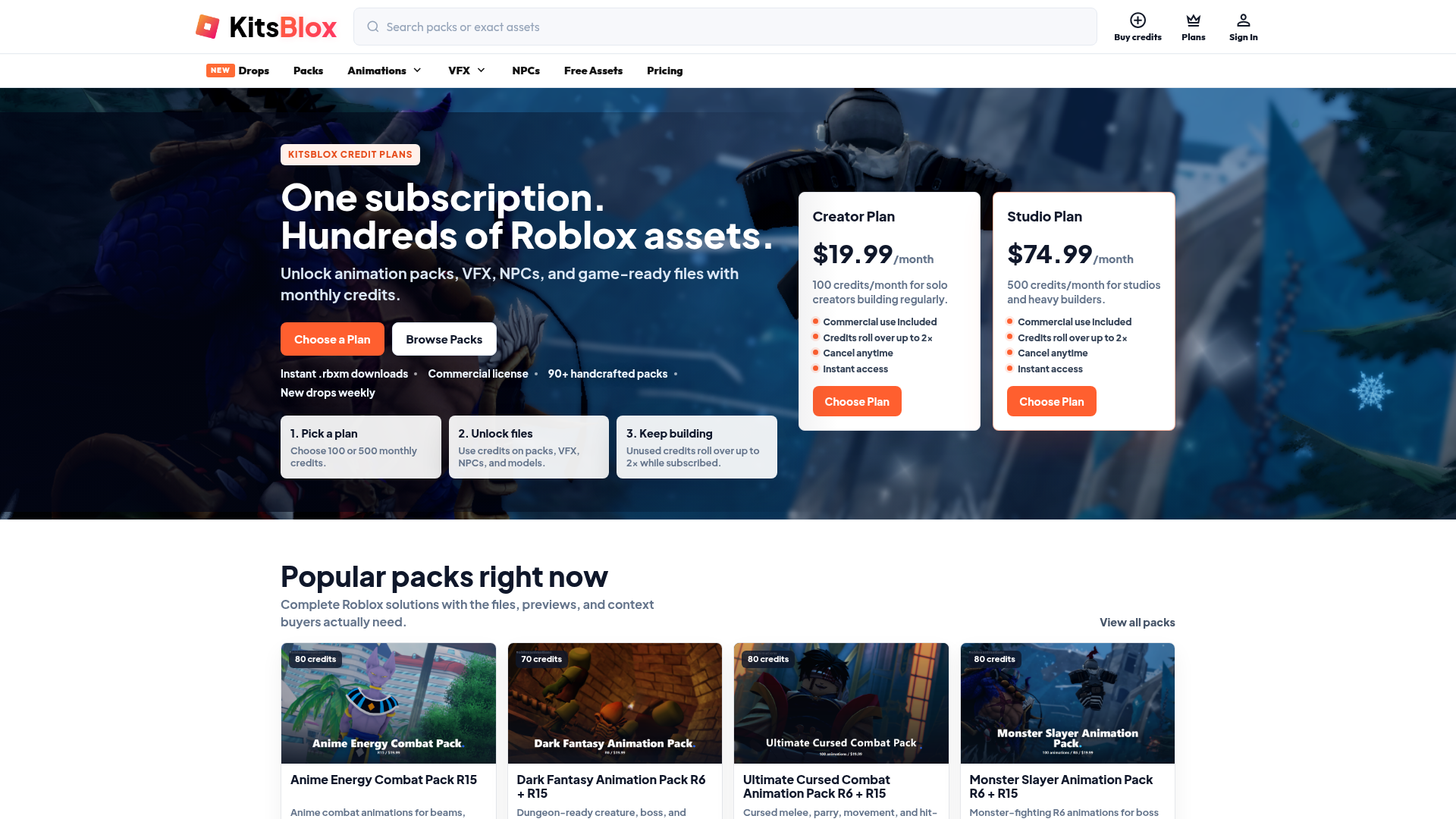
KitsBlox is a Roblox-focused asset marketplace, not a full asset studio in the usual sense. That distinction usually becomes more important when a team is weighing different options. If a team needs ready-made Roblox assets quickly, it fills a pretty specific need. Users can look through categories such as animations, VFX, UI kits, NPCs, maps, weapons, and related content, then purchase whatever suits the game. It’s not really about making skins from the ground up as much as cutting down production time by finding assets fast. In practice, that usually means getting a usable asset into a Roblox project sooner rather than spending time building each piece in-house.
Core Features
- Roblox asset marketplace
- Categories for animations, VFX, NPCs, maps, UI, and more
- Free and premium assets
- Asset previews with detailed listings
- Low starting price for paid assets
- Loyalty rewards program
- Fast browsing for production-ready content
Pros
- Very affordable entry point: Public pricing begins at just $0.99 per asset.
- Roblox specialization: It’s a strong match for teams working only on Roblox development.
- Large catalog: It’s helpful when speed matters more than making everything custom, which often happens during prototyping.
- Easy to browse: Asset previews make it simple to shortlist options fast.
- Discount upside: Loyalty rewards can lower costs for repeat purchases.
Cons
- Not a true online skin editor: It helps teams buy assets, but it doesn’t necessarily help them create custom ones from the ground up.
- Roblox-only relevance: It’s a much weaker fit for CS2, FiveM, or GTA teams.
- Less useful for unique branding: Marketplace assets may not give a project a distinct visual identity, so the game can feel less custom.
Marketplace assets vs custom production
Who It’s For
KitsBlox is best for Roblox teams that need production-ready assets right away and don’t want to build everything from scratch, especially during prototyping. It’s also useful for filling asset gaps or shipping smaller updates quickly on a budget. When a team already knows the kind of asset it needs, the marketplace setup usually makes that process feel pretty straightforward.
Unique Value Proposition
The main advantage here is speed at a low cost. If the question is not “how do we design this?” but “how do we get a usable Roblox asset today?” then KitsBlox is an easy fit. That’s really the core appeal. For multi-game studios, though, it usually won’t be the best option. For Roblox-only teams, it can be a practical shortcut that helps them move faster without needing a large custom pipeline.
For teams trying to improve visual consistency, these guides on How to Use Color Theory for Game Skins and Common Game Skin Design Problems and Solutions can help during the review process.
Pricing: Starts at $0.99 per asset, with loyalty discounts up to 20% off
Website: https://kitsblox.com
4. Roblox Creator Hub / Studio Asset System
At a Glance
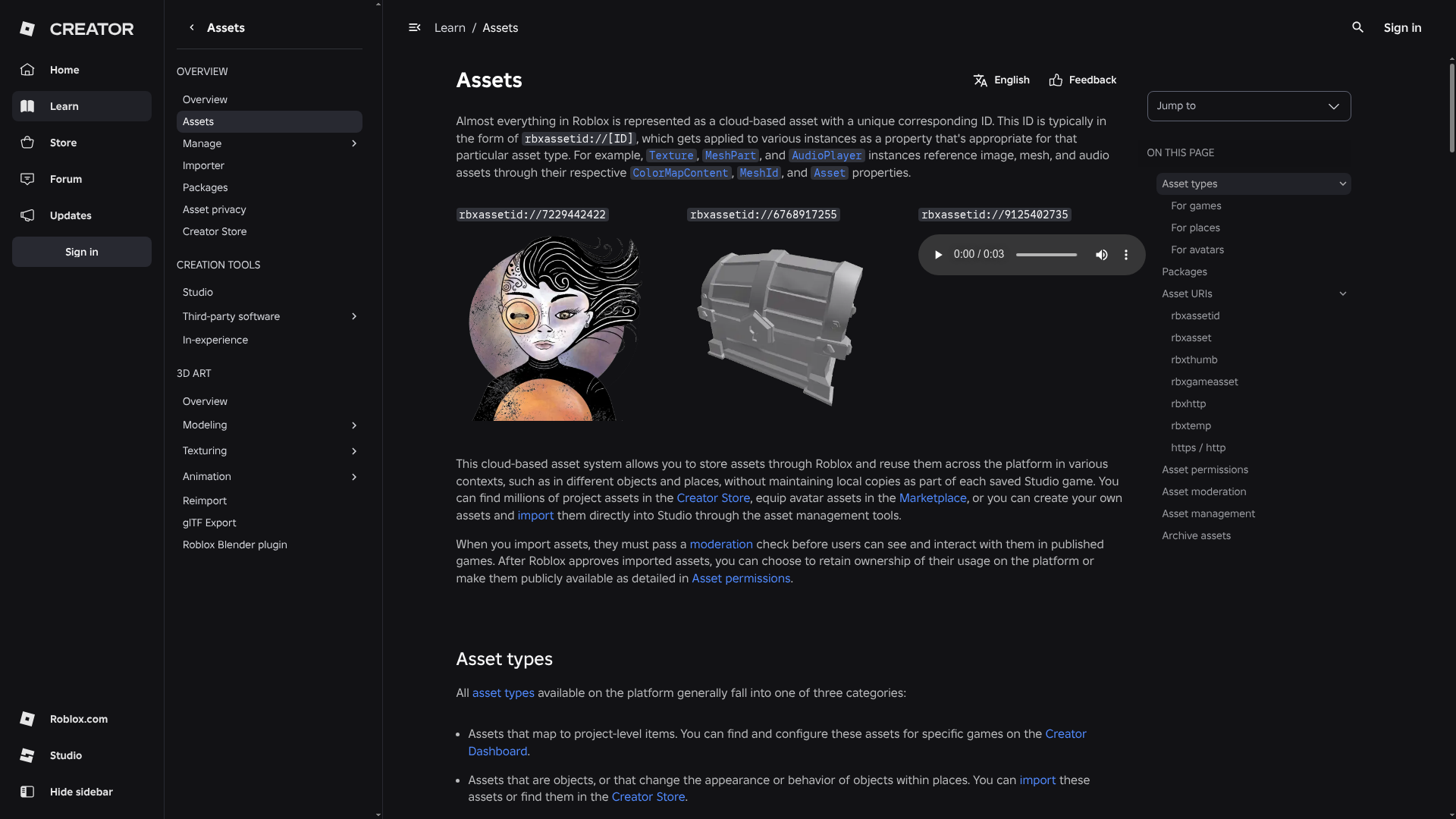
Roblox Creator Hub and the Roblox Studio asset system are the official way to store, share, and reuse cloud-based assets in the Roblox ecosystem. This is less of a design-first online skin editor and more of a system for team asset management, which is usually where the real value is. If a studio already builds in Roblox Studio, the biggest benefit is the built-in integration. Pretty simple. Teams can keep reusable assets organized, manage package updates, and keep project resources consistent across places, projects, and shared workflows.
Core Features
- Cloud-based asset storage
- Reusable assets across projects
- Team package management
- Update propagation for asset packages
- Native Roblox Studio integration
- Centralized workflow for Roblox teams
- Official platform support
Pros
- Best native Roblox integration: It works directly inside Roblox Studio, where Roblox teams already do most of their work.
- Strong for collaboration: Shared assets and package updates can make it easier for teams to stay in sync, especially on shared projects.
- Official workflow: It’s a solid option for Roblox-native pipelines, with reliable support from the platform itself.
- Useful for scaling Roblox projects: Teams get better control over assets as projects get larger and more complex.
Cons
- Roblox-only scope: Outside Roblox, it doesn’t do much for customization.
- Not a polished standalone skin editor: Teams will still need separate creative tools for heavier design work, like visual concepting or detailed skin design.
- Best after creation, not during ideation: It focuses more on management and reuse than on concept development, so early creative exploration usually happens somewhere else.
Who It’s For
This works best for Roblox game teams that already rely on Roblox Studio and want stronger asset organization, package reuse, and collaboration. It’s pretty focused. For teams working fully inside the Roblox ecosystem, the official workflow can be a practical fit for keeping shared assets organized and making updates easier to manage.
Unique Value Proposition
The value here isn’t broad creative freedom. It’s platform-native control inside Roblox. For Roblox teams, that official integration can reduce friction when packaging, updating, and reusing assets. That usually matters most when shared resources need to stay consistent across projects or when package changes need to reach a team quickly. But if a team works across multiple games or needs a more flexible creative front end, this will probably feel too limited on its own.
Website: https://create.roblox.com/docs/projects/assets
Which option makes the most sense for your team?
A good way to decide is to begin with the actual problem your team needs to fix. If you need a flexible asset studio that also functions as an online skin editor, Alive Games is probably the best all-around pick. If the team is mainly working in Roblox Studio and wants a wider creation platform for building and editing in one place, Customuse is a solid alternative. If what matters most is getting Roblox assets quickly and at low cost, KitsBlox is the practical budget option. And when the whole workflow stays inside Roblox Studio, the official asset system is useful for management and reuse, especially in that setup.
This difference usually matters sooner than teams expect. Plenty of teams lose time by choosing the wrong kind of tool. A marketplace isn’t the same as a creator tool, and a native asset manager works differently from a design environment. At the same time, an editor that works well for solo use can still fall short for studios that need repeatable game integration and an easier handoff between teammates. That’s often where the gap gets clear, especially once more than one person is involved.
Choosing the right workflow over time
One simple rule often helps: if your team cares more about multi-game support, custom branding, and quick iteration, a flexible platform like this game asset platform will usually be the better fit.
Ready to build faster without boxing your team in?
A lot of game teams start with whatever tool is easiest to learn, then hit the same wall later. Maybe the editor starts to feel too limited or too rigid, which gets frustrating fast. Maybe the asset library doesn’t really match the style of the world or the art direction. Teamwork can start getting messy earlier than you’d expect. Sometimes, getting assets into the game becomes a manual headache because the tool wasn’t really built for a real production workflow, so the team has to handle extra steps by hand.
That is where Alive Games looks different in this comparison. It gives teams a cleaner way to create custom skins, clothing, and visual assets across the game ecosystems creators already use. It’s easier to adopt than a heavy platform, likely because it doesn’t bury teams in setup. At the same time, it’s more flexible than a tool made for only one game, with more focus on creation than on a marketplace setup, which often matters more for production teams in practice.
If the goal is quick concepting now with stronger team output later, Alive Games is a good place to start. A better move is to look at the platform, test how it fits the process, and see whether it can replace the patchwork setup the team has been using. That’s usually the clearest way to tell whether it will help the team work better.
Frequently Asked Questions
What should game teams look for in an asset studio or online skin editor?
Start with workflow fit. Check supported games, ease of use, collaboration, template quality, export readiness, and how the tool handles game integration. Begin with the practical stuff. If your team makes content for Roblox, CS2, FiveM, and GTA-style servers, don’t pick a tool that only works in one ecosystem unless that’s the point.
How can I tell if an online skin editor is good enough for a studio workflow?
Check whether your team can turn a concept into something usable without tacking on extra steps. For a studio, the tool needs to let people iterate quickly, keep outputs consistent, and hand work off smoothly between creators. That matters. If the team keeps leaving the tool to finish basic work in another app, though, it may not be enough. Alive Games is a good example of a platform that tries to connect fast creation with broader team use.
How much do these tools usually cost?
Pricing varies by category, and on some marketplaces you pay per asset, so it’s pretty straightforward.
Creation platforms may use subscriptions, custom plans, or similar pricing models. In this comparison, KitsBlox publicly starts at $0.99 per asset, while the other reviewed options didn’t show clear public pricing in the available research.
How long does it take to see results after switching tools?
Teams usually feel the change pretty quickly once the new tool gets bottlenecks out of the way. You can see its early value in the first few projects by looking at revision speed, design consistency, and export readiness, and it tends to show up fast. The bigger payoff comes when the team starts reusing workflows instead of rebuilding them every time.
Which types of teams benefit most from an asset studio instead of a simple editor?
Studios, mod teams, live-service server communities, and creators who keep releasing cosmetic updates tend to get the most out of it. Put simply, if you need a workflow you can repeat, assets that stay consistent, and easier game integration, an asset studio setup holds up better as you grow than a basic one-off editor.
Is a Roblox-native workflow enough if my team also works on other games?
Usually not. Roblox-native tools work well inside Roblox, but they don’t cover what teams need when making skins or assets for CS2, CS:GO, FiveM, and GTA multiplayer environments too.
If the roadmap spans multiple game ecosystems, a broader tool is the safer long-term option.