
Best Practices for GTA V Customization in Multiplayer
Multiplayer customization in GTA V can be exciting, but it can also go wrong fast. A great-looking outfit, vehicle livery, or custom prop means very little if it hurts performance, causes file conflicts, or creates fairness issues on a live server. Smart gta v customization is about more than style. It means making assets that stay safe, clear, optimized, and easy to manage over time.
The audience is still huge, which makes each choice around custom content matter more than it may seem at first. FiveM has seen strong recent activity, and GTA V still has a large player base across multiplayer ecosystems. For developers, modders, and creative players, good custom content still brings real value. It can shape a server’s identity, improve roleplay, support monetization, and help a project stand out.
This guide covers how to handle gta v skins and other multiplayer assets in a clean, practical way. It includes safe workflows, performance tuning, naming systems, IP safety, clothing design tips, vehicle design tips, and ways to build assets that feel fair in live play. Many of the same rules will feel familiar to anyone who also makes content for Roblox, CS2, or CS:GO.
Start With a Safe and Modular Workflow
Use a simple best practice: whenever possible, don’t build your workflow around direct edits to base game files. In multiplayer, a non-destructive setup saves time and helps teams avoid painful mistakes. It also makes updates, testing, rollbacks, and collaboration much easier.
Recent player numbers show why that matters. FiveM reached an all-time peak of 221,685 concurrent players, while GTA V Legacy averaged 68,243.05 players over the last 30 days and peaked at 102,170 during that stretch. Busy ecosystems need stable content pipelines.
| Metric | Value | Period |
|---|---|---|
| FiveM all-time concurrent peak | 221,685 | May 2026 |
| FiveM 24-hour peak | 182,902 | Recent |
| GTA V Legacy average players | 68,243.05 | Last 30 days |
| GTA V Legacy peak players | 102,170 | Last 30 days |
The table makes the bigger shift clear. Creators aren’t building for tiny private sandboxes anymore. They’re building for large, active communities, and that changes what works best when content needs to stay organized, remain easy to update, and be less likely to break other parts of a server. Add-on resources usually work better than replacement assets for that reason. A modular setup helps reduce conflicts, keeps folders cleaner, and makes it easier for teams to track changes.
FiveM had an all-time peak of 221685 concurrent players on 3 May 2026.
A good workflow includes backups before each major change, unique folder names, version notes, and a clear split between test assets and live assets. For more early-stage inspiration before production, read GTA V Customization Ideas for Multiplayer Servers. It shows how visual identity can fit different server styles.
Build GTA V Skins for Readability, Not Just Flash
A lot of creators focus on detail first. Totally normal. In multiplayer, though, readability matters more than piling on extra visual noise, because the best gta v skins help players tell what they’re seeing in a second or two. That matters in roleplay, racing, faction play, and combat-heavy servers.
Start with a few simple questions:
What should this asset communicate?
A police uniform should read clearly as law enforcement. Gang colors need to stand apart from rival crews. A medic outfit has to stay visible in crowded scenes and be easy to spot.
Vehicle skins should match their role too. A utility truck, a drift car, and a sheriff cruiser should each have their own distinct look. Clear differences.
Keep the silhouette clear
Don’t hide key shapes with oversized accessories, harsh glow, or messy overlays. If the outline gets hard to read, gameplay suffers. It’s the same idea you see in games like CS2 and Roblox. Skin creators know this. Cosmetic style should support recognition, not get in the way.
Are your colors doing too much?
Use contrast on purpose. In many cases, stick to one main color, one support color, and one accent color. Keep it simple. Once every panel, sleeve, or decal starts screaming for attention, the whole design stops feeling premium.
Pattern control helps with that. Big geometric forms often read better from a distance than dense texture noise. If that part of the art direction still needs work, Abstract vs. Geometric Patterns for Game Skins offers a useful cross-game design view.
Allow advertising and social cookies to watch embedded videos.
Optimize Every Asset Before It Touches a Live Server
A good-looking asset that kills FPS isn’t a win. In multiplayer, optimization needs to be part of the design from the start. That’s one of the clearest differences between hobby modding and content made for a live server.
Here are the core steps that matter most:
Keep texture sizes realistic
Not every clothing item or car panel needs a massive texture. Use the smallest size that still looks clean at the distance players will actually view it. Large files add up quickly, especially when many players join with custom content already loaded.
Use sensible LODs
Use level of detail models to keep assets efficient when players see them from a distance. Without LODs, the server may still run, but players will notice worse frame rates and heavier streaming.
Avoid duplicate names
Conflicts happen when creators reuse generic model names, archive names, or texture labels. Give each custom asset a unique prefix. It’s boring, sure, but it saves time later.
Test on mid-range hardware
Don’t test only on a powerful PC. If your target players use mixed hardware, check your content on lower settings too, because that’s where hidden performance problems can show up first. Do it early, not later.
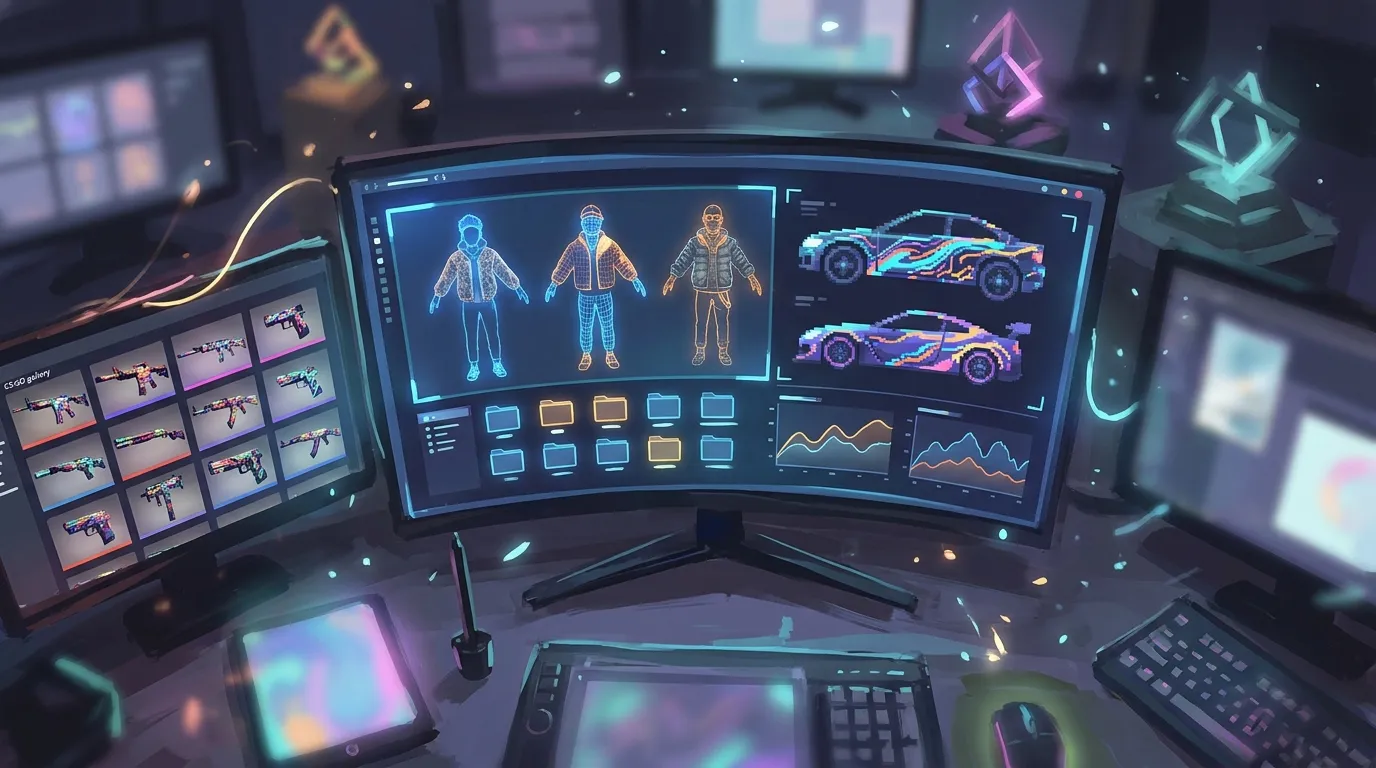
Also, test assets in crowded scenes, not just empty maps. A jacket that looks fine in a solo preview can get expensive fast once twenty players, custom cars, and scripted props are packed into the same area. That difference is huge. For a broader technical view that overlaps with clothing workflows, GTA V Online Clothing Customization for Multiplayer: 2026 Server-Side Integration is a strong next read.
Respect Server Rules, Fair Play, and Compliance
Multiplayer customization is different from unsafe client-side tampering. Smart creators know that. Focus on server-approved content, not risky shortcuts that can create trust issues or cause enforcement problems later on.
For safety, it’s best to treat all cosmetics as managed resources. The server should handle how content gets added, updated, and removed. And gta v customization choices should never give one player a hidden advantage over anyone else.
Common mistakes include:
Skins that hurt fairness
Don’t make outfits hard to spot. Skip odd transparency, deceptive emissive effects, and visuals that mess with shape recognition. In dark areas or busy streets, a skin that hurts readability can feel unfair, even if it looks cool. It isn’t worth it.
Real-world branding without rights
FiveM marketplaces are moving toward ‘unbranded’ and TOS-aware assets, which says a lot about where the industry is going. Usually in a safer direction. Original logos, fictional fashion labels, and designs inspired by real brands often make more sense than direct copies.
No ownership records
Keep source files, export versions and proof of authorship. It matters. When a team works on a project, note who made what. That helps protect the project and makes things easier later if assets are sold, licensed or updated.
Platforms like Alive Games fit into that broader shift. Creators want cleaner pipelines for making and managing custom assets across games, not messy one-off changes.
Use Strong Naming, Versioning, and Team Documentation
A lot of customization problems are really organization issues, not art issues. Even a sharp vehicle wrap or clothing pack can fall apart in production when files get messy.
Use one clear internal system for every asset:
Naming
Add a unique prefix for the project or studio. This helps lower the chance of clashes with other resources.
Versioning
Use clear version numbers like 1.0.0, 1.1.0, and 2.0.0. Make small changes easy for the team to track.
Changelogs
Write down what changed. One sentence per update helps, and later, when a texture bug shows up, the team can quickly trace the source.
Test and live branches
If possible, keep a test server or staging setup first so assets land there before they go live. That gives you room to catch issues, fix them, and only then move everything over. A small step that saves headaches.
For teams building for Roblox, CS2, or other UGC pipelines, that discipline matters even more. The game may change. The rule doesn’t: clean systems scale better than chaotic talent.
Put These Practices Into Your Next GTA V Project
The best multiplayer customization is not just about style. It needs to stay stable, read clearly, feel fair, and still be easy to maintain over time. That’s the real standard for modern gta v customization. If there’s one thing to remember, build for the live server experience instead of making something that only looks good in a screenshot.
Use a modular workflow from the start. When possible, avoid direct base-file edits. Create gta v skins that make roles and identity clear right away. Before release, optimize textures, LODs, and naming so the whole pack is easier to use and keep organized. Make fairness part of the art brief, not something added at the end. Keep your content original, documented, and TOS-aware.
These habits help across many kinds of work, whether someone is making RP uniforms, branded server themes, custom vehicle packs, or clothing templates for a creator marketplace. Different projects, same basics. They also work well in other games with active customization scenes.
Audit one current asset pack. Check readability, performance, folder structure, and compliance risks. Then improve it by following the guide’s process. Fixing small issues now can prevent bigger trouble later. It can also turn average content into multiplayer-ready work that players actually trust and enjoy.