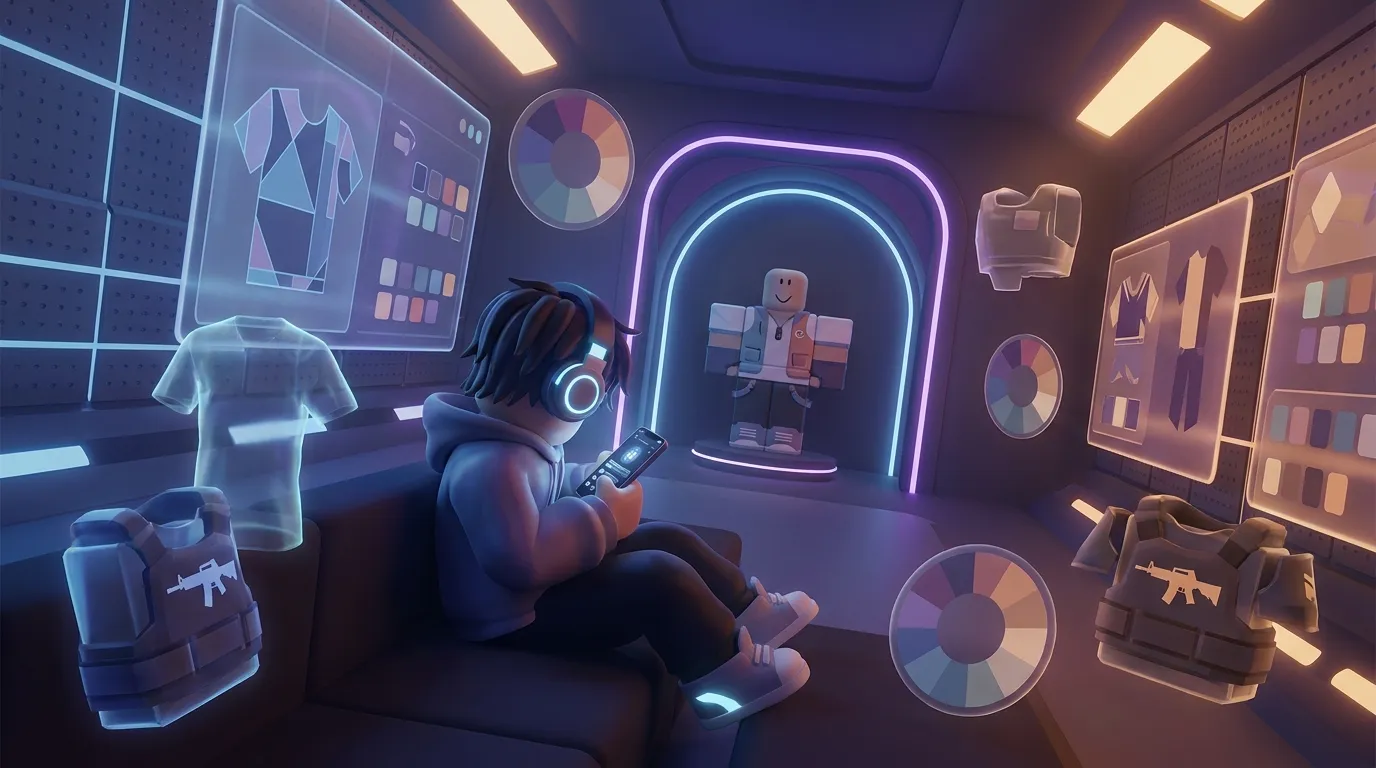
How to Create Roblox Clothes on Mobile
Creating Roblox clothes on your phone is a lot easier now than it was a few years ago. You do not need a full desktop setup just to get started. Whether the goal is to make roblox clothes for an avatar, try outfit ideas for a game, create items to sell later, or just experiment a bit, a mobile workflow can work really well. For many creators, classic shirts and pants are usually the easiest place to start, since they are often the least confusing. The templates are simple, and they are beginner-friendly too.
This guide goes through the full process in plain language. It covers what kinds of clothing can be made on mobile, which apps usually help most, how much uploading costs, and what changed with Roblox rules in 2026. It also explains the difference between a roblox skin creator and a roblox shirt creator, because a lot of people search for both when they actually mean different things. If someone also designs for games like CS2, CS:GO, FiveM, or GTA servers, this mobile-first approach will probably feel familiar. The focus stays on quick drafts, clean templates, fast testing, and trying ideas early, which is often one of the most practical ways to learn. Fast and practical.
Start with the right kind of Roblox clothing to create roblox clothes
The main thing to know is that most people making Roblox clothes on mobile start with classic clothing, not layered clothing. That shapes how the process works. Classic shirts and pants use flat image templates, while layered clothing is more advanced and usually includes 3D work, cages, and UGC systems.
Classic clothing are decals you can apply to a classic character model’s surface.
That line helps show why making clothes on mobile works well for beginners. Instead of creating a full 3D asset, you’re editing a 2D image, which is usually much easier. Because of that, apps like Ibis Paint, Pixlr, and even browser-based editors work fine for a lot of people.
Before you start, it helps to know the basic numbers creators need to use.
| Item or Rule | Value | Why It Matters |
|---|---|---|
| Classic shirt upload cost | 10 Robux | Low starting cost for beginners |
| Minimum sale price shown in tutorials | 5 Robux | Useful for basic pricing plans |
| 2D clothing policy update | March 5, 2026 | Publishing rules became stricter |
| Existing item compliance deadline | March 19, 2026 | Older items had to meet new rules |
If someone is just starting out to create roblox clothes, classic shirts are usually the best place to begin. They make it easier to get going, and in many cases they’re also the simplest way to practice template alignment and basic design ideas. From there, creators can move on to pants, try matching sets, and later explore more advanced avatar items if they want to keep going. And for anyone who wants outfit ideas before drawing, that’s covered here: using a Roblox skin creator for outfit concepts. You can also learn additional design inspiration from How to Create Custom Roblox Skins: Beginner’s Guide.
The easiest mobile workflow step by step to create roblox clothes
A simple workflow can save you a lot of frustration. The nice part is that it often feels pretty easy once you break it into smaller steps, which really helps. It’s usually easier to manage that way.
1. Get a shirt template
You’ll need the classic Roblox shirt template. It shows the front, back, side panels, sleeves, and the top and bottom areas in the right places, kind of like a skin map. If you’ve made a weapon skin or a vehicle wrap before, the setup will probably feel pretty similar.
2. Open the template in a mobile editor
Use a drawing or image app you already enjoy. Keeping it simple is usually the main goal. Lots of creators choose Ibis Paint, Pixlr, or a mobile-friendly web editor, depending on what feels easiest to use on a phone.
If a faster drag-and-drop setup sounds better, platforms like Alive Games can match that same creator mindset and help players and studios build custom game visuals without making the process feel too complicated.
3. Design in layers
Put the base color on one layer, then keep seams and logos on separate ones, since that usually helps. Add shadows or trim on their own layers too when needed. This makes edits much easier.
If the sleeves look off, you can fix just that part. There’s no need to redo the whole design.
4. Export as a clean image
Save the file in a common image format, which is usually the best option, with no random borders or watermarks. Keep the template shape exact, since precision matters a lot here.
5. Upload and test
Upload the image to Roblox, put it on, and test it on your avatar. Most first tries will likely need a few small fixes, which is completely normal when you’re learning.
One helpful beginner habit is to start with one plain shirt, then try one with stripes, nothing too crazy. After that, try a hoodie or jacket style, or even a uniform look. Small steps often help you improve faster without making the whole process feel too overwhelming.
Best mobile tools for a Roblox shirt creator workflow when you create roblox clothes
Not every app feels right for Roblox clothing. Some work well for freehand art, but they can get awkward when you need clean, precise template work. Others are simple to use, though they may also feel a little too limited. The best choice usually depends on how you like to create and how much control you really want.
If detail matters more, a drawing app is often the better choice. It gives you more control for shading, small edits, and custom patterns, especially smaller details. But if speed matters more, a browser-based editor or template tool can make more sense. That is often a better place to start for younger creators, quick ideas, or anyone testing concepts before spending more time. It’s usually the easiest way to begin without making things too complicated.
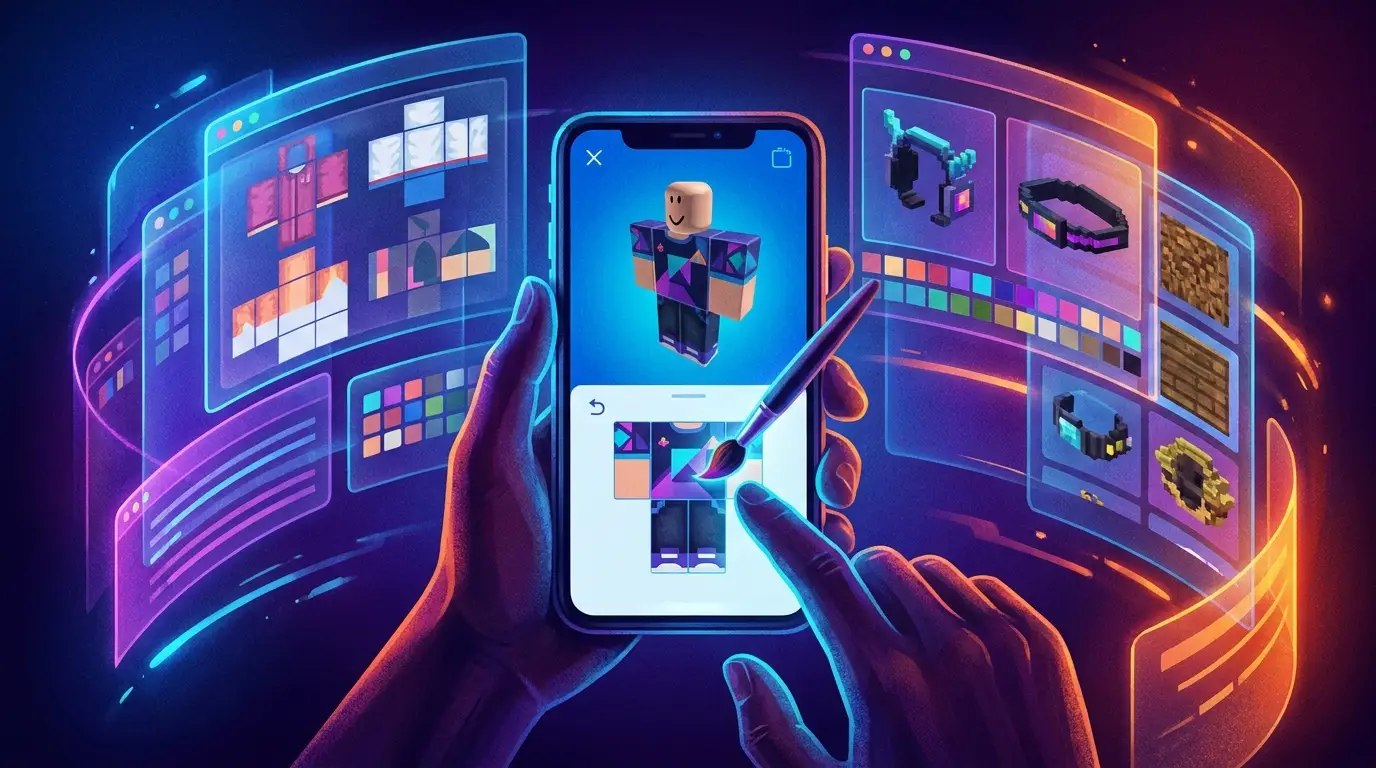
A roblox shirt creator usually stays focused on clothing templates. A roblox skin creator is often broader and may help with full avatar styling, outfit ideas, faces, colors, and matching parts. That helps explain why those search terms overlap so often. A lot of people want a quick way to picture a full look first, then turn that idea into a shirt or even a full outfit set, which is usually very practical.
For many creators, the best mobile setup is this:
| Tool Type | Best For | Main Advantage |
|---|---|---|
| Drawing app | Detailed shirt art | More control over shadows and shapes |
| Browser editor | Fast edits on phone | Easy access with less setup |
| Template guide | Beginners | Helps avoid wrong alignment |
| Outfit concept tool | Style planning | Lets you test ideas before upload |
If you’re new, try not to use too many tools at once. Keeping it simple usually helps. One editor, one template, and a basic test routine are enough to get started. In most cases, that’s all you really need early on. You can also learn a clean beginner process from this Roblox shirt creator workflow for beginners or expand your learning with Roblox Skin Editor Free Options That Actually Work.
Costs, rules, and common mistakes to avoid
A big reason mobile creation is growing is that it usually does not cost much to start. A phone someone already owns and a free editing app are often enough, so the barrier stays pretty low. For classic shirts, the main direct cost is usually just the upload fee.
Uploading your outfit to Roblox costs 10 Robux.
That is why classic clothing is often a good place to begin, especially for younger creators or small teams. It works well as a starting point. Some tutorials also mention a 5 Robux minimum sale price for shirts, which can be useful for testing demand without getting stuck on every small choice. Still, instant income is not something most people should expect. It usually makes more sense to improve the clothing first instead of focusing too much on quick sales.
The bigger issue now is policy. Roblox announced new 2D clothing upload and publishing requirements on March 5, 2026, and existing 2D clothing had to meet those rules by March 19, 2026. So the shirt itself is only one part of the process. Keeping up with publishing rules matters too, because those updates can change what stays uploadable and what can stay live.
Common mistakes include:
Using the wrong template size
Even a strong design can still fall short if the layout is off. Sleeves often cause the biggest issues because they’re tricky, and side panels often do too.
Making tiny spaces too busy
Phone screens are small. Really small. Tiny details may look great in the editor (I think), but they can still look messy on the avatar (when you see it there).
Forgetting test uploads
Seriously, always test. A shirt may look great laid flat, but it can look strange once it’s on the body, and that usually shows quickly.
Confusing classic clothing with layered clothing
These are different product types, and honestly, they’re easy to mix up. A lot of beginners waste time by using the wrong workflow, and that will probably happen here too.
If a solid base helps before designing, this Roblox shirt templates guide can help prevent alignment problems early, which usually saves time. You can also explore related design insights in Free Roblox Customization Guide for New Creators.
Classic clothing vs layered clothing on mobile
This is where a lot of creative players get stuck, and that’s usually pretty normal. Classic clothing is the simpler, template-based option, while layered clothing is part of Roblox’s more advanced avatar system. It gives you more depth and more flexibility later on, but trying to make it with only a phone is often much harder.
According to Mimi_Dev from Roblox Inspire 2024, “The inner cage is used to fit your clothing on top of an avatar and the outer cage is used to fit your clothes … on top of your clothes.” Put simply, layered clothing has real structure instead of only working like a flat texture. In most cases, that’s the main difference. Research also shows Roblox layered clothing uses 1 inner cage and 1 outer cage.
That’s why mobile-only creators should usually start with classic shirts and pants, since that can save a lot of early frustration. They can still learn color, style, branding, and how fit works without getting pulled into 3D production right away. For modders or multiplayer creators coming from FiveM or GTA assets, classic clothing also often works well as a low-friction prototype stage. Layered clothing is much closer to advanced asset production, with more technical setup and more moving parts.
There’s also a business angle here, and it’s probably worth noticing. Roblox has been growing in-experience avatar creation, and the platform has said creators can let users make custom layered clothing and accessories with EditableMesh and EditableImage systems. That’s a big shift. For some in-experience sales, 70% of sales go to the creator or developer after the creation advance is recouped. In that context, custom avatar economies could become a much bigger part of the platform.
Smart design tips for creators who want better results
Good Roblox clothes usually do not stand out because of flashy effects. They work when they look clean, stay easy to read, and fit the avatar shape well. A few simple habits can improve quality fast, which is always a plus, and they also make designs feel more polished overall.
Start with a clear theme. Streetwear, school uniform, tactical gear, racing jacket, anime hoodie, or workwear often does better when people can recognize the idea right away. It really is that simple. Contrast helps too. A dark base with lighter trim, or a bright logo, can make a shirt stand out without making the design feel messy. Matching sets can help too. A shirt often sells better when it feels connected to a bigger style system, with pants, accessories, roleplay use, or even a full character look, and that usually makes a real difference.
This can matter even more for people who design custom assets in other games too. CS2 skin creators and FiveM server owners already know that players like a consistent visual identity, and GTA roleplay communities tend to see the same thing. Roblox works in a very similar way. A clean brand style usually beats random decoration, especially when players can tell that items are meant to go together.
Before publishing, it helps to ask a few questions. Does it read clearly from a distance? Does it fit a role or vibe? And would you actually wear it in-game for more than five minutes? If yes, that usually means the design is going in the right direction.
Now put your mobile design skills to work and create roblox clothes
If you want to create roblox clothes on mobile, the path is usually pretty straightforward. Classic clothing is the easiest place to begin, especially with a shirt template. A good mobile editor, layer-based editing, and a simple loop of upload, test, fix, and try again can get you pretty far. It’s a practical way to work, and over time it’s often enough to build real skill faster than most people expect.
A few key facts matter here. Classic shirts are still the most mobile-friendly option. Uploading a shirt costs 10 Robux. Tutorials also point to a 5 Robux starting price. Roblox changed its 2D clothing publishing rules in 2026 too, so creators need to watch platform requirements and design quality closely, especially before publishing. In practice, that usually means checking the template carefully, reviewing image quality, and making sure the design fits Roblox’s current rules.
It also helps to keep expectations realistic. A roblox shirt creator tool can make the process faster, but it won’t replace taste, testing, or practice. A roblox skin creator can be useful for coming up with ideas, especially early on. Still, strong final clothes usually come from careful edits and clean execution. That’s the part people often underestimate.
The good news is that mobile creation is no longer just a backup option. It’s a real workflow people use. Make one shirt today, then make the next one better tomorrow. That’s how many in-game designers get started, whether they later build for Roblox, CS2, FiveM, or GTA communities. In this view, that’s probably the clearest path for learning on mobile.