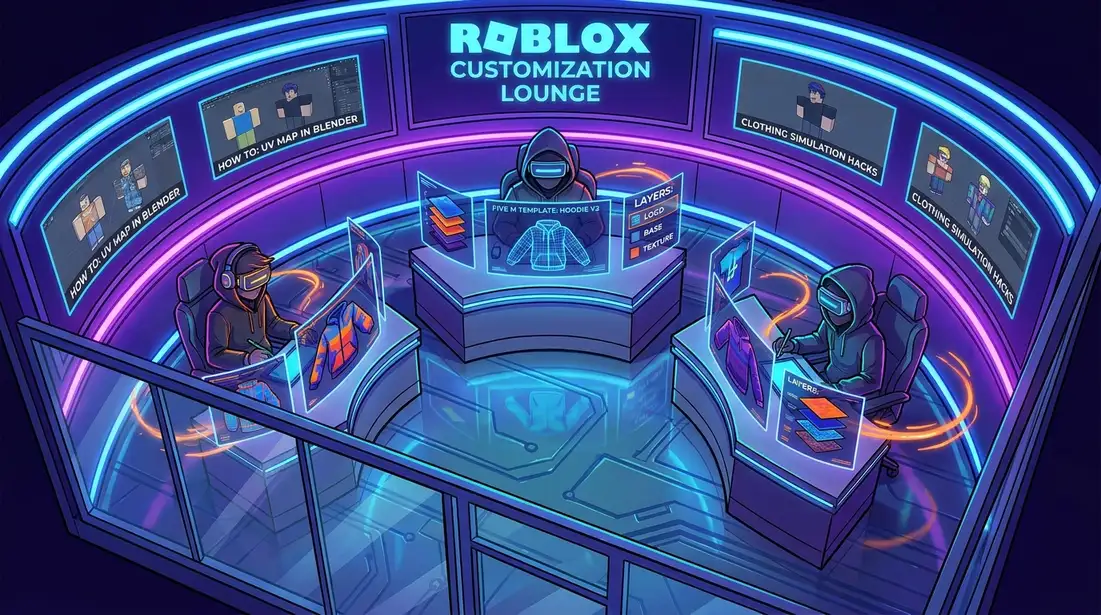
FiveM Clothing Templates for Custom Server Outfits
Custom outfits do much more than just make players look cool. On a FiveM server, clothing can show who a character is, what job they do, and even what kind of world they’re in. A police uniform says one thing. A streetwear set or a branded civilian look says another, and it can shift the feel of roleplay almost right away. That’s why so many developers and modders keep searching for better fivem clothing templates, along with easier ways to build fivem skins that actually work in game.
Good outfit design comes with real challenges. It’s not only about art. Developers also need to think about file structure, slot use, metadata, and server performance, because a great-looking hoodie is not very useful if it clips, breaks another pack, or makes parts turn invisible for players. The small details matter. This guide covers FiveM clothing templates, how they fit into a modern server workflow, which mistakes to avoid, and how custom outfits can help create a stronger server identity. Many of these design habits also carry across platforms if you build for FiveM, Roblox, CS2, CS:GO, or GTA multiplayer projects.
Why FiveM Clothing Templates Matter More Than Ever
FiveM has a huge customization ecosystem, and that matters for anyone making outfit content. Current research points to 200,000+ daily active players, 250,000+ peak concurrent players, 15+ million installs, and 20,000+ active public servers across the wider FiveM scene. SteamDB adds a live snapshot of 80,528 players and an all-time peak of 221,685 for the tracked app page. Those numbers don’t measure clothing templates by themselves, but they make it clear why demand for better custom outfits keeps growing.
| Metric | Value | Why It Matters |
|---|---|---|
| Daily active players | 200,000+ | Large audience for roleplay and custom outfits |
| Peak concurrent players | 250,000+ | High demand during busy server hours |
| Total installs | 15+ million | Long-term creator market potential |
| Active public servers | 20,000+ | Many servers need branded clothing systems |
Clothing serves different needs depending on who’s using it. Server owners rely on it for branding, while developers use it to shape the player experience in ways people notice right away. Modders use it to stand out in a crowded market. That shift shows up in the work too. In the past, many creators stuck with simple replacement packs. Now more of the space is moving toward full outfit systems with streamed assets, metadata setup, and role-specific packs for police, EMS, gangs, businesses, and civilians.
Templates matter because they save time. A strong template gives creators a repeatable layout for jackets, shirts, vests, pants, patches, logos, and color variants, so the process stays organized even as the workload grows. There’s no need to start from scratch every time. Instead, creators can build from a system and move faster. If a broader setup path would help, this FiveM skins customization guide is a useful next read.
Understanding the Building Blocks of a Good FiveM Clothing Template
A lot of people think fivem clothing templates are just flat image files. Fair enough. They matter, but they’re only one part of the job. In practice, the template is the visual base for designing a clothing item so it fits cleanly onto the in-game model, not just the image itself. That can include UV layout planning, texture placement, color zones, trim areas, and version control for male and female models.
A solid workflow starts with these steps:
Start with the role and use case
Don’t design random pieces first. Figure out if the outfit is for law enforcement, street fashion, racing teams, branded businesses, or civilian roleplay, because a clear purpose makes the next design choices a lot easier.
Build on a repeatable structure
Use layers for base fabric, stitching, shadows, decals, dirt, and patches. This makes quick edits easier. When players ask for rank changes, team colors, or event versions, those layers help a lot too.
Match the clothing slot correctly
A lot of outfit problems happen when creators forget how clothing pieces fit model slots. It’s easy to miss. When making a template, keep the final slot in mind, not just the art.
Prepare variants early
Don’t make one shirt at a time. Put together a full set of designs instead. Start with one clean base, then make ten versions with different logos, sleeves, color accents, or department tags.
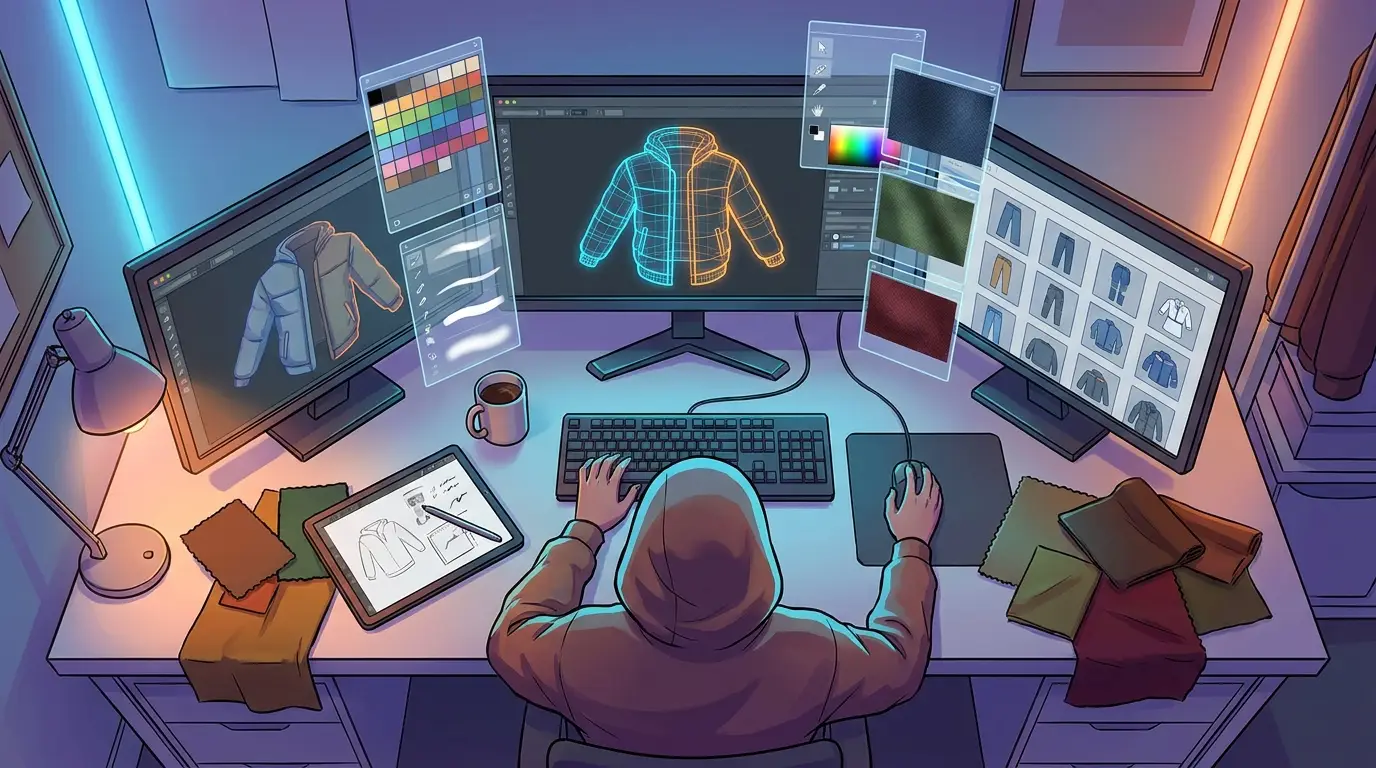
Creators from other games have a real advantage here. If they’ve made Roblox clothing templates or CS2 skins before, they already understand visual consistency and surface planning. That still carries over. In FiveM, the main difference is the deeper technical link between the art, the model structure, and the server setup.
For a more direct build process, creators can also check How to create FiveM Clothing with Alive Studio, which ties the creative side to a workflow they can use. Additionally, comparing with Roblox Layered Clothing Templates: How to Design Jackets, Hoodies, and Outerwear can help understand template consistency across platforms.
How to Build FiveM Skins and Clothing Templates Without Breaking Your Server
Once the design is ready, the real test begins. A great-looking item still has to work on a live server. In recent FiveM implementation guides, custom clothing now follows a more organized pipeline, with streamed files, resource folders, fxmanifest.lua, metadata registration, and careful control of slot conflicts.
1. Organize your resource folders
Keep outfits grouped by type or department. Put police uniforms in one resource and civilian streetwear in another. A simple split makes updates safer and makes debugging easier if something goes wrong.
2. Stream files correctly
If files aren’t streamed in the right structure, the game might not show the item at all or might load the wrong texture instead. A lot of invisible clothing issues start here.
3. Register metadata carefully
Custom assets often need the right metadata so the server can read and display them properly. If registration is sloppy or missing, menus can break. Variations may disappear.
4. Test slot conflicts
If two packs use the same component space, you can get clipping, mix-ups, or outfit corruption. Test them with your full server stack, not just by themselves.
5. Optimize texture size
Big textures can look sharp, but they can also slow load times and hurt performance. Aim for a good balance between detail and speed.
One common mistake is treating every new clothing pack as its own one-off upload. That works on small hobby servers, but it breaks down fast. For long-term stability, set up naming rules, version folders, and changelogs from the start.
Common Problems With FiveM Clothing Templates and How to Avoid Them
A lot of outfit problems can be avoided. Many creators lose hours fixing bugs caused by a rushed template or poor testing early on. If you want your fivem skins to feel polished, these are some of the biggest trouble spots.
Start by avoiding overdesigned textures. Heavy detail might look amazing in Photoshop, but once it’s in game it can turn muddy fast, especially on darker fabrics or characters moving at speed. Keep contrast clear. Make shapes easy to read.
Pay close attention to male and female model differences too. A logo that looks perfectly centered on one body type can stretch, shift, or sit strangely on another. Test both models if the server supports both. It’s a small detail with a big impact.
Check for clipping between tops, chains, bags, armor, and hair. Players combine items in ways designers don’t always expect, and that’s often where problems show up. Templates need enough flexibility to work well in real use.
Keep branding clean as well. Server identity matters, but too many badges, oversized prints, or loud accents can make an outfit feel cheap instead of sharp. The best packs tend to stick to one strong visual idea.
Remember the wider economy of your server too. Clothing should support gameplay, not just look good in screenshots. Police uniforms should show rank. EMS gear should be readable at a glance. Gang colors need to stay distinct without causing confusion. Business outfits should match the mood of the district or map area.
The same idea shows up in other games too. If your team also works across GTA and related multiplayer worlds, GTA V Online clothing customization gives a useful comparison for how outfit systems support immersion. Moreover, developers can explore How to create skins for FiveM GTA V with Alive Skins for deeper insight into texture workflows.
Trends Shaping Custom Server Outfits and FiveM Clothing Templates in 2026
The FiveM clothing space is maturing. The big shift isn’t just about having more skins anymore. Server owners want better systems, with full outfit pipelines that cover job roles, branded identity, clean updates, and fewer conflicts.
Governance is becoming a bigger part of the space too. Based on current platform policy signals from Rockstar and Cfx.re, creator monetization and virtual item practices will likely face tighter oversight over time. That is worth watching. Creators should think carefully about licensing, resale rules, branded content, and how premium bundles are offered.
Rockstar’s growing interest in creator-platform tools points to a future where user-generated content still matters a lot. That is good news for artists and modders. It also means competition will get tougher. As more creators move into the space, organized, editable, and performance-friendly templates are more likely to hold up.
For creative teams, the lesson is simple: don’t just sell or share a texture. Share a usable system. Outfit packs that help a server manage identity, updates, and player choice will become more valuable as expectations continue to rise.
A Practical Workflow for Teams, Freelancers, and Server Owners
If a process needs to work, keep it simple and easy to repeat. Start with a small outfit library, not a giant pack. Build one solid uniform set, one civilian set, and one premium or event set, then test each one fully before adding anything else.
Use a checklist for every release:
Design checklist
Template alignment, clear details, color balance, and fit.
Technical checklist
Right stream path, clean manifest setup, metadata registration, and tested slots.
Gameplay checklist
The outfit should fit the server role, world style, and what players expect.
Business checklist
Make sure clear rights cover all graphics, logos, and visual elements used.
Platforms like Alive Games fit well in this workflow because creators need quicker ways to prototype, edit, and grow custom assets across games, not just in FiveM. That matters even more for studios and modders building for Roblox, CS2, or GTA experiences too, where that cross-game skill set is really useful. Similarly, reading Top Tools for Game Asset Design in 2026: Software for Skins, Clothing, and Decals provides additional insight into the tools that streamline development.
Now It Is Your Turn
The best fivem clothing templates do two jobs at once: they make outfits look better and make server management a lot easier. That’s the sweet spot. A useful template helps teams build faster, keep branding consistent, avoid conflicts, and support the kind of roleplay players actually want to see.
If only a few ideas from this guide stick, start with server identity. Then build with repeatable layers. Simple. Respect clothing slots. Test across real player setups, not just one clean setup on a single machine. Optimize for visuals and performance. Keep an eye on changing platform rules too, because monetization and asset distribution are getting more structured.
FiveM is still one of the biggest GTA modding ecosystems, so there’s real room for smart creators who think past one-off uploads. Some design uniforms for a serious RP server. Others make streetwear for a custom city or full branded packs for a community project. Better systems beat random uploads every time. Treat the next outfit pack like a product, not just a texture, and players will notice.