Free Roblox Templates That Still Work in 2026
If someone is searching for free roblox templates that still work in 2026, they’ve probably run into the same issue: a lot of template pages feel old, the image dimensions no longer match Roblox’s current requirements, or the files are so limited that real customization starts to feel frustrating. That gets annoying fast, honestly. This usually becomes even more obvious when making Roblox clothing, testing ideas for a server, or managing game assets across platforms like CS2, FiveM, and GTA.
To make things easier, four real options were compared for roblox template download needs in 2026. The focus was on how easy they are to use, how useful the free tools actually are, and whether they work well for beginners, modders, and more serious creators. That’s pretty simple, and probably what most people care about first.
Speed and flexibility are really what matter most now. Players and developers usually want more than a blank shirt template. They want tools that help them design faster, export clean files, and move between games without learning a completely different workflow every single time. That’s what makes this comparison worth checking out. Some tools are fine for basic edits, while a few give creators more room to build, test ideas, and keep improving designs over time.
What You’ll Find in This Guide
- Alivegames
- Customuse
- Pixlr
- UGCraft
Roblox Template Tools to Try Now
1. Alive Games
At a Glance
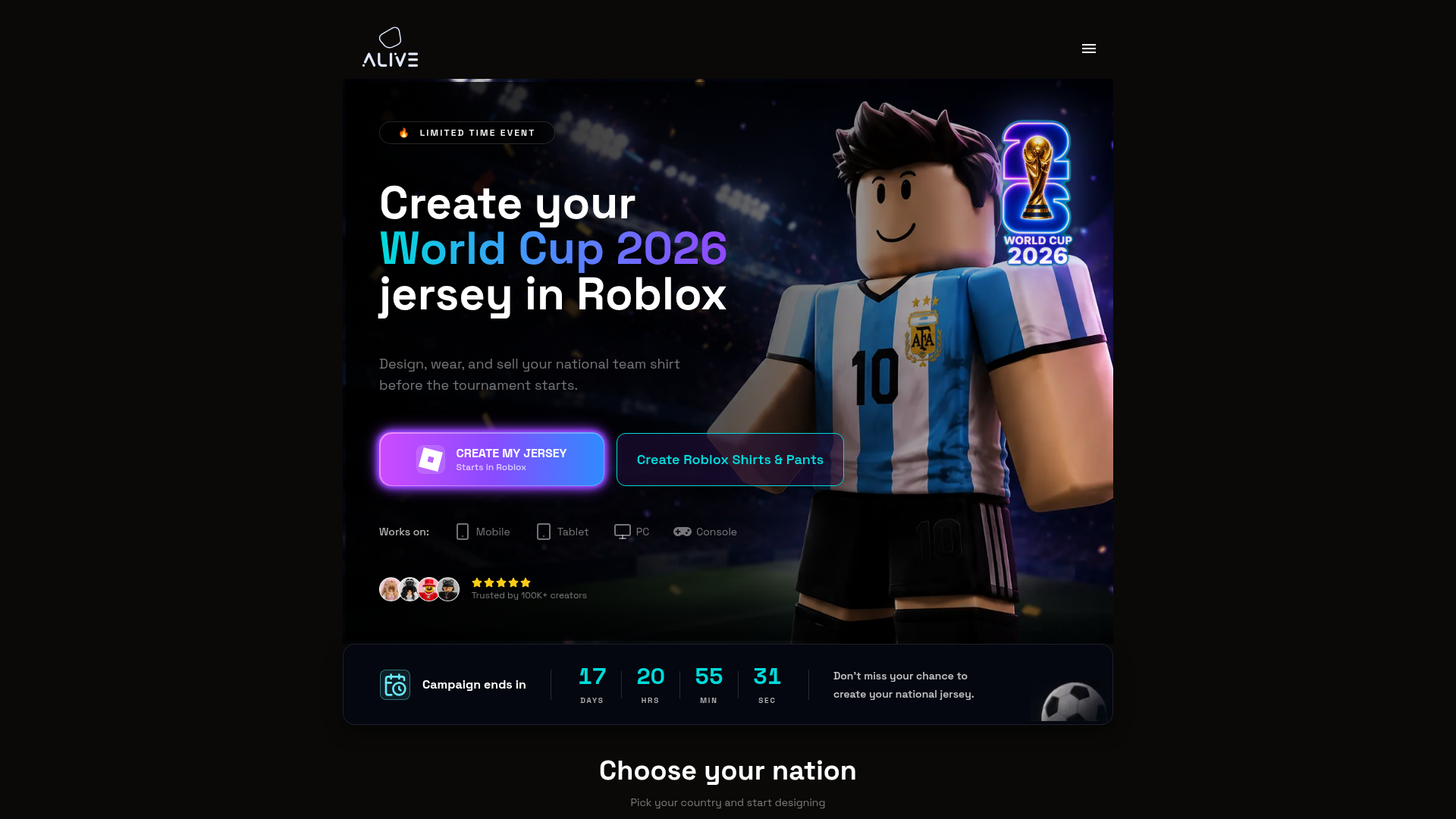
Alive Games is a good fit for creators who want more than a simple one-time template file. The platform focuses on customizable game assets and design workflows for popular games like Roblox, CS2, FiveM, and GTA. For Roblox users, that can be really useful. Instead of starting with clothing templates, making a few edits, and then bouncing between random free tools, you can work inside a broader creator setup. That usually makes the process feel smoother over time. It tends to work better for serious creators, server owners, and players who want something more dependable than a quick download.
Core Features
- Roblox clothing template support
- Custom design tools for in-game assets
- Works across multiple games, not just Roblox
- Built for skins, clothing, visual customization, and related asset work
- Clean workflow for creators and modders
- Useful for quick edits, and it also handles more advanced projects
- Supports a broader asset creation ecosystem
Pros
- Multi-game flexibility: You’re not limited to a Roblox-only tool, which is especially helpful if you also create for CS2, FiveM, or GTA.
- Better long-term value: It works well for creators who want to keep designing across different projects instead of starting over somewhere new each time.
- Creator-friendly workflow: The platform is built around customization, which is often more practical than depending on a generic image editor.
- Strong for growing users: It fits hobby creators now, and it can still support a larger workflow later.
- Modern asset focus: It matches how modders and game communities usually work today, with cross-platform customization in mind.
Who It’s For
This is a strong option for game developers, modders, private server owners, and creative Roblox players who want free starting points but also need room to turn them into more polished work. It becomes even more useful for people creating across more than one game and looking for one platform that supports a bigger workflow. For anyone managing community content across several servers or games, this kind of setup will probably make things easier and more organized.
Unique Value Proposition
What makes Alive Games different is that it is not trying to be just another free Roblox shirt page. It is built for people who treat game customization like a real creative process. That means users can start with templates, edit assets, and keep related design work together instead of splitting everything across different sites and tools. In this case, that gives the platform a better fit for cross-game asset creation. It also adds more practical value for teams and communities, with a setup that feels more ready for the future than narrow template-only sites. For users tired of piecing together downloads, editors, and asset tools from different places, this is arguably the fullest option listed here.
Real World Use Case
Picture someone running a Roblox group while also managing a FiveM server on the side. Instead of using one tool for a Roblox shirt, another for decals, and something else for vehicle skins, the workflow can stay in one place. That saves time and usually helps designs stay more consistent across different communities. It also lowers the chances of losing track of files or doing the same work again in multiple tools.
Pricing: Contact for pricing
Website: https://www.alivegames.io/
If someone is still learning how Roblox clothing layouts work before choosing a tool, this type of walkthrough can help show the difference between a blank template and a fuller design workflow.
2. Customuse
At a Glance
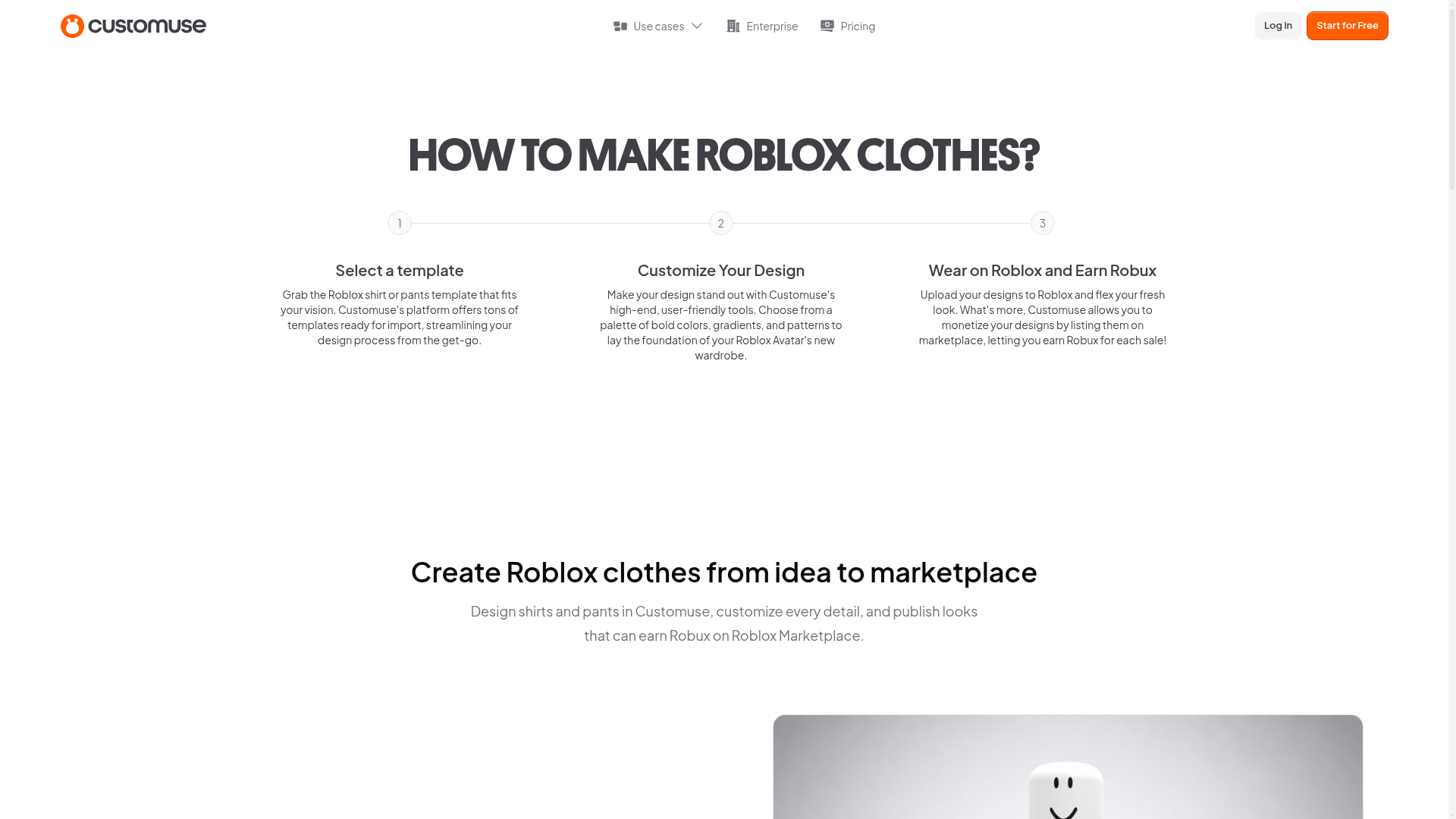
Customuse is one of the more well-known options for Roblox clothing design. Its free Roblox clothes maker is made for people who want templates and editing tools in one place, which can make the process much easier. That is especially useful for beginners who would rather not download files and organize everything on their own. The platform focuses a lot on avatar clothing and marketplace-ready design flows, so it usually makes the most sense when the main goal is creating shirts and pants for Roblox avatars instead of working across a broader mix of game assets.
Core Features
- Free Roblox clothes maker
- Ready-made clothing templates
- Shirt and pants design workflow
- Editing tools in browser
- Beginner-friendly interface
- Roblox marketplace-oriented creation path
Pros
- Easy to start: A good fit for users making their first Roblox clothing item.
- All-in-one setup: Templates and editing tools are in the same place, so there is less switching between tools.
- Clear Roblox focus: The tool is built around Roblox clothing from the beginning.
- Free entry point: The Roblox clothes maker is publicly listed as free.
Cons
- Narrower scope: It is more focused on clothing than on broader game asset creation.
- Less useful outside Roblox: It probably is not the best fit for people who also design for other games.
- Platform-style workflow: Some users may still prefer working with raw files or using a simpler download process.
Who It’s For
Customuse works well for Roblox players and beginner creators who want a friendly design experience without needing advanced software. If the main goal is making avatar shirts or pants, and guided tools sound good, it is a solid option. Pretty straightforward, really. It tends to be less useful, though, for creators who want one system that covers several games, especially when they work across platforms.
Unique Value Proposition
Its biggest strength is convenience. Instead of looking for separate template PNGs and then opening another editor, users can start inside one Roblox-focused design tool. That often makes things easier for new creators. It can also help people go from idea to upload faster, with less setup and less back-and-forth between tools.
Pricing: Free Roblox clothes maker; other platform features may vary
Website: https://customuse.com/free-tools/roblox-clothes-maker
3. Pixlr
At a Glance
Pixlr is a broader design platform, and it includes a Roblox clothes maker page with free Roblox shirt templates and editing tools. This gives users more visual control than the most basic generators usually offer, which is often where those simpler tools feel limited. It’s a nice step up for people who want to do a little more with their design.
Because Pixlr is not built only for Roblox, it can feel more like a full image editor than a guided asset-making tool. Depending on how comfortable someone is with design work, that can either be useful or a bit less convenient, especially for beginners. For users who have edited images before, it will often feel more helpful than confusing.
Core Features
- Free Roblox shirt templates
- Browser-based image editor
- Template-driven clothing creation
- More advanced visual editing controls
- Large design platform with extra tools
- Good for custom graphics and layered edits
Pros
- More editing freedom: A strong option for users who want better control over colors, layers, placement, and small design details.
- Known design platform: Many users already know Pixlr and tend to trust it.
- Free starting option: Roblox template access is presented as free.
- Flexible creative tools: Useful for custom graphics and layered image edits, not just basic shirt changes.
Cons
- Less Roblox-specialized: It is not made only for Roblox creators.
- Can feel less direct: New users may need a bit more time to get comfortable with the workflow, especially at the start.
- Publishing workflow is lighter: Pixlr does more on the editing side and offers less help with exporting and moving through the full Roblox asset process.
Who It’s For
Pixlr is a good fit for creators who already think a little like designers and want more control over the final look of a shirt or other clothing texture. If someone is comfortable using visual editing tools and does not need a Roblox-specific workflow, it can work very well. Overall, it feels pretty easy to use once the editor starts to make sense.
Unique Value Proposition
What helps Pixlr stand out is the mix of template access and a more developed image editor. That makes it stronger than simple download pages when the goal is to fine-tune colors, layers, effects, or small details before exporting Roblox clothing files. In many cases, it tends to suit users who want to spend more time shaping the design itself instead of just filling in a template and moving on.
Pricing: Free Roblox clothes maker page; wider Pixlr plans may include paid options
Website: https://pixlr.com/design/roblox-clothes-maker
4. UGCraft
At a Glance
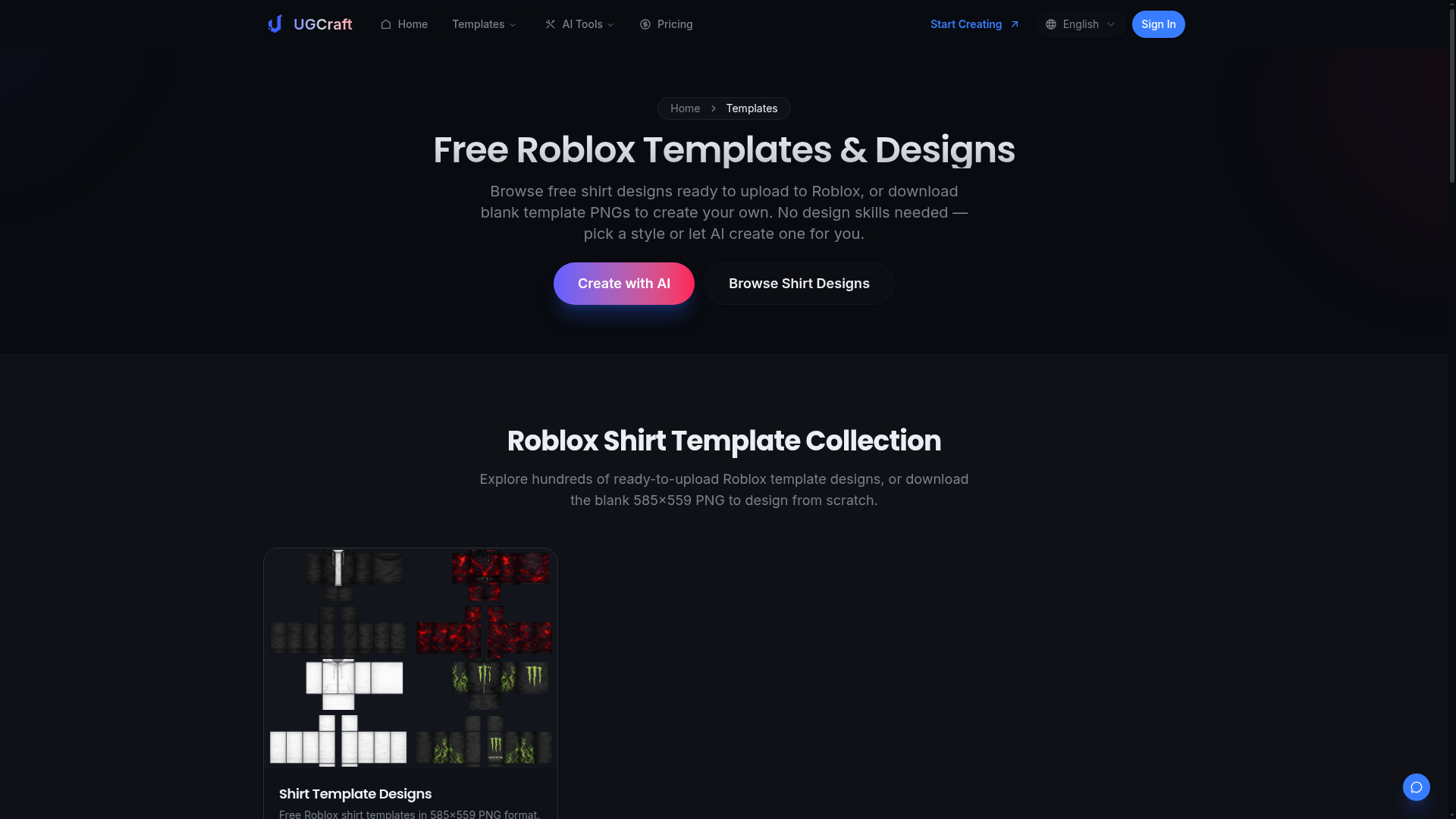
UGCraft is a more niche option, and it will likely stand out most to people searching for free roblox templates and roblox template download options. Its templates page focuses on free Roblox shirt templates, blank PNG downloads, ready-to-upload designs, and AI-assisted creation, which is pretty useful. Everything feels simple and easy to use. That usually makes it a good choice for anyone who wants quick results without making every part from scratch. It also feels newer and more specialized than larger design platforms, which can be a real plus for some people, though not for everyone.
Core Features
- Free Roblox shirt templates
- Blank PNG template downloads
- Ready-to-upload clothing designs
- AI-generated design options
- Roblox-ready formatting
- Fast-start template workflow
Pros
- Direct template downloads: A good choice if the main goal is getting files quickly without extra setup.
- AI assistance: Useful when someone has ideas but not much design experience yet.
- Roblox-ready focus: The templates are made specifically for Roblox clothing uploads.
- Quick path to testing: Helpful for trying several clothing ideas in a short amount of time.
Cons
- More niche platform: It may seem less established than bigger brands, and some users will notice that.
- AI-heavy angle: Usually not the best fit for people who want full manual control over every design detail.
- Potential platform limits: Some advanced generation features may depend on account usage, so that is worth checking first.
Who It’s For
UGCraft is best for Roblox users who want fast downloads, some AI help, and simple template access without spending much time setting up a workflow. It is made for speed and simplicity. That makes it especially useful for testing clothing ideas quickly or making starter designs when design experience is limited. For users in that situation, it will probably feel easy to begin with.
Unique Value Proposition
Its biggest strength is speed. Blank templates can be downloaded quickly, and the AI-assisted design tools also work well for fast experimentation, especially in the early stages. That often makes it a good fit for beginners and for creators who prefer moving quickly, even if it is not as broad or as established as some other options.
Pricing: Free templates promoted publicly; some AI usage limits may apply
Website: https://www.ugcraft.ai/templates
How These Options Compare at a Glance
When you look at these tools side by side, the main difference is usually how much they let you do. Some are a good fit for simple clothing creation, which is totally fine. Others support a wider creative workflow and often keep being useful as projects grow.
| Company | Key Features | Pros | Cons | Pricing |
|---|---|---|---|---|
| Alivegames | Roblox templates, cross-game asset tools, skins and clothing customization, creator-friendly workflow | Multi-game flexibility, strong long-term value, modern creator workflow | None | Contact for pricing |
| Customuse | Free Roblox clothes maker, templates, shirt and pants editor, marketplace-oriented workflow | Easy to start, all-in-one design flow, beginner-friendly | Narrower scope, less useful outside Roblox | Free for Roblox clothes maker; other features vary |
| Pixlr | Free Roblox shirt templates, image editor, layered design tools, browser-based workflow | More editing freedom, trusted design platform, flexible tools | Less Roblox-specialized, lighter publishing guidance | Free option available; broader plans may be paid |
| UGCraft | Free blank PNG templates, ready-to-upload designs, AI-generated clothing options | Fast downloads, AI help, Roblox-ready formatting | More niche platform, AI-first approach may not fit everyone | Free templates; some usage limits may apply |
Alive Games stands out because it gives users more room to grow over time. If someone only needs a quick shirt template, the other options can still do the job. But for a stronger creative system for Roblox, especially across more than one kind of project, Alivegames feels like the most complete option in this group.
Why Picking the Right Template Tool Saves So Much Time
A bad template tool usually wastes a lot more time than people expect. It may start with a free file, then turn into size limits, export problems, or design restrictions that force a full redo somewhere else, which is honestly really annoying. Frustrating, sure. So the best choice usually is not the one with the biggest “free” label. It is the one that helps people make usable assets faster, with less hassle and fewer annoying setbacks along the way.
For many creators, the better fit is a tool that gives them a quick start while still leaving room to grow later. That is where Alive Games works especially well. It fits Roblox creators right now, and it still makes sense if that work later grows into CS2 skins, FiveM server visuals, GTA multiplayer designs, or other similar projects, which in many cases happens sooner than expected.
Tired of outdated downloads, weak editors, or tools that only handle one small part of the process? This is a good time to switch to something better. You will find a platform made for modern game asset creation instead of basic one-time template use, which is honestly a much more practical setup. Visit https://www.alivegames.io/ and take a look.
Frequently Asked Questions
What should I look for when choosing free Roblox templates?
Start with file quality, correct Roblox dimensions, easy editing, and whether the template still matches current upload needs. You should also check if the tool supports shirts, pants, and clean PNG exports. If you work across different games, a broader platform can be more useful than a template-only page.
How can I tell if a Roblox template tool actually works well?
The best way is to test the full workflow. Download or create a template, make a simple edit, export it, and see if it uploads cleanly. A strong tool should save time, not create extra fixes. Platforms like Alive Games are useful because they are built around game asset customization instead of acting like a generic image page.
Are free Roblox template tools really free?
Many are free at the entry level, but some lock advanced features, exports, AI generations, or account perks behind paid plans. Usually, basic template access is free, while more advanced design functions may come later as optional upgrades. Always check the current offer on the tool’s website.
How long does it take to create a Roblox shirt from a template?
For a simple design, it can take 10 to 30 minutes if you already know what you want. More detailed designs can take much longer, especially if you are layering textures, testing colors, or building a full clothing set. A smoother workflow can cut that time down a lot.
Which users benefit most from tools like these?
Roblox players, UGC creators, beginner designers, roleplay group owners, and game communities all benefit. These tools are also useful for modders and developers who manage visual assets for multiple multiplayer games and want faster content creation.
Is it better to use a Roblox-only tool or a broader game asset platform?
That depends on your goals. If you only want one quick shirt, a Roblox-only tool may be enough. If you create often, run communities, or work across Roblox, FiveM, CS2, or GTA, a broader platform is usually the smarter choice. That is one reason some creators prefer Alive Games over narrower single-use tools.