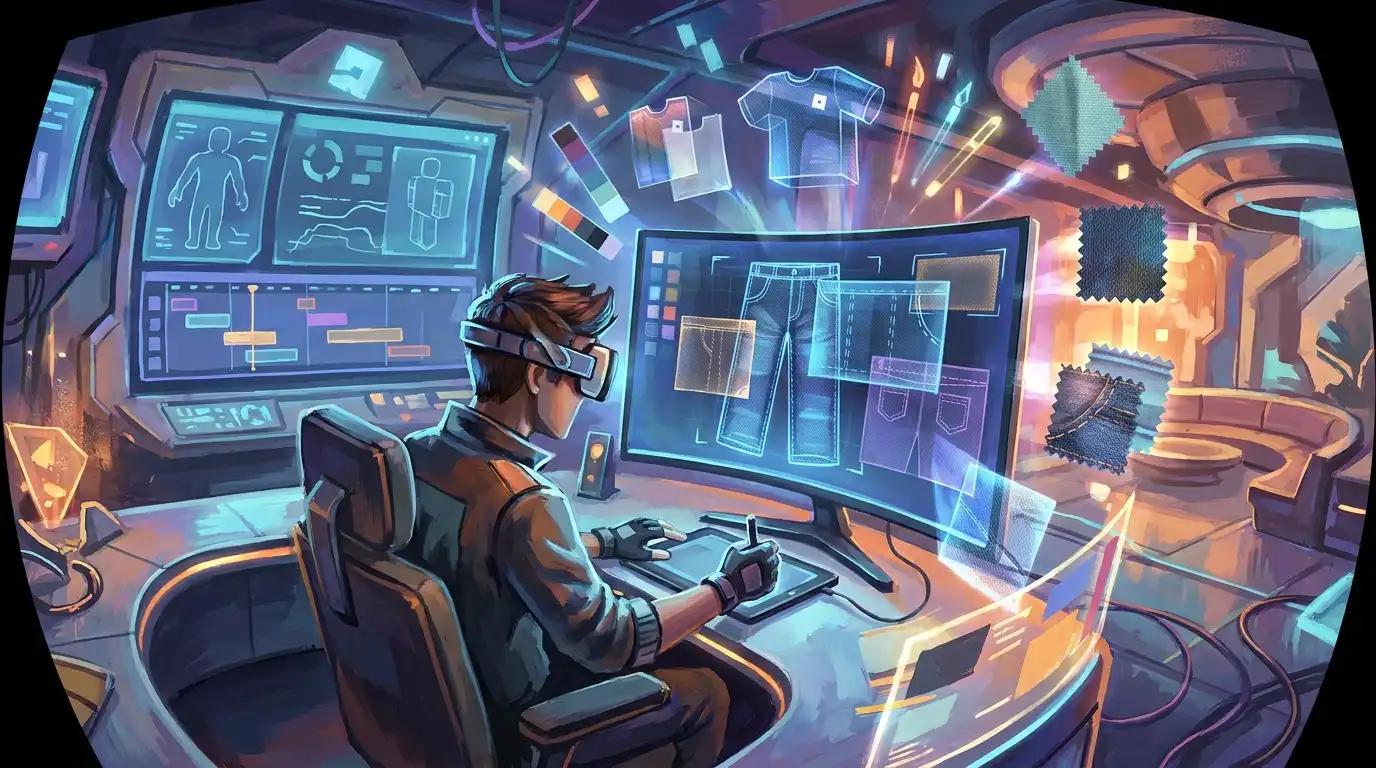
roblox pants template Changes for 2026
If you’ve been hearing talk about major Roblox pants template changes, here’s the simple version first: there’s no clear sign of one big official template overhaul. The bigger change has been in the workflow around it, and that often matters just as much. Creators can’t just draw on a flat file and upload it anymore. That means cleaner layout habits, better category choices, better testing, and a faster way to adjust when Roblox updates nearby systems, which happens pretty often.
For game developers, modders, and creative players, this will probably sound familiar. If someone has worked on CS2 skins, CS:GO finishes, FiveM uniforms, or GTA multiplayer outfits, they already know a template usually doesn’t change on its own. The real shift often happens in the pipeline around it. Roblox is pretty similar here. The classic pants format still matters, but preparing it, publishing it, and scaling it all need to be tighter and a little more organized.
This guide explains how to adjust a Roblox pants template workflow without panicking. It breaks down what changed, how to rebuild a file setup, how to avoid publishing mistakes, how to test for catalog-ready results, and how to turn one pants concept into a smarter cross-game customization workflow. In practice, that usually means using the same idea across different game-style outfit systems in a more consistent way, which saves time.
What Actually Changed for roblox pants template Creators
The biggest change isn’t some massive redraw of the template, at least not really. What changed more is the broader creator environment around classic clothing. Roblox still treats classic pants as a 2D clothing asset that wraps around the torso and legs, so the basic format hasn’t gone anywhere.
What makes adapting matter more now is the scale and the competition around it. In 2025, Roblox said it had 127 million average daily active users. In Q3 2025, that number climbed to 151.5 million. Roblox also reported more than 274 million daily avatar updates and more than 50 million daily searches in 2025. Those are big numbers.
| Metric | Value | Period |
|---|---|---|
| Average daily active users | 127M | 2025 |
| Average daily active users | 151.5M | Q3 2025 |
| Daily avatar updates | 274M+ | 2025 |
| Daily searches | 50M+ | 2025 |
What those numbers usually show is something pretty simple. The Roblox pants template is still useful, but lower-quality work gets buried much faster now. So the first real adjustment is more of a mindset shift. Instead of waiting for some major template event, it makes more sense to treat pants creation like a live content pipeline. That means updating, checking, and improving your work regularly as avatar trends, search behavior, and competition keep changing. If you need a refresher on panel structure before optimizing, review Roblox Clothes Template Sizes and Layout Tips. You can also compare newer workflow changes in Roblox Outfit Template Updates: 2026 Policy Changes. That makes it easier to match the file layout to what shows up in-game on the torso and legs.
Rebuild Your roblox pants template Workflow Around Stable Rules
A good workflow usually starts with the parts that stay the same. Roblox still supports classic clothing, and classic pants still use the template-based image workflow. That makes repeatable file prep a better place to focus than guesswork.
A practical way to do it is to begin with a master source file rather than an exported PNG. Put each part on its own layer: the waistband, front thigh shading, back leg folds, inner seam detail, side accents, and pocket elements. Good names help a lot, and plain labels can save time when Roblox changes upload rules, category labels, or how asset review works around the template.
Then make four versions of every design. In most cases, that will give cleaner testing, easier edits, and a more reliable way to compare changes before upload.
A clean base version
This is the safest file. There are no extra distress marks or small decals. There’s also no heavy texture noise. Start with it, then check alignment first.
A detailed version
Add stitches, wrinkles, washes, or tactical seams. This usually helps show how much texture still shows up in-game.
A test contrast version
Push the shadows and highlights a little harder than usual. Doing that makes it easier to spot where the Roblox pants template starts losing detail or turning muddy on the avatar. A lot of the time, you’ll notice it first around the legs, seams, or folds.
You’ll see that same habit in skin design for shooters and multiplayer servers, and it works here too. Don’t just build one file and hope it works out. Make a few controlled versions and compare them side by side. It’s a much easier way to see changes in contrast, texture, and readability.
Allow advertising and social cookies to watch embedded videos.
It also helps to keep classic pants and layered clothing separate on the planning board. They go through different production paths, and if you mix them too early, design choices get harder to sort out. Before painting, start with a body-first workflow like the one in Roblox Avatar Template Guide for Better Outfit Planning. You can also review Free Roblox Templates That Still Work in 2026 for backup layouts and starter files. That makes the silhouette and outfit balance on the avatar easier to read before the detail work starts.
Design for Category Accuracy, Search, and Testing
A lot of creators still act like the job is done once the texture looks good in the editor. It really isn’t. These days, publishing success probably hinges as much on whether the asset matches the marketplace setup as on how good it looks on its own.
Roblox breaks clothing into clearer categories, and pants go under bottoms. That sounds straightforward enough, but fit is the real problem. The art, the name, and what the listing is trying to sell all need to line up. If the file reads as tactical cargo pants, the title, tags, and preview styling should back up that specific use. If the design looks like ripped jeans, listing it only as formalwear just adds friction. In most cases, both players and search systems respond better when the visuals and the listing are saying the same thing.
That matters more now because Roblox has a growing creator economy. By the end of 2025, 35,500+ creators had qualified and registered for DevEx, and more than 23,500 developers and creators were paid through DevEx in 2025. So competition for player attention is higher, and there’s usually less room for vague or unfocused listings.
| Creator economy metric | Value | Period |
|---|---|---|
| DevEx-qualified creators | 35,500+ | End of 2025 |
| Creators paid through DevEx | 23,500+ | 2025 |
| New DevEx joiners | 10,500+ | 2025 |
| DevEx payout rate | $0.0038 per earned Robux | Effective Sept. 5, 2025 |
One common mistake is putting too much detail into the lower leg panels. Small marks often blur, especially on darker styles. Another issue tends to show up around the waist and upper leg transition, where a lot of pants designs start to look flat or broken. Front and back shading can also end up feeling too similar, which weakens the sense of shape.
Test your uploads across avatar types
A practical test loop usually works better. Start by uploading a neutral version and viewing it across different avatar body types. You’ll also want to inspect the side seam and compare how the same file reads next to shirts and jackets. If the pants only look good on their own, they’re not finished yet.
The real test is whether they still read clearly when paired with other items. For ideas on building visual identity with patterns instead of just adding more texture noise, we covered this here: How to Use Roblox Templates with Custom Patterns. You can also compare matching tops in the Roblox Military Shirt Templates Guide.
Think Like a Multi-Game Asset Creator
This is often where broader game modding experience starts to pay off. Roblox pants are still 2D avatar clothing, but creators usually approach them the same way they approach cosmetics in other multiplayer games.
In CS2 or CS:GO, it becomes obvious pretty fast that finish style affects how color, wear, and fine details read when a player is in motion. In FiveM or GTA multiplayer, outfits usually have to fit a server’s tone, stay within performance limits, and still give a character a clear roleplay identity. Roblox classic pants follow that same general idea.
So it makes sense to build one shared asset board across projects. Keeping denim palettes, camo patterns, stitch brushes, dirt overlays, and trim ideas together saves a lot of repeated work. Then you can tweak those pieces for each platform instead of rebuilding them from scratch every single time. Tools from Alive Games work well with this workflow because creators moving between Roblox, shooter skins, and GTA-style multiplayer often need quicker mockups and cleaner variations.
A quick example makes this clearer: one streetwear concept can turn into classic Roblox jeans, a FiveM civilian outfit texture, or a GTA multiplayer clothing variant if the motif, color, and material treatment are split apart early. That usually works better than treating every platform like a completely separate job. If you want more inspiration for denim layouts and styles, check out Roblox Jeans Design Ideas That Actually Look Good.
Build for Speed Without Losing Quality
Fast iteration matters even more now because Roblox-style behavior changes so quickly. In research released in December 2025, Roblox shared that 70% of surveyed Gen Z users had worn branded virtual apparel and 88% used digital fashion to preview clothing before buying physical apparel. That gives a pretty clear picture of how seriously users take avatar style.
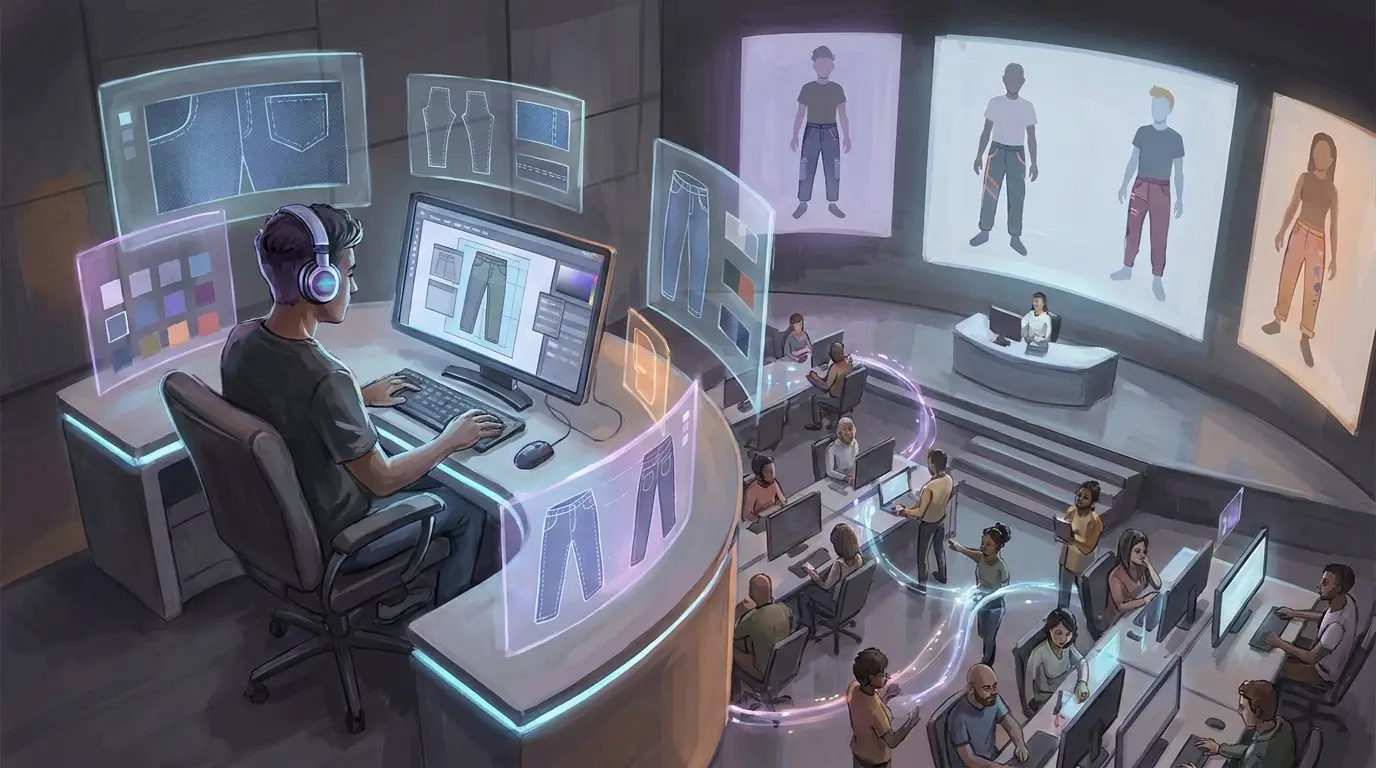
How do you speed things up without letting quality slip or taking shortcuts?
Use reusable shading maps
Save your best fold and shadow setups as reusable starting points. You can then adjust them for jeans, cargos, joggers, or uniform pants.
Keep a short test checklist
Keep it simple with five checks each time: waist wrap, side seam match, back leg depth, shoe interaction, and outfit pairing.
Plan a small collection, not one item
One strong pants design helps, but a small set of related versions usually works even better. It often gives creators more room to work with a clean style, a worn one, a premium one, or different color variations.
Creators using a dedicated game asset platform can also move faster with shared template libraries and quicker concept iteration. A digital asset platform like customizable game asset tools is useful when one design system needs to work across Roblox, CS2, FiveM, and GTA multiplayer projects.
Put the New Workflow Into Practice
The simple takeaway here is that adapting to Roblox’s 2026 pants template changes isn’t really about getting through some huge file redesign. It’s more about improving how the work gets done. The classic Roblox pants template still matters, and it still has a clear place. What has changed is the pressure around it. There’s more competition now, more avatar activity, and more people searching, so it helps to work fast, stay clear, and know exactly what category the design is for.
If the main points need to stay easy to remember, keep these in mind: keep a clean master file, separate test variants, design with category intent, test on real avatar combinations, and think across platforms instead of treating each upload as a separate task. These are simple habits, but they’re often the ones that help small creators work more like organized asset teams.
There’s also better long-term value in this approach. A pants design doesn’t have to stop as a one-off graphic. It can become part of a wider customization system reused for outfits, packs, server themes, and future game projects. That means keeping flexible pieces, reworking details for different styles, and building assets that fit well together.
So where should that start? Start with the next pair of pants: clean up the template, tighten the seams, and test the silhouette. Then treat the asset like part of a larger portfolio, so the work stays useful, is easier to find, and still feels worth building on.