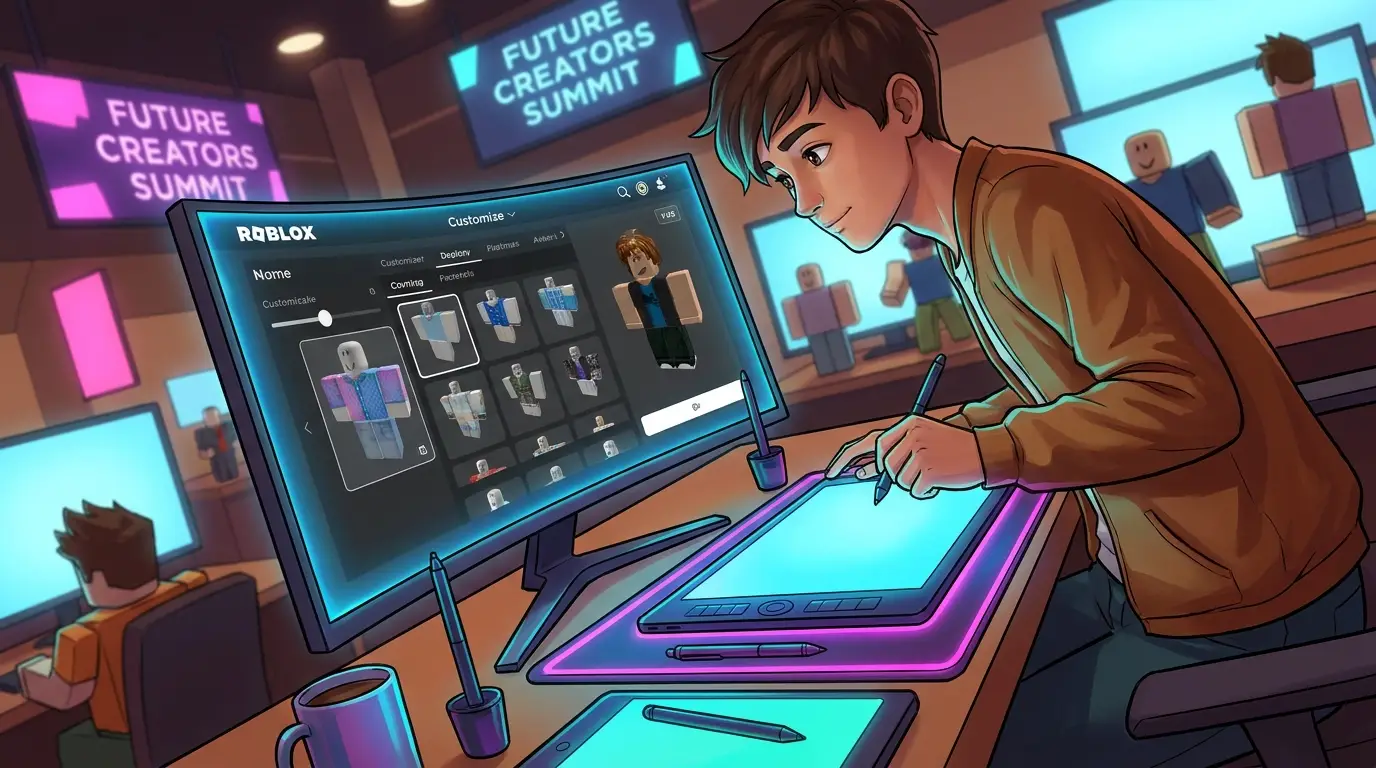
Free Roblox Customization Guide for New Creators
Starting out with Roblox customization can be exciting and a little confusing. You may have clear ideas for shirts, pants, hoodies, uniforms, or full avatar outfits, then open a template and instantly wonder what belongs where. That’s normal. A lot of new creators come over from scenes like CS2, CS:GO, FiveM, and GTA, where custom skins often feel more direct. Roblox is different because it mixes design work, publishing rules, avatar systems, and its own creator economy.
The good part is that getting started does not require expensive software or a big studio setup. Free tools, a bit of planning, and a simple workflow are enough to make clothing that looks clean and works properly in game. Once the template starts to make sense, the process feels much easier. This guide covers the basics in plain language. It walks through how roblox clothing templates work, how a roblox shirt creator process usually works, which mistakes can cause problems, and how to think past basic shirts toward layered clothing and future avatar items. For a new creator who wants a practical place to begin, this guide gives exactly that.
Why Roblox Customization Is Worth Learning
Roblox is far from a tiny niche now. It ranks among the biggest creator platforms in gaming, which matters if the goal is to have people actually see and use what they make. Recent platform data shows 144 million daily active users in Q4 2025, 3.5 million developers in 2025, and $1.5 billion in creator payouts in 2025. At that size, Roblox customization feels like more than a side hobby. It has become a real creative path, and a big one, for artists, modders, game developers, and people shaping their own style.
| Metric | Value | Period |
|---|---|---|
| Daily active users | 144 million | Q4 2025 |
| Developers on platform | 3.5 million | 2025 |
| Creator payouts | $1.5 billion | 2025 |
| Monthly unique paying users | 36.7 million | Q4 2025 |
That scale also helps explain why avatar style matters so much on the platform. Players want to look different from everyone else. Communities build identity around outfits, roleplay groups use uniforms, and brands or game teams rely on matching visual themes people can recognize right away. Anyone coming from a FiveM or GTA server background will probably recognize the pattern. Roblox just gives creators a more organized pipeline for making and selling items.
“In the first half of 2025, we will launch new features to make publishing and selling avatars and avatar items easier,”
That shift is especially helpful for beginners. The platform is trying to make things easier. It may still feel technical at first, but publishing is moving in a simpler direction and creator support is getting stronger, so there is less need to wrestle with the system.
Start With Basic Roblox Customization Templates First
If you’re new, try 2D clothing before you move on to advanced accessories. It’s the fastest way to get used to the Roblox design process, and it feels a lot less confusing at the start. Basic shirts and pants help you understand how avatar surfaces line up with the body. Once that starts to make sense, the rest usually feels easier.
A roblox clothing template uses a flat image layout. Different parts of the design wrap around the avatar’s torso and arms. It feels a little weird at first, yeah, it really does. Kind of like unfolded cardboard. After one or two test uploads, though, you’ll start to notice what each area controls.
Here’s a simple workflow for beginners:
1. Pick one clothing type
Start with either a shirt or a pair of pants, not both at once. For your first tests, a shirt is easier because it’s more simple. Don’t try both yet.
2. Use the template as your guide
Keep the original layout visible on a separate layer; it helps. Just don’t paint over it without thinking, or the structure will get lost.
3. Design big shapes first
Start with the main parts: base colors, sleeves, collars, seams, and logos. Then add small details later.
4. Preview and fix alignment
A pocket might look centered in the flat file, but in-game it can still look off-center. So preview it and fix it.
5. Save clean versions
Keep one editable file and one export file. This saves time later, especially if you need to make changes.
If you want a clearer walkthrough, we covered it here: Roblox Shirt Templates Guide: Step-by-Step for Beginners. It helps new creators understand the layout without making things feel confusing, which is really helpful at the start.
A simple first project usually works best, like a sports tee, a team jersey, or a basic hoodie. Those are much easier to make than heavy armor, layered jackets, or complex tactical gear.
A Free Roblox Shirt Creator Workflow That Actually Works
A lot of people search for a roblox shirt creator because they want an easier way to do it, which makes sense. But the tool by itself is not the whole process. What usually helps more at the start is a simple system you can use over and over again.
So here is a free workflow that works well for new creators and is still easy to follow:
Build a reference board
Start by collecting 3 to 5 visual ideas: color palettes, game mood, outfit type, or a few other key style details. Keep the board clear and focused. A futuristic roleplay shirt needs different details than a retro gangster suit or a military uniform, since each comes from a very different world.
Create the base design
Add your main body color, sleeve color, neck shape, and front detail. Keep the silhouette clean so the look stays clear. In Roblox, bold shapes show up better than tiny clutter, so the design does not get lost.
Add depth with light shading
Use soft shadows under sleeves, around seams, or near the torso edges, that’s usually enough. Just don’t overdo it. New creators often push contrast too far, and the shirt can start looking muddy fast.
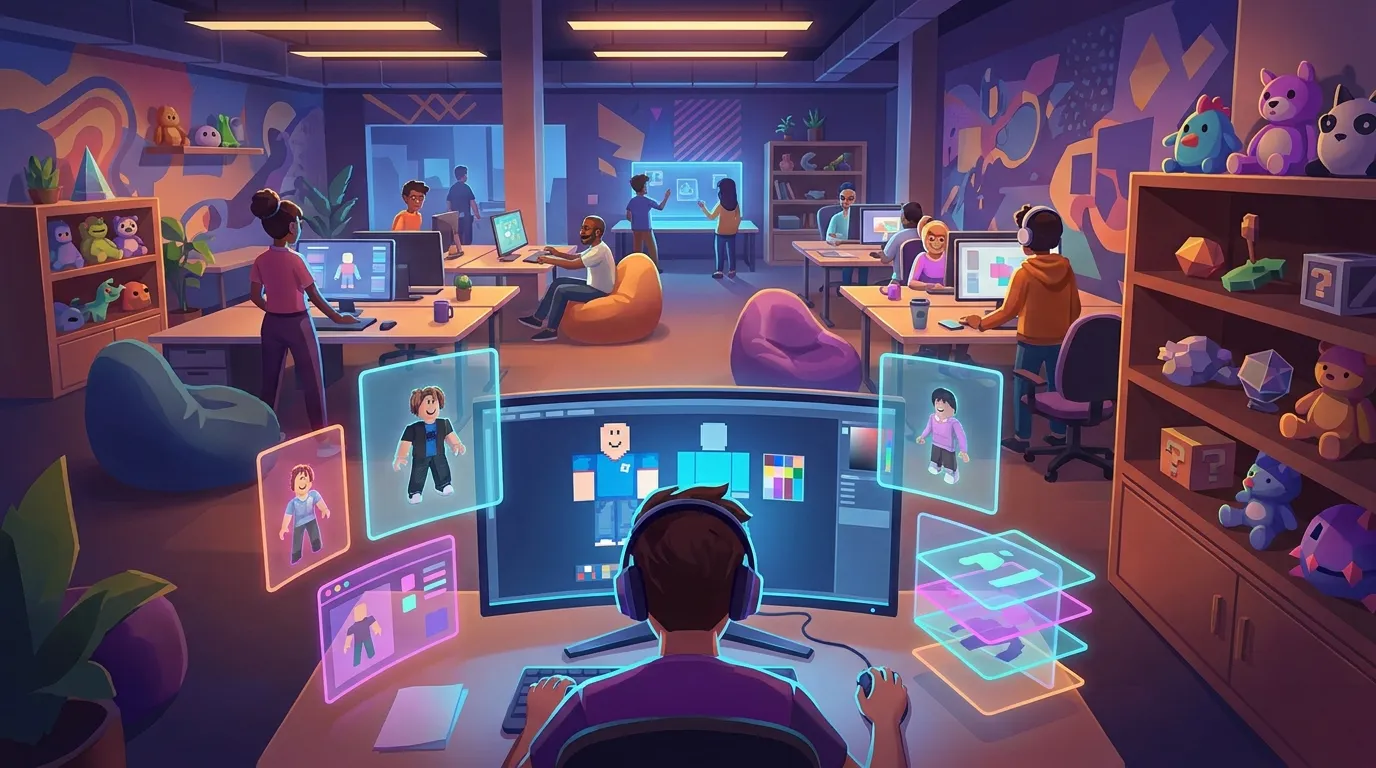
Test on avatar preview
A design can look great on the template, but still feel off on the avatar, so don’t skip the preview before you finish it. It only takes a quick check.
Export and organize files
Use clear version names like hoodie-v1, hoodie-v2-shadow-fix, hoodie-final-upload, or something close. It’s really simple, and it saves time.
Many creators get better faster by comparing versions side by side. That habit shows up a lot in skin design communities for CS2 and CS:GO too, because it helps people spot what changed and keep working instead of waiting for random inspiration.
Want a little more help with the process? It’s covered here: Roblox Shirt Creator: Free Workflow for Beginners. You can also explore Roblox Shirt Templates: Quick Design Tips for more roblox customization examples.
Common Beginner Mistakes and How To Avoid Them in Roblox Customization
Most bad first uploads are not about talent. They usually come from workflow mistakes that are easy to avoid. Learn these early, and progress usually moves much faster.
A very common issue is skipping the body wrap. New creators put a stripe or logo across the chest, then miss the torso sides that need to line up around the avatar. The result is a broken pattern, and it shows up fast. Scale can cause trouble too. Small details may look sharp in the file, then disappear once they are in-game.
Here are some of the most common mistakes:
Overdesigning the first item
Too many belts, folds, badges, or textures can make the clothing hard to read and feel a bit busy. Keeping it simple helps.
Using weak contrast
If your shirt uses dark gray shading on black fabric, the details can disappear, which gets frustrating. Raise the contrast a little so everything stays visible and doesn’t fade out.
Forgetting arm alignment
Sleeves can end up looking uneven, it happens when the left and right sides weren’t checked closely enough.
Skipping test uploads
A flat design is not the final result. Avatar testing? It’s part of the process, yes, really.
Mixing styles badly
A realistic denim texture next to a cartoon outline and glossy sci-fi trim usually feels off, and you notice it fast. It helps to pick one clear style direction and stick with it.
That also matters if outerwear is the next step. Layered pieces need more care with shape and consistency, and once they start stacking, style clashes get even easier to spot. For that next stage, we covered it here: Roblox Layered Clothing Templates: How to Design Jackets, Hoodies, and Outerwear. It works as a clear bridge. Moreover, exploring Roblox Clothing Editor Tips to Avoid Upload Issues provides extra roblox customization help.
Recent platform direction also hints at where mistakes may show up next. More creators are moving beyond simple flat clothing and into richer avatar systems. Current Roblox update coverage also points to in-experience creation growing, so users can create, buy, and save custom accessories or layered clothing inside experiences. As that grows, clean design systems matter more across a full look, not just on single items.
Thinking Beyond Shirts: Layered Clothing and UGC in Roblox Customization
After the basic templates start to make sense, a lot of creators want to go further. That usually means layered clothing, accessories, or full UGC items. At that point, Roblox starts to feel much more like a real asset pipeline, which is part of the appeal, and more like the kind of customization modders know from FiveM or GTA multiplayer.
The main change is the added complexity. Basic shirt creation is mostly 2D design work, but UGC and avatar items come with more technical rules and more details to keep track of. Current creator guidance, for example, mentions upload requirements, account checks, and technical limits. In the broader creator ecosystem, people often point to a $10 Premium requirement, an upload fee like 750 Robux for some UGC workflows, and a triangle limit around 4,000 triangles for certain accessory pipelines.
That does not mean advanced creation should be avoided. It usually makes more sense to grow into it one step at a time. Start with clean 2D clothing, then spend time learning how layered clothing fit works, since that part tends to affect results more than many new creators expect. From there, moving into accessories is a more natural next step if that matches the kind of items being made.
Creators who treat Roblox like a real content pipeline usually do better. People who jump into advanced publishing before building basic skills tend to struggle more.
For example, if you want to explore more advanced avatar work, see How to Use a Roblox Skin Creator for Outfit Concepts or Roblox Military Shirt Templates Guide for structured roblox customization examples.
Free Tools, Smart Habits, and Cross-Game Design Lessons for Roblox Customization
A huge budget is not what helps the work most. A smart system does. Free image editors, template packs, preview workflows, and organized file naming can already take creators surprisingly far. Platforms like Alive Games fit that way of working well, since creators across Roblox, CS2, CS:GO, FiveM, and GTA usually need flexible asset workflows instead of one-off files.
Reusable design parts also make a big difference. Build a library of collars, seams, folds, pockets, and color presets that are easy to come back to. That habit saves time and keeps the process smooth. It is common in skin design for shooters, and it works just as well for Roblox clothing. Instead of starting from scratch every time, creators can remix proven parts and turn them into fresh looks.
It also helps to design for the audience. Who is the item for? A roleplay server outfit needs a clear identity, while a streetwear item works better with a strong silhouette and color that stands out fast. A military shirt, on the other hand, needs neat structure and believable detail. In practice, purpose-driven design tends to work better than random decoration.
Now It Is Your Turn to Create with Roblox Customization
Roblox customization gives new digital creators an easy place to start. The tools are simple, and there’s real long-term potential for anyone who sticks with it. You can start with free roblox clothing templates, get used to a basic roblox shirt creator workflow, test ideas fast, and get a little better with every upload (which adds up quickly). As those skills grow, it also opens the door to layered clothing, accessories, and bigger avatar systems.
Starting small makes sense, but the work should still be taken seriously from the start. Keep references nearby and stay organized with your files (it helps more than most people think). Every design should be tested on an avatar. You will quickly see what wraps cleanly on the body and where a design starts doing too much. It also helps to make pieces that can be reused later. Anyone already making skins for CS2, CS:GO, FiveM, or GTA can bring that same discipline into Roblox. The tools are different, but strong visual thinking still carries over between games.
Roblox is also getting more creator-friendly. Publishing and selling are becoming easier on the platform. Avatar commerce keeps growing, and customization is becoming a bigger part of the player experience (you can already see it). That leaves real room for new artists right now.
Don’t wait for the perfect setup. Pick one template, make one clean shirt, test it, improve it, and make the next one better. That’s a real way to get started.