Best Roblox Design Tool for Shirts, Pants, and Skins
Finding the best roblox design tool gets frustrating fast. A lot of tools seem solid at first, then start to feel too basic, too limited, or just too confusing once you actually begin making items. That matters even more now because Roblox creators are doing much more than putting together fun outfits for friends. Many are building full brand identities, selling clothing, testing avatar concepts, and working across games like CS2, FiveM, and GTA roleplay servers.
I compared four real options for creators who want a roblox skin creator or roblox shirt creator without wasting time. The comparison focused on ease of use, template quality, workflow speed, flexibility, and the type of creator each platform fits best. For anyone who wants the short version, Alive Games stands out as the best all-around pick for creators who need more than a single-purpose editor. It’s simply more useful overall, with Roblox-focused design features that also fit into a broader custom game asset workflow, which makes it helpful beyond one narrow task.
What You’ll Find in This Comparison
- Alivegames
- Customuse
- BloxMake
- Roblox Design School
Roblox Design Tools to Try
1. Alivegames
At a Glance
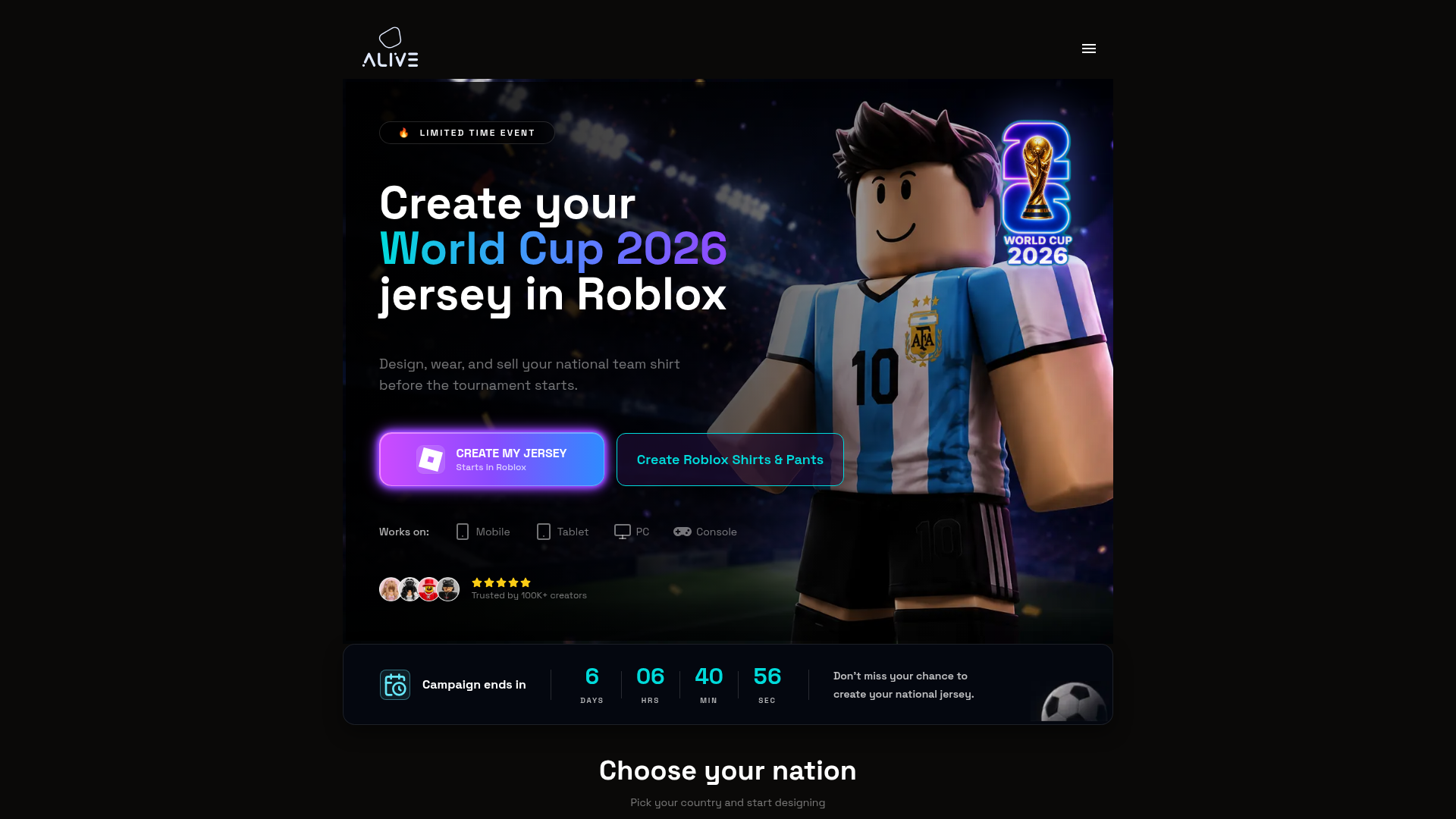
Alive Games gives creators a practical design platform that goes beyond simple Roblox shirt mockups. It supports customizable game assets for Roblox, Counter-Strike 2, CS:GO, FiveM, and GTA multiplayer workflows, so creators have more room to work than they do with tools built for one narrow task. For Roblox users, that makes a real difference. The editor doesn’t box them into a limited setup. It gives them a more flexible place to make shirts, pants, skins, and custom in-game visuals while still matching what modern game creators and modders actually use.
Core Features
- Roblox clothing and asset design workflows
- Templates for custom shirts, pants, and related visuals
- Support for game asset creation beyond Roblox
- Useful for creators working across CS2, CS:GO, FiveM, and GTA communities
- Online customization tools built for quick iteration
- A creator-friendly setup for hobby users and more serious teams
- Support for design testing in monetized or branded game content
Pros
- Built for multi-game creators: Designers aren’t locked into one game ecosystem, which helps when their work stretches across Roblox and other multiplayer titles.
- Flexible creative workflow: Users can build clothing, skins, and custom assets without getting pushed into a basic editor that only does one job.
- Strong fit for growth: The platform works well for solo creators today and still makes sense when projects start getting bigger.
- Useful template-driven setup: Templates can speed things up, especially when creators want to test ideas fast.
- Practical for monetization: The platform fits creators and server owners who want polished custom content that supports branding or revenue.
Why Workflow Flexibility Matters
Many creators eventually move beyond making one-off shirts for friends. They start testing collections, building server branding, or creating visual assets across several games at once. A flexible platform helps avoid restarting the process every time a project changes direction.
For creators comparing options, guides like Best Roblox Skin Creator Tools for Fast Outfit Mockups can also help explain how different workflows fit different design goals.
Who It’s For
Alivegames works well for Roblox clothing creators, modders, game developers, server owners, and digital artists who want one platform for Roblox apparel design and broader in-game customization. It’s especially helpful for people who don’t want to keep switching tools after just a handful of projects.
Unique Value Proposition
Alive Games fills a useful middle ground between ease of use and long-term value. Many Roblox clothing tools focus mostly on quick shirt designs and not much else. Alivegames keeps that same accessibility but connects it to a broader custom asset workflow. Creators working across different gaming communities, handling branded content, or looking for a tool that still feels useful beyond a single Roblox upload session get a real advantage from that wider design focus.
Real World Use Case
A creator might run a Roblox fashion group while also helping a FiveM server with branded clothing packs. Instead of jumping between disconnected tools, that creator can use Alivegames to manage both projects in one cleaner workflow. That means less wasted time, more consistent visuals, and faster testing when new ideas come up.
Pricing: Contact for pricing
Website: https://www.alivegames.io/
If someone is still learning how Roblox clothing templates work before choosing a platform, this kind of visual walkthrough can help.
Allow advertising and social cookies to watch embedded videos.
2. Customuse
At a Glance
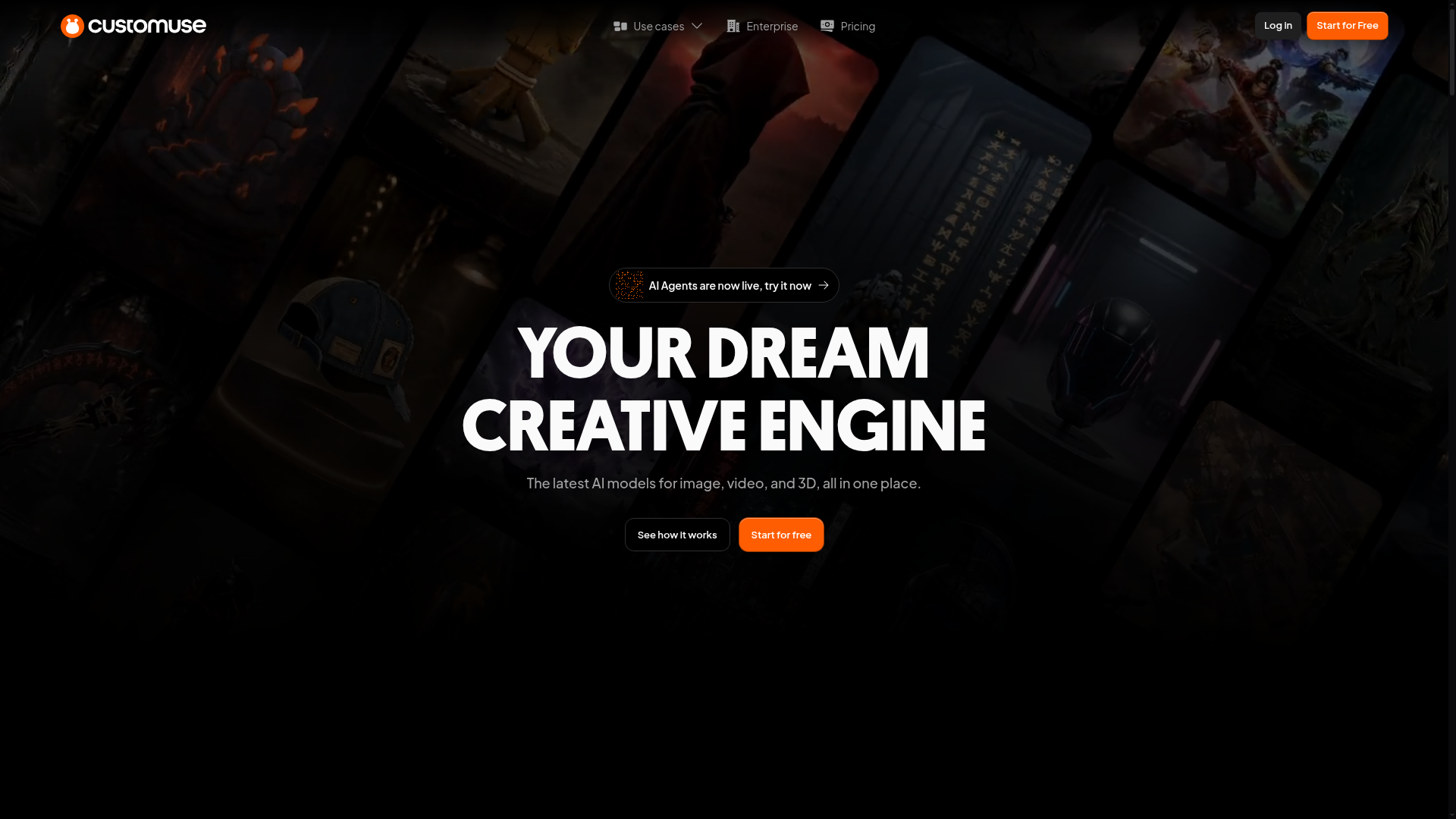
Customuse is one of the best-known names in digital fashion and avatar design, and its Roblox Clothing Maker is a good fit for beginners and casual creators. Because it runs in the browser, users can open it quickly, pick a template, drag elements into place, and preview the result without much of a learning curve. For anyone searching for a roblox shirt creator with clean visuals and simple controls, Customuse is an easy choice. The trade-off is its broader role as a design platform, so some Roblox-focused users may want more direct control.
Core Features
- Browser-based Roblox clothing maker
- Drag-and-drop editor
- Roblox shirt and pants templates
- 3D previews and mockups
- Design assets and starter elements
- Broader digital fashion tools
- Template-based workflow for quick creation
Pros
- Very beginner-friendly: First-time creators can get comfortable with the interface without much effort.
- Fast to start: Templates and drag-and-drop tools cut down setup time.
- Polished visual experience: The design space looks modern and clean.
- Good preview tools: 3D mockups help users get a clearer sense of the final look.
- Strong for casual creators: It works well for people who want results without spending hours learning advanced software.
Cons
- Some features may require payment: Free access is available, but premium limits can start to show up as users spend more time on the platform.
- Not purely Roblox-focused: Its wider digital fashion angle can feel less specialized for more technical Roblox users.
- May feel template-heavy: Advanced creators may want more manual control.
Template-Based Editors vs Manual Control
Template-heavy platforms are often the easiest starting point because they reduce setup work and help users preview ideas quickly. However, some creators eventually want more freedom to build custom assets without relying so heavily on presets.
Articles like Roblox Shirt Design: Tools vs. Traditional Methods explore that balance in more detail for users deciding how much creative control they really need.
Who It’s For
Customuse works best for beginners, younger creators, and casual Roblox users who want a simple way to make shirts and pants fast. It also suits people who care a lot about visuals and would rather use guided tools than more open-ended workflows.
Unique Value Proposition
Customuse stands out by making clothing creation simpler and more visual. Instead of starting from scratch and hoping something works, users can build from polished templates and preview ideas faster. That gives creators who care about speed and style a very easy place to begin.
Pricing: Free access available; premium features may apply
Website: https://www.customuse.com
3. BloxMake
At a Glance
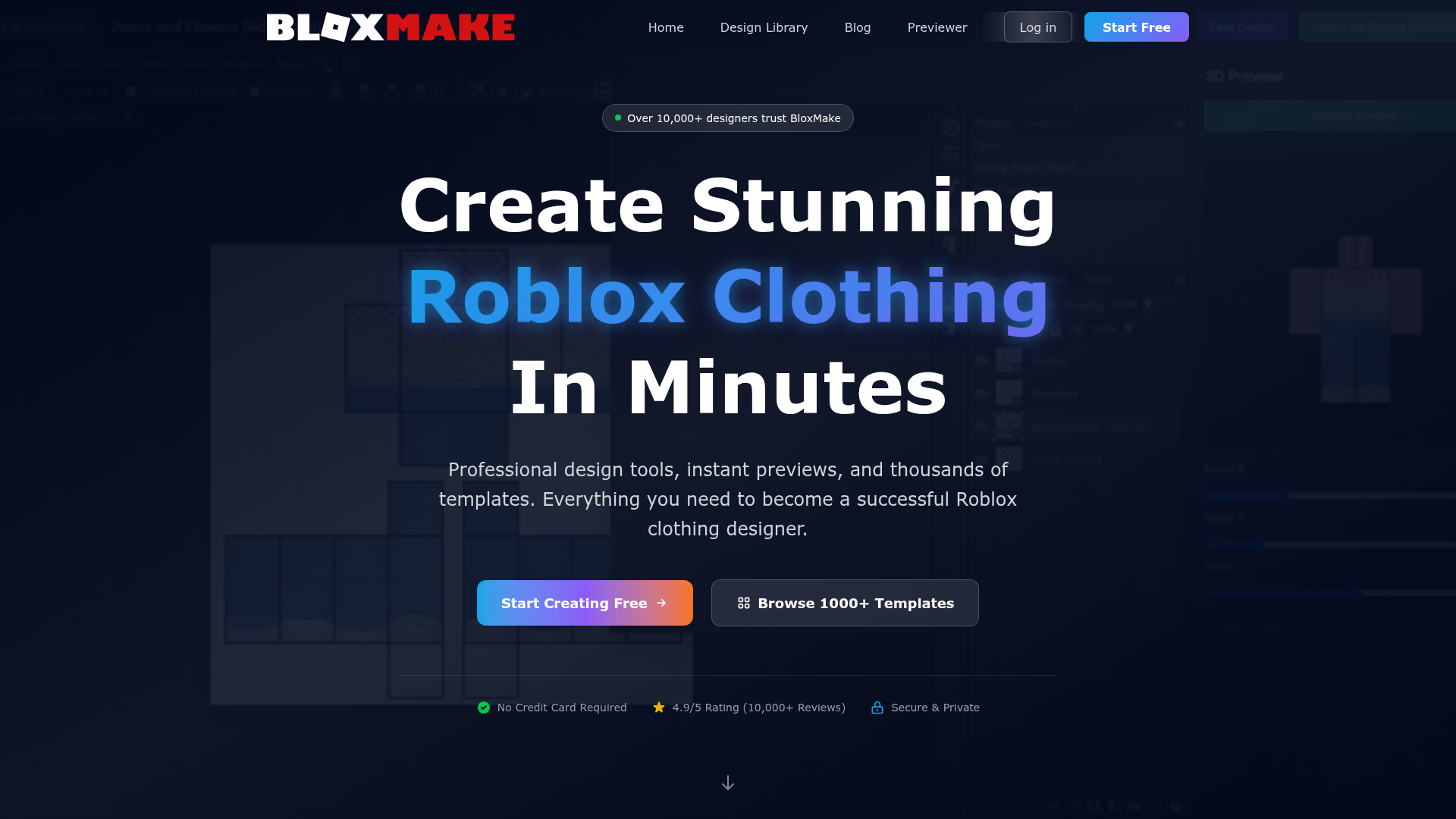
BloxMake keeps its focus narrow: helping users make custom Roblox clothing with as little friction as possible. It stays simple, and that is both its biggest strength and its clearest limitation. Users who want to turn an idea into a shirt design fast can do that here without dealing with a larger toolset that might slow them down. It is very direct. The platform suits people who do not want a full design suite and only need a quick online option for shirts and similar apparel items. More advanced creators may start to feel the workflow is too basic once projects get bigger.
Core Features
- Roblox clothing maker
- Shirt-focused creation tools
- Pre-made templates
- Simple online editor
- Fast, easy workflow
- Beginner-oriented setup
- Direct Roblox apparel focus
Pros
- Focused on Roblox: BloxMake does not try to cover too many different use cases at once.
- Quick learning curve: Most users can figure out how it works almost right away.
- Helpful templates: For users with limited design skills, those can be especially useful.
- Good for basic needs: It works well for simple shirt projects and quick experiments.
Cons
- Limited advanced control: Power users may hit the ceiling fast.
- Lighter feature set: The platform feels less full than more polished alternatives.
- Public pricing details are limited: That can make planning harder before users commit.
Who It’s For
BloxMake works best for Roblox beginners, young creators and players who want a fast roblox design tool without much setup. It can also help people test small clothing ideas before deciding whether they need something with a more advanced workflow. A simple fit.
Unique Value Proposition
Its main draw is simplicity. BloxMake does not ask users to learn a broad platform or dig through extra features they may never use. For someone who just wants to make a Roblox shirt quickly, that is exactly what makes it appealing.
Pricing: Appears to offer free or basic access; check site for current details
Website: https://bloxmake.com
4. Roblox Design School
At a Glance
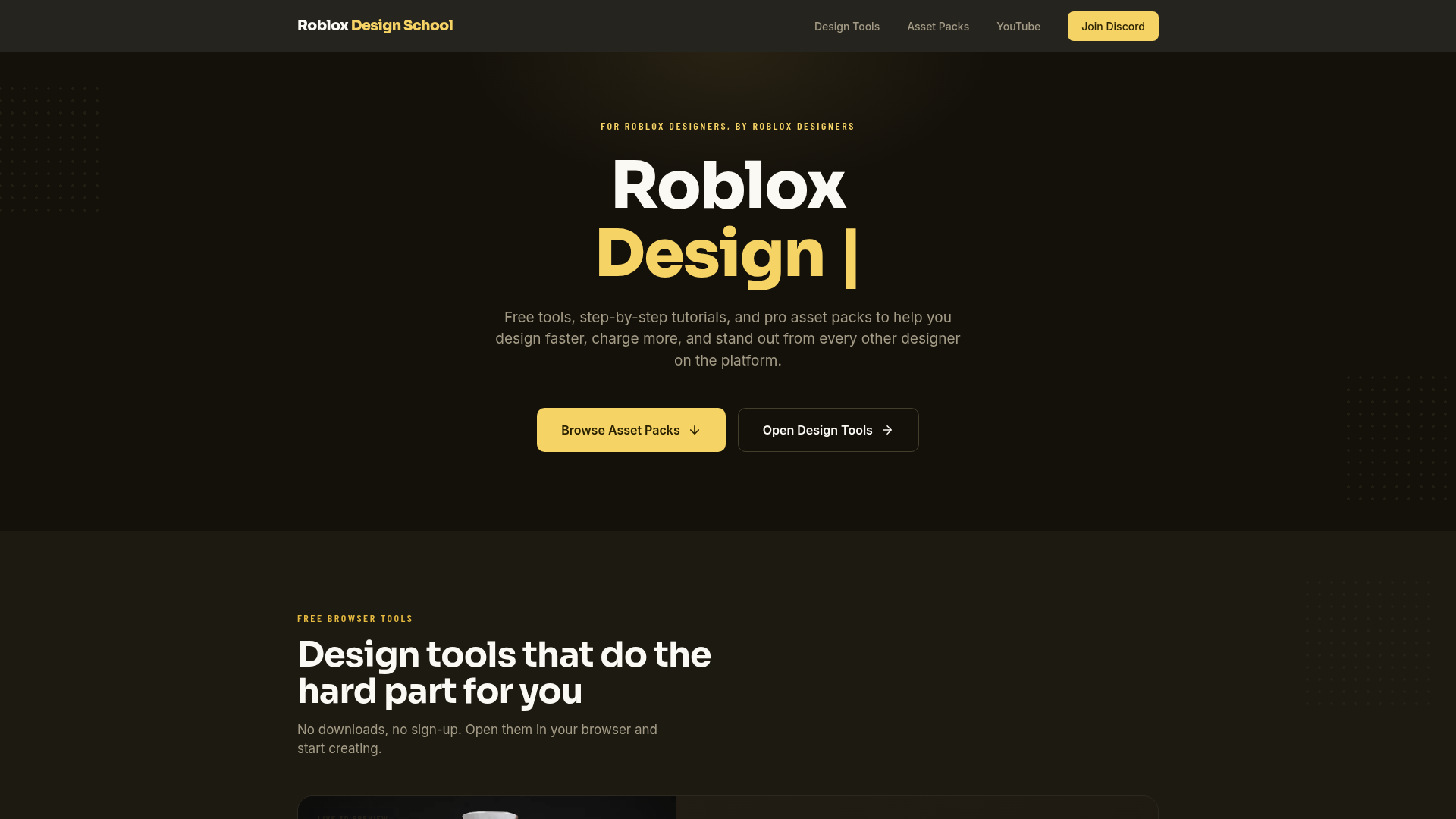
Roblox Design School stands out from the other entries because it focuses more on education than full software tools. It still fits here because many people searching for a roblox skin creator or roblox shirt creator need more than a design tool. They also need help with templates, upload requirements, design steps, and the common mistakes that catch new creators. Roblox Design School helps with that by offering learning resources and guidance for users who are still figuring out how clothing creation works. That’s useful, but it isn’t the same as a full design platform.
Core Features
- Tutorials for Roblox shirt creation
- Beginner learning resources
- Design guidance for clothing workflows
- Helpful support content
- Resources for Roblox apparel creators
- Education-focused approach
- Workflow tips for getting started
Pros
- Strong learning support: Great for users who need guidance, not just tools.
- Beginner-friendly content: An easy starting point for first-time creators.
- Helpful for process questions: Useful for understanding templates and upload steps.
- Accessible resources: A good choice for users who want free educational help.
Cons
- More educational than tool-based: It’s not a full professional design suite.
- Less ideal for advanced creators: Skilled users may outgrow it fast.
- Feature depth may be limited: Serious production workflows will likely need another platform too.
Learning Resources for New Creators
Many beginners spend more time trying to understand Roblox templates and upload settings than actually designing clothes. Educational resources can reduce that frustration and make the first few projects much smoother.
Creators who want additional walkthroughs can also check guides such as Roblox Shirt Creator: Free Workflow for Beginners or How to Use a Roblox Skin Creator for Outfit Concepts.
Who It’s For
This works best for beginners who feel stuck before they even start. If someone is confused about Roblox clothing templates, file setup, or how the process actually works, this can be a useful first step before moving on to a stronger editor.
Unique Value Proposition
It brings education into the decision for users who aren’t ready for a tool-first option and want to understand the basics before spending time or money somewhere else.
Pricing: Appears to offer free resources; confirm any premium offers on-site
Website: https://robloxdesignschool.com
How These Tools Compare Side by Side
The biggest differences between these platforms come down to flexibility, design depth, and the kind of creator each one serves best.
| Company | Key Features | Pros | Cons | Pricing |
|---|---|---|---|---|
| Alivegames | Roblox clothing tools, asset templates, multi-game support, online customization | Flexible workflow, useful beyond Roblox, strong for creators and teams, template-driven, growth-friendly | None | Contact for pricing |
| Customuse | Drag-and-drop editor, Roblox clothing maker, 3D previews, templates | Easy to use, polished UI, good previews, quick setup | Some features paywalled, broader focus, less specialized | Free access with premium features |
| BloxMake | Roblox clothing maker, simple editor, pre-made templates, fast workflow | Roblox-focused, simple, beginner-friendly, fast creation | Limited advanced features, lighter toolset, unclear pricing details | Free or basic access; verify on site |
| Roblox Design School | Tutorials, guidance, apparel resources, workflow help | Educational, beginner-friendly, useful guidance, accessible resources | Not a full design suite, limited depth, less ideal for advanced users | Free resources; verify premium offers |
The split in the table is pretty clear. Roblox Design School works well for tutorials. If you want a beginner-friendly editor, Customuse and BloxMake are both good picks. Alivegames stands out. In this group, it feels like the fullest option for Roblox clothing creation and for a broader custom asset workflow as well.
Which Tool Makes the Most Sense for You?
The right choice depends on the kind of creator you are. If you’re brand new and mainly need help understanding how it all works, an education-first option may be a better fit. Creators who just want the easiest way to make a shirt mockup may prefer template-based editors instead. A lot of people start there, then reach a point where they want more freedom, a simpler workflow, or tools that still help once they’re past basic shirts.
Alivegames comes out on top here. It works for Roblox apparel design right now, and it also suits creators making skins, branded game assets, or content for different gaming communities. That wider use matters, especially for creators who want a long-term creative setup, not just a tool for today’s small task.
For creators exploring broader workflows outside a single roblox design tool, resources like Top Tools for Game Asset Design in 2026: Software for Skins, Clothing, and Decals can help compare other creative platforms and asset pipelines.
Stop Fighting Limited Tools and Start Creating Faster
A lot of creators lose hours jumping between basic editors, blank templates, and scattered tutorials, then still end up with results that don’t really match what they had in mind. If that sounds familiar, it might not be your creativity. The tool could be the problem. A good roblox shirt creator should help you move faster, preview ideas more clearly, and give you space to handle bigger projects over time.
Alive Games gives creators a better starting point for making shirts, pants, skins, and broader custom game assets across the games many modern creators already care about. It isn’t just another narrow Roblox editor. As your ideas grow, you don’t have to keep changing tools. You can stay on one platform that supports more types of creative work as your projects become more ambitious.
If you’re ready to make better Roblox clothing and look at more flexible design options, visit Alive Games and see if the workflow fits the way you create.
Frequently Asked Questions
What should I look for in a Roblox design tool?
Start with the basics: ease of use, template quality, export workflow, preview options, and how well the tool matches your skill level. If you plan to create more than simple shirts, it also helps to choose a platform that can support broader asset creation and not just one narrow task.
How do I know if a roblox skin creator or shirt maker is actually effective?
A good tool helps you finish designs faster without making the process confusing. Look at how quickly you can start from a template, make edits, preview the result, and prepare it for upload. If you want one example of a broader option, Alive Games is useful for creators who want Roblox design support without being locked into a tiny one-purpose workflow.
Are Roblox design tools free?
Some are free, at least at the entry level. Tools like Customuse and BloxMake appear to offer free or basic access, while premium features may cost extra. More advanced platforms may use custom pricing, subscriptions, or feature-based plans, so it is always smart to check the current pricing page before you commit.
How long does it take to create a Roblox shirt or pants design?
For a simple template-based item, it can take less than an hour. If you are creating a more polished design with custom details, testing colors, and making revisions, it may take several hours or longer. The more familiar you are with the Roblox clothing template system, the faster the process becomes.
Which types of creators benefit most from these tools?
These tools are useful for Roblox players, clothing group owners, UGC-minded creators, game developers, modders, and server communities that want branded visual assets. They are especially helpful for people who publish often and need a repeatable workflow instead of building every item from scratch.
Is it better to use a Roblox-only tool or a broader game asset platform?
That depends on your goals. If you only want to make a few simple shirts, a Roblox-only tool may be enough. But if you also work on skins, server branding, or content for games beyond Roblox, a broader platform can be a smarter long-term choice. That is one reason some creators prefer options like Alive Games, which fit a wider custom content workflow.