Roblox Skin Editor Free Options That Actually Work
Search for a ‘roblox skin editor’ and you’ll find tons of tools, apps, and videos. The annoying part is that many of them don’t really do what players expect. Roblox doesn’t work like CS2, CS:GO, FiveM, or GTA modding. In those games, a skin editor usually means direct texture swaps or full model edits. Roblox breaks that process up into classic clothing templates, avatar item creation, layered clothing, and newer in-game creation systems.
This guide keeps it simple. Very simple. It covers the free options that actually work, who each one is best for, and where each one makes the most sense. If the reader is a creative player, a modder coming over from other games, or a developer building custom content systems, this should save a lot of wasted time and trial and error. It also explains when a basic roblox clothing editor is enough, when a browser image tool is a better choice, and when a full 3D workflow is needed. Along the way, it covers common mistakes, upload tips, and why Roblox is moving past old-school ‘skin editing’ toward better creator tools.
What ‘Roblox skin editor’ really means today
The main thing to know is that ‘roblox skin editor’ has become a catch-all term. People usually use it to mean a few different things: a shirt and pants template editor, a roblox clothing editor for avatar items, a system for building custom looks inside a game, or tools like that. Those jobs are not the same, and that difference is what really matters here.
Roblox is huge, which helps explain the confusion. In Q4 2025, Roblox had 144 million daily active users, and reports also point to about 3.5 million developers building on the platform. Creator earnings have passed $1.5 billion. With that many creators and players using the platform, clothing and avatar tools have become a very important part of how Roblox works.
| Metric | Value | Period |
|---|---|---|
| Daily active users | 144 million | Q4 2025 |
| Developers | 3.5 million | 2025-2026 |
| Creator earnings | $1.5 billion+ | 2025 |
Roblox is no longer a small niche platform. It has become a major creator platform, and the best free tools usually match real Roblox workflows instead of promising fake one-click skin modding, which still appears a lot.
We are excited to announce that by tomorrow, UGC Program members will be able to create and sell full avatar bodies and standalone heads.
That quote shows the shift pretty clearly. Roblox is giving more control to official creation systems instead of offering one public skin editor page. That is what the term usually means now.
Best free roblox skin editor tools that actually work for classic clothing
For a simple shirt or pair of pants, you usually don’t need a huge, complicated setup. A free template plus a basic image editor is still the best mix for most people. It keeps things simple, and more importantly, it gets the job done.
Photopea stands out because it’s free, runs right in the browser, and supports transparent PNG files. That makes it a really useful roblox clothing editor for classic 2D items. Not having to install anything also makes the whole process much easier.
Another good option is using Roblox clothing templates with guided shirt maker tools. Those are especially helpful for beginners, since they help place sleeves, torso graphics, side panels, and other parts where they should go. A lot of upload failures come from small alignment mistakes instead of bad artwork, and that gets frustrating fast.
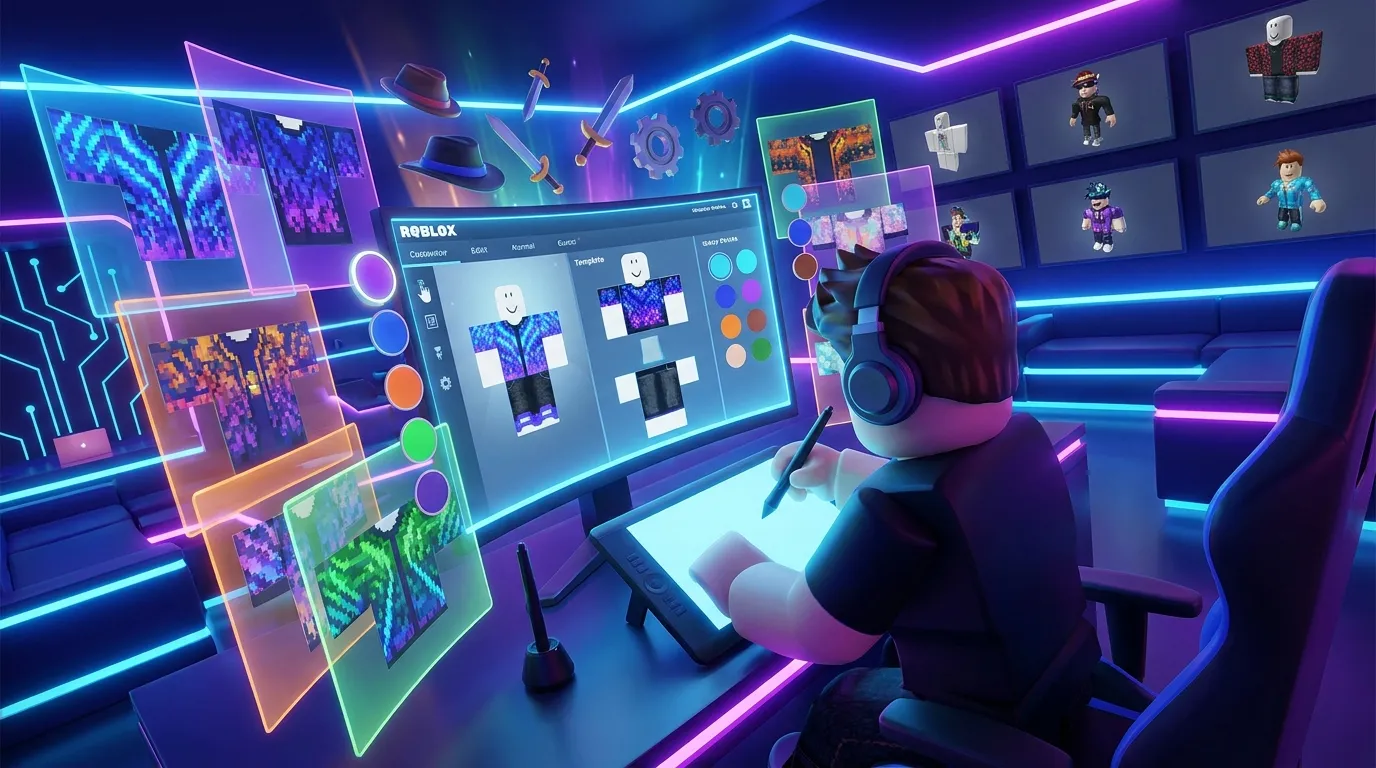
Template-first tools are often better for quick testing than general design apps. They reduce setup time and help new creators understand how a shirt file is put together. If avoiding common upload mistakes is the main goal, this guide explains that well: Roblox Clothing Editor Tips to Avoid Upload Issues. It works well with any free editor.
A simple workflow usually works best: start with a shirt template, block out shapes, test colors, export a PNG, and preview it before uploading. For many users, that’s all the ‘roblox skin editor’ they really need. For additional design automation options, you can check AI Texture Generators for Roblox Skin Design, which helps speed up texture creation for templates.
When you need more than a template editor
Classic templates work fine for shirts and pants. But once you move into jackets, layered hoodies, custom outerwear, or more advanced avatar items, a basic roblox clothing editor is no longer enough. That’s where Blender and Roblox’s official creator workflow start to matter, and yes, this is the point where things get a bit more technical.
Roblox has been leaning into layered clothing for a while, and that changes how creators need to work. Instead of just making flat art, the process can include meshes, fitting tests, and exports that need to work properly across different avatar body types. Even beginner creator workflow guides usually bring in template rigs, FBX export, and triangle limits. For accessories, one common guide number is a max of 4,000 triangles. That still matters.
Allow advertising and social cookies to watch embedded videos.
For anyone coming from CS2 or FiveM, it helps to think of this as the jump from sticker-style art to full asset creation. It’s not only about painting a texture anymore. The item needs to fit a range of avatar shapes and still follow platform rules, which is a bigger jump than it may seem at first.
Planning makes that work easier. A simple mesh is usually the best place to start, then test it on more than one avatar. Clean shapes usually hold up better, especially at game distance where tiny details often disappear. Want to focus on layered clothing? That topic is covered here: Roblox Layered Clothing Templates: How to Design Jackets, Hoodies, and Outerwear.
Roblox’s real future: in-experience creation
The biggest shift is pretty simple: the best ‘editor’ may not live on a separate website at all. It may sit right inside a Roblox experience, and for developers and studios, that changes a lot.
Roblox staff said, “We’re excited to announce the next step in our In-Experience Creation (IEC) roadmap: the ability for users to create and save Accessories and Layered Clothing from your experience directly to their inventory!”
That means a game can work as its own roblox clothing editor. Players make items without leaving the experience, save them to their inventory, and spend more time in your world. For developers, that can mean better engagement, support item sales, and make the experience feel more like a live creator platform instead of just a game.
You can now allow your users to create, pay for, and save custom layered clothing and rigid accessories to their inventory using the same technical foundation: the EditableMesh and EditableImage APIs.
For teams building custom game assets, this is probably the closest Roblox gets to the mod-friendly systems seen in GTA and FiveM. It is official, built to grow, and connected right to platform tools. That also makes platforms like Alive Games a natural fit in this workflow conversation. Creators want faster ways to build and test assets across games, not just for one-off image edits.
Common mistakes that make free tools feel broken
Most free tools do work. What usually goes wrong is the workflow, not the editor, and that can be easy to miss. A lot of people choose the wrong template size, or they paint across panel edges without checking how the shirt actually wraps. Bad background exports cause issues too. Flattening layers too soon is another common mistake.
Mobile apps are another problem. Some promise quick skin edits, but then export low-quality files, fill the screen with ads, or just do not match Roblox’s current clothing system. A few can still help with mockups, which is nice, but they are not reliable for final production.
Mixing old and new systems also creates frustration. Someone may search for a roblox skin editor and expect it to handle classic shirts, layered clothing, 3D accessories, and everything else in one place. That usually breaks down because these are separate paths, and they work in different ways.
If a design looks flat or messy, the real issue may be pattern control rather than the tool itself. In that case, Best Patterns For Roblox Skins can help improve the final look without changing tools, especially if the layout already works.
The main rule is to match the tool to the job. Use image editors for classic clothing, 3D tools for layered clothing, and Roblox systems for in-game creation. Once those line up the right way, free tools usually feel much less broken.
A practical setup for developers, modders, and creative players
For a setup that works right now, keeping it simple helps. Break it into a few clear levels. Level one covers fast 2D clothing: use a template editor or a free browser image tool, without anything fancy. It works well for shirts, pants, and quick tests.
Level two works for more advanced avatar items. Use Blender with Roblox template rigs, and test as you go so you do not waste time. Another level fits game developers, who can build customization directly into the experience with Roblox’s newer avatar creation systems.
This kind of structure is helpful if the work spans more than one game. A CS:GO or CS2 designer may already know texture style, color balance, and shapes that stay readable. A FiveM or GTA creator may already understand how much identity, roleplay, and fashion choices matter to users. Roblox has its own rules, but the core skill still carries over: making items people actually want to wear.
Keep the production system light. Save reusable palettes and set up export presets. Give files clear names. Test on different avatars, because that catches issues early. Track what gets approved and what fails over time. Those small habits make a free workflow much faster than bouncing between random apps. You can also look at Custom Export Presets for Roblox Skins for time-saving automation ideas.
Put these options to work
Which free Roblox skin editor options actually work well? For classic clothing, free template-based editing in browser tools like Photopea or guided shirt makers is usually the easiest way to start. If your roblox clothing editor needs go beyond that, Blender and the official Roblox creation workflows usually make more sense. Studios and advanced developers should also keep an eye on in-experience creation, since that’s clearly the direction Roblox is moving in.
There’s no single editor that does everything well. The best setup depends on what you’re trying to make. Shirts and pants are usually about speed and clean templates. Layered clothing needs 3D skills, plus testing to make sure it really works. In-game customization leans more on platform APIs and careful design systems.
If you’re new to this, choose one small project and actually finish it. Make a shirt. Test a layered hoodie. Or try building a simple in-game customization prototype and improve it as you go. That process is what helps creators build real skill over time.
Roblox keeps expanding its avatar tools, which is good news for people designing game assets. Instead of chasing a fake all-in-one editor, use the right free tools for each kind of job. It saves time, uploads usually go more smoothly, and the final content often looks better. More importantly, it gives players something that feels polished and worth using.